


PDFs not displaying correctly

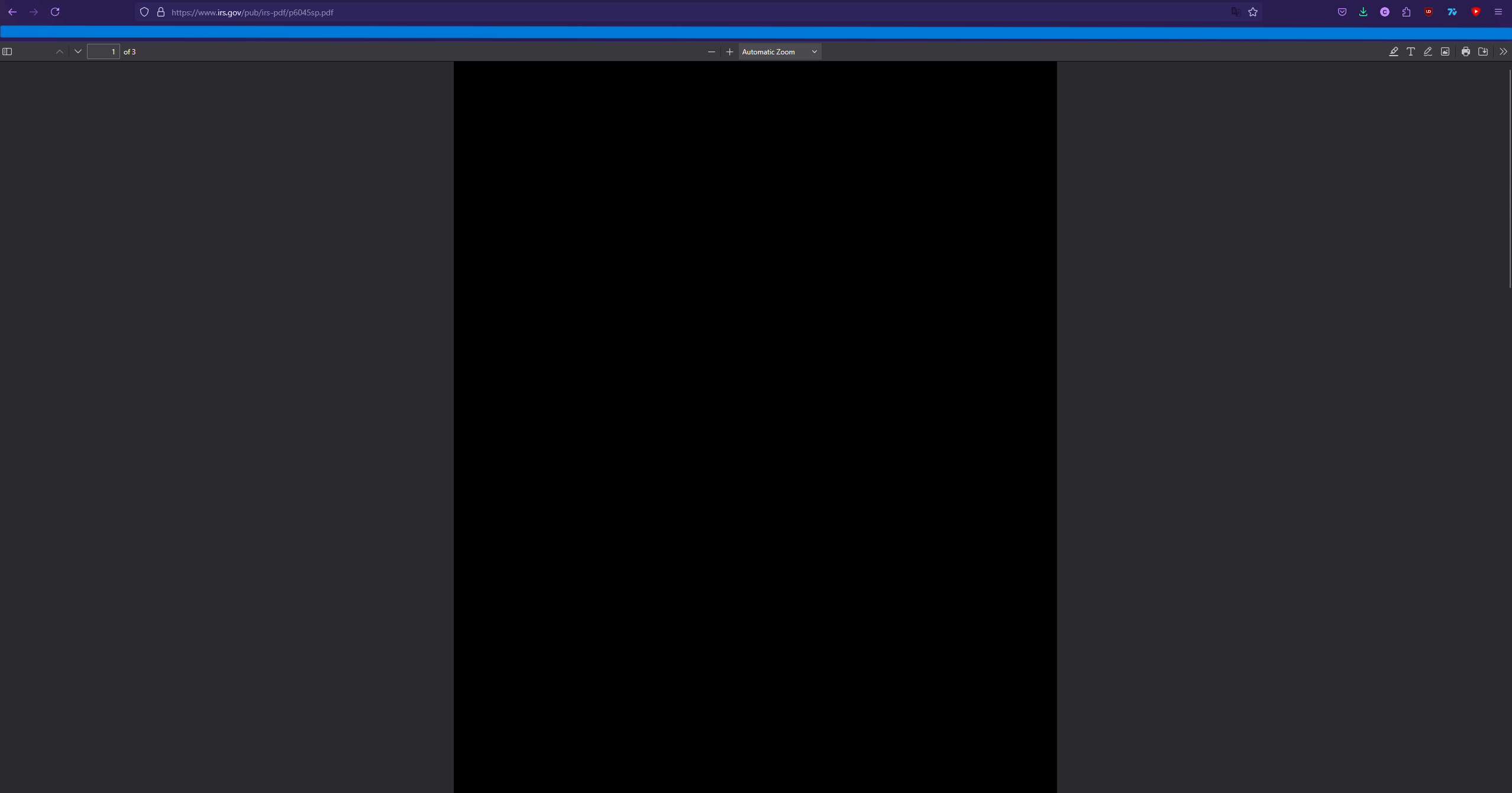
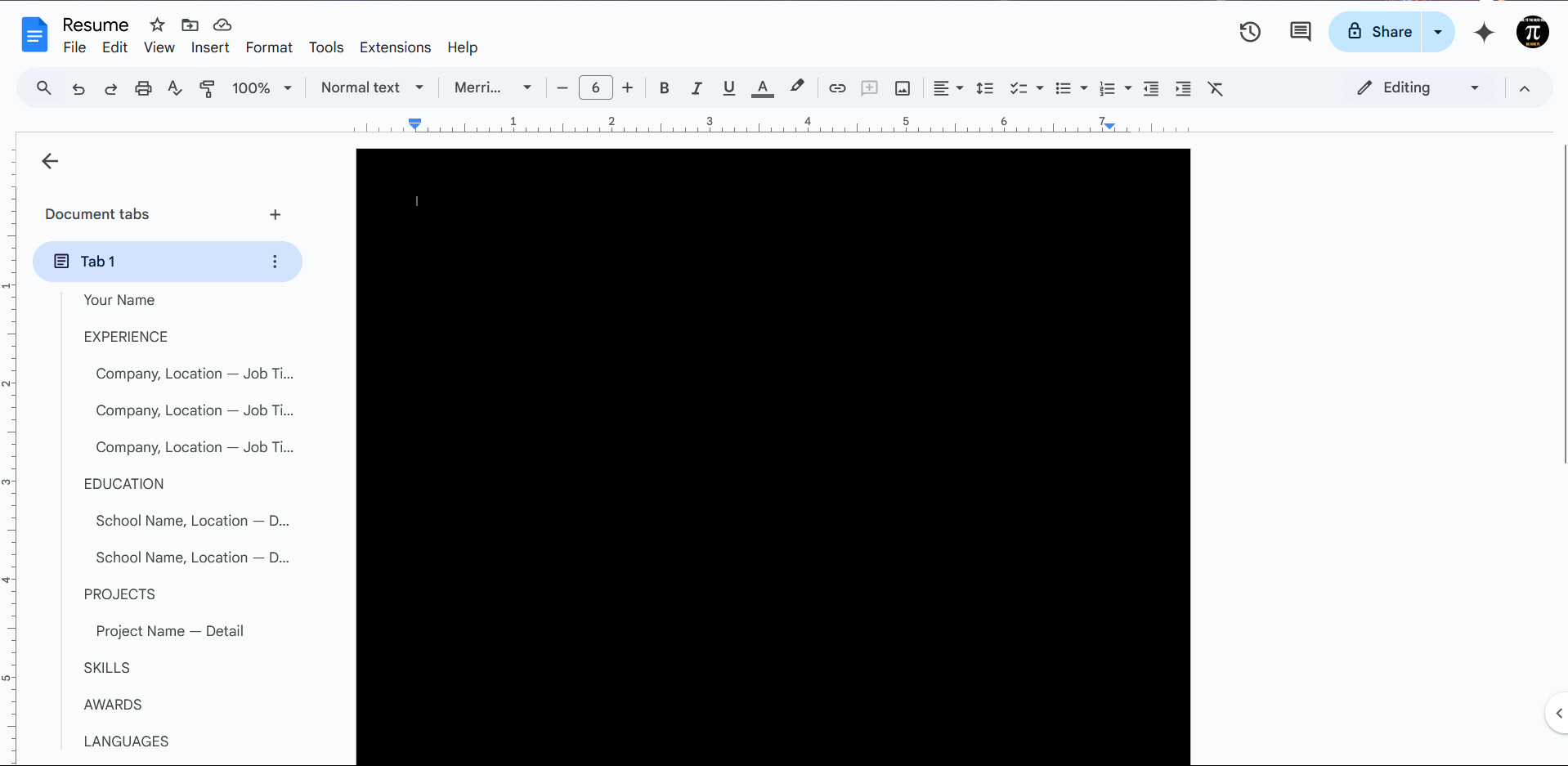
Whenever I open up PDFs within the Firefox browser, they have a black background and the text and images do not appear. I can copy the text and images out of the pdf and into a word document and it works out fine. Also opening it up on other applications works out fine. Attached is what happens when I open up a known working pdf in Firefox. The browser version is the current version, 135.0.
Избрано решение
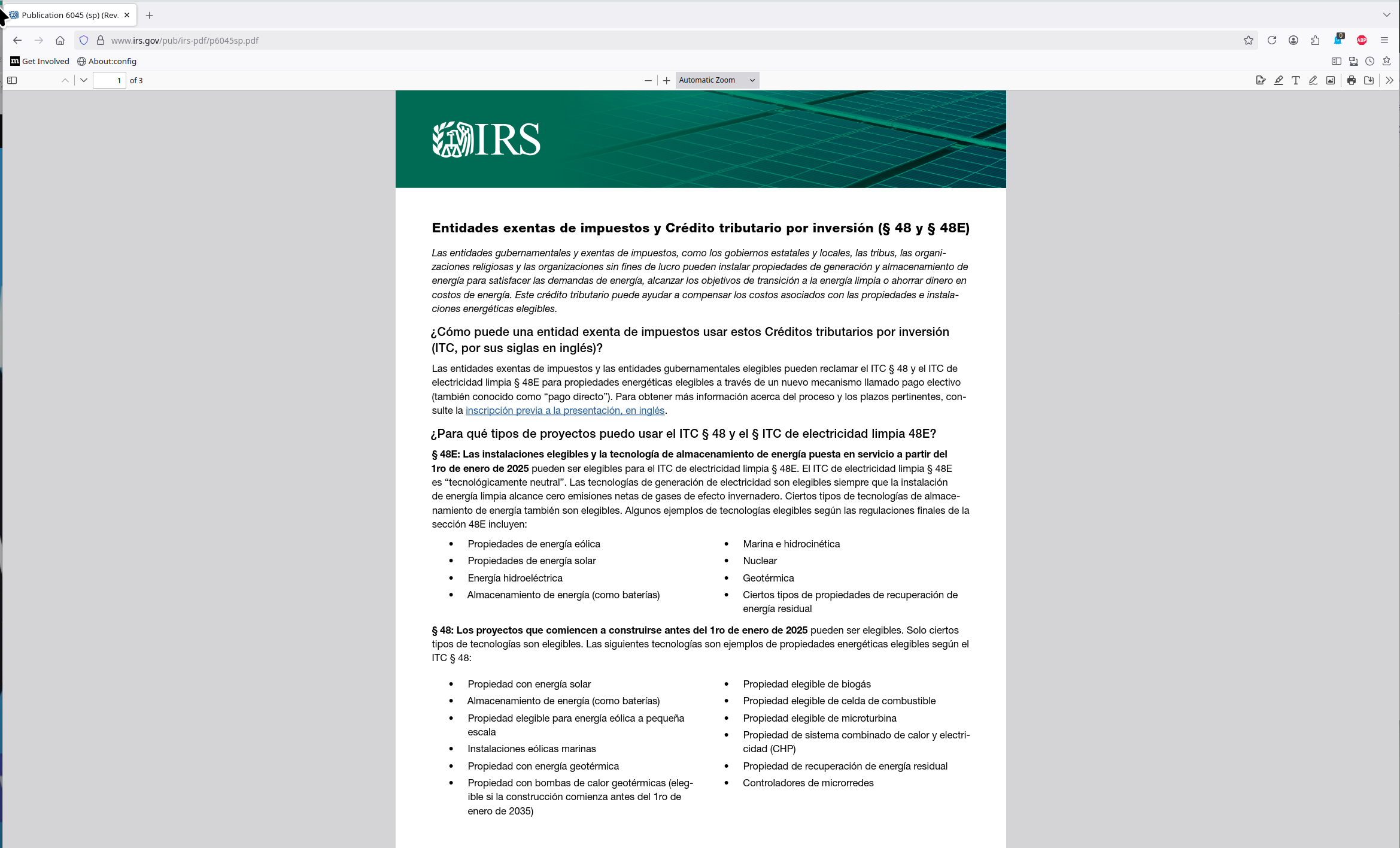
Thanks for the screenshot. Wish more users did the same... It works for me. see screenshot https://www.irs.gov/pub/irs-pdf/p6045sp.pdf
Did you try with Firefox in Troubleshoot Mode? https://support.mozilla.org/en-US/kb/diagnose-firefox-issues-using-troubleshoot-mode#w_how-to-start-firefox-in-4troubleshoot-modesf5safe-modesf
Did you clear your browser cache? https://support.mozilla.org/en-US/kb/clear-cookies-and-site-data-firefox
Прочетете този отговор в контекста 👍 1Всички отговори (3)
Избрано решение
Thanks for the screenshot. Wish more users did the same... It works for me. see screenshot https://www.irs.gov/pub/irs-pdf/p6045sp.pdf
Did you try with Firefox in Troubleshoot Mode? https://support.mozilla.org/en-US/kb/diagnose-firefox-issues-using-troubleshoot-mode#w_how-to-start-firefox-in-4troubleshoot-modesf5safe-modesf
Did you clear your browser cache? https://support.mozilla.org/en-US/kb/clear-cookies-and-site-data-firefox

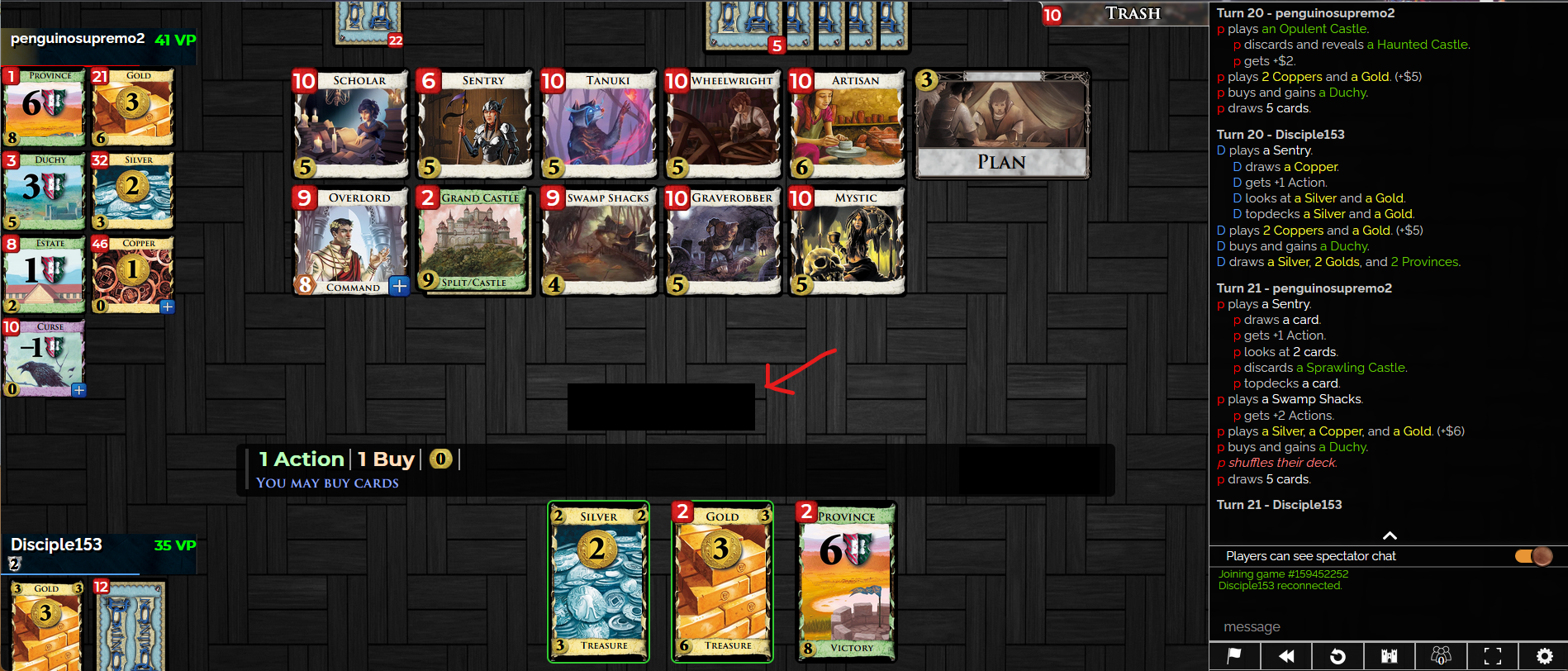
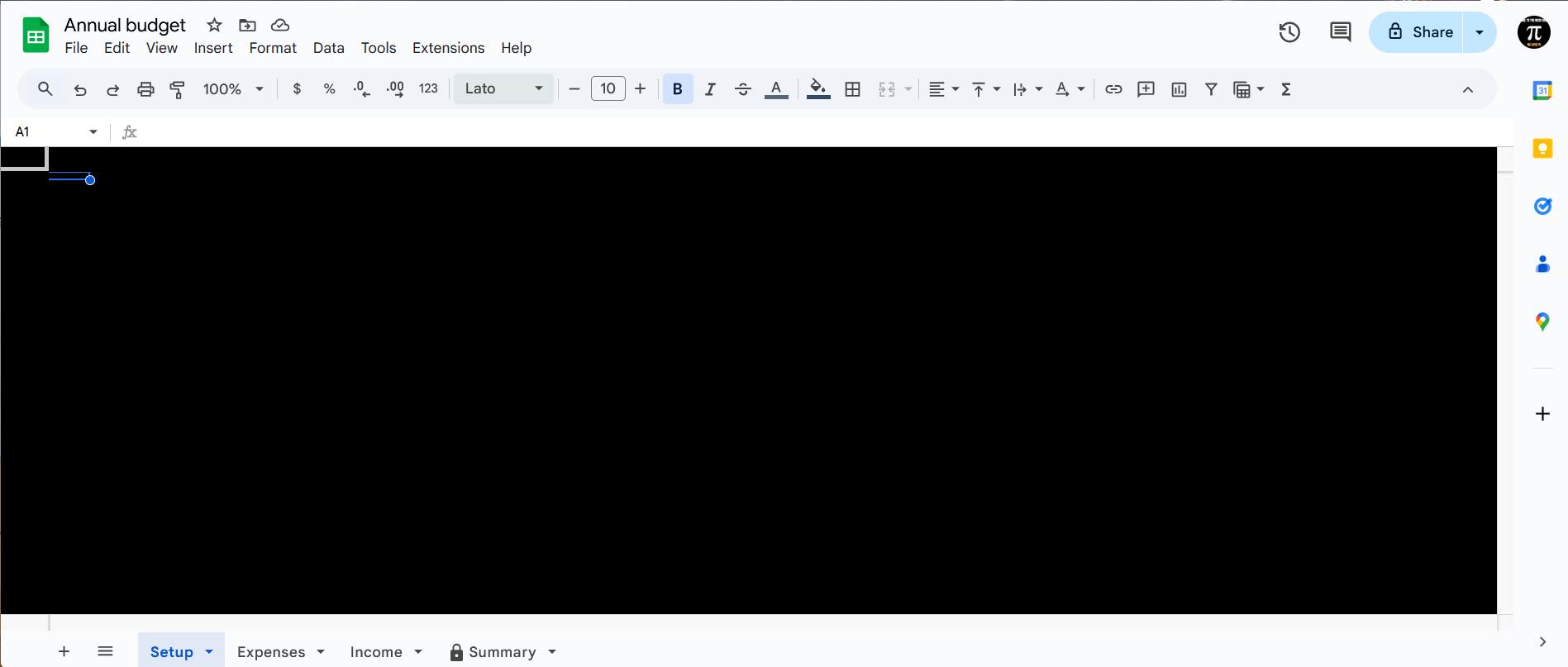
I am also having this problem. In addition to PDFs, I have noticed Firefox is not displaying Google Docs, Google Sheets, and certain buttons on the website dominion.games. I solved this last week be reinstalling Firefox, but the problem just started happening again today.
I'm running version 136.0

I had this problem too, but I realized I had missed an update for Firefox and once I installed that the issues ceased.