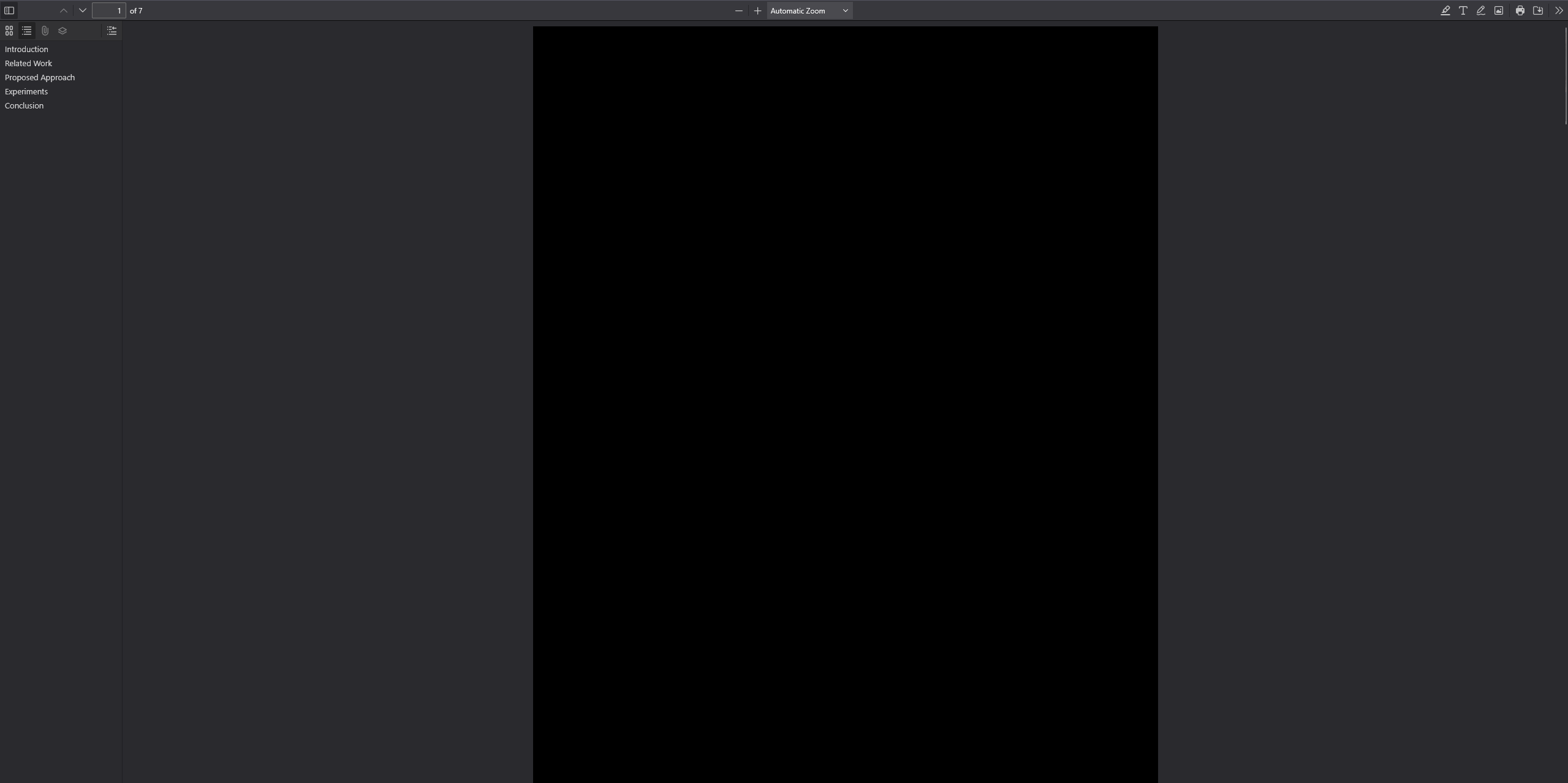
Firefox not displaying pdf's properly

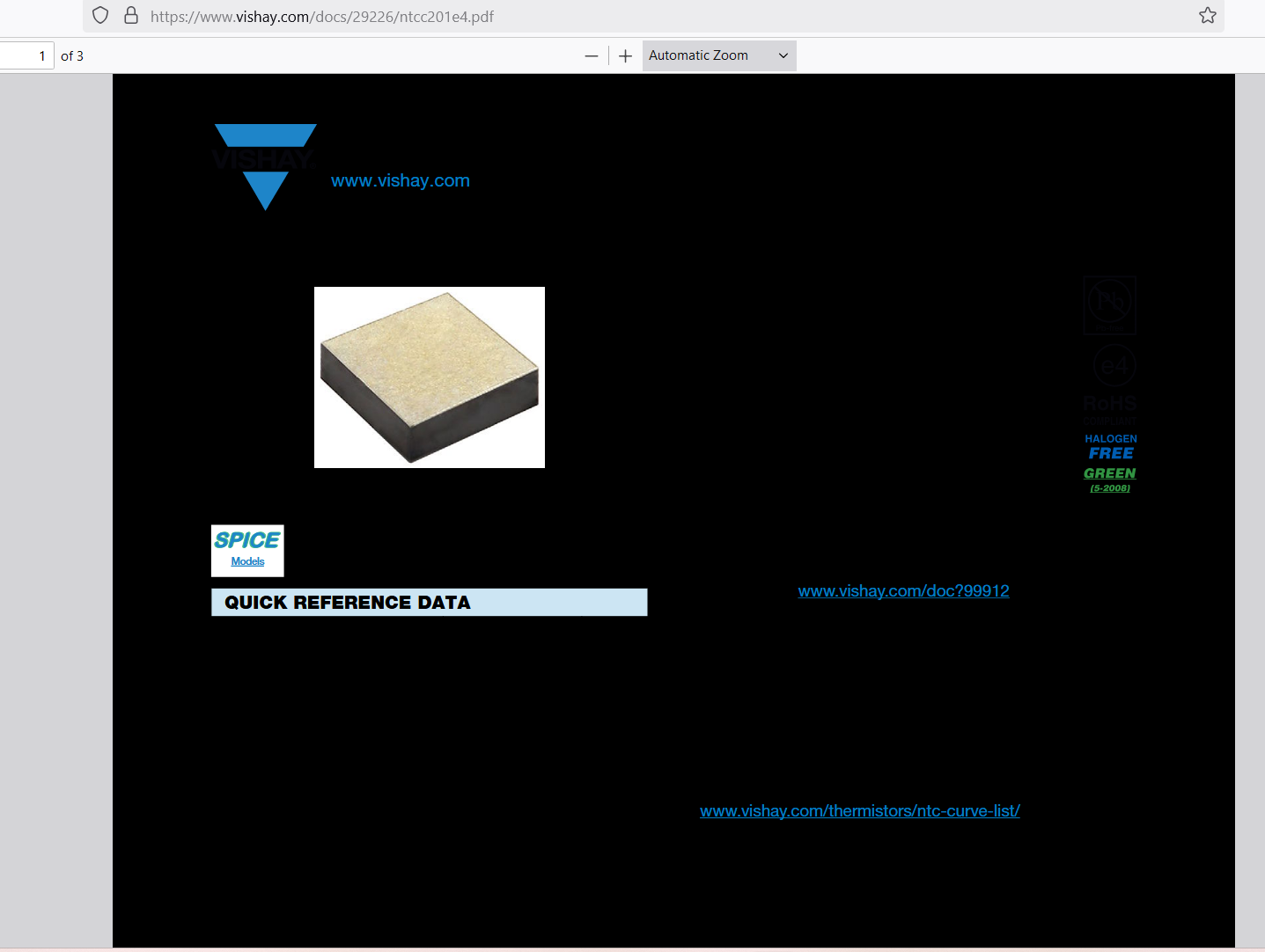
Whenever I try to open a pdf, the background is all black. (see image)
Избрано решение
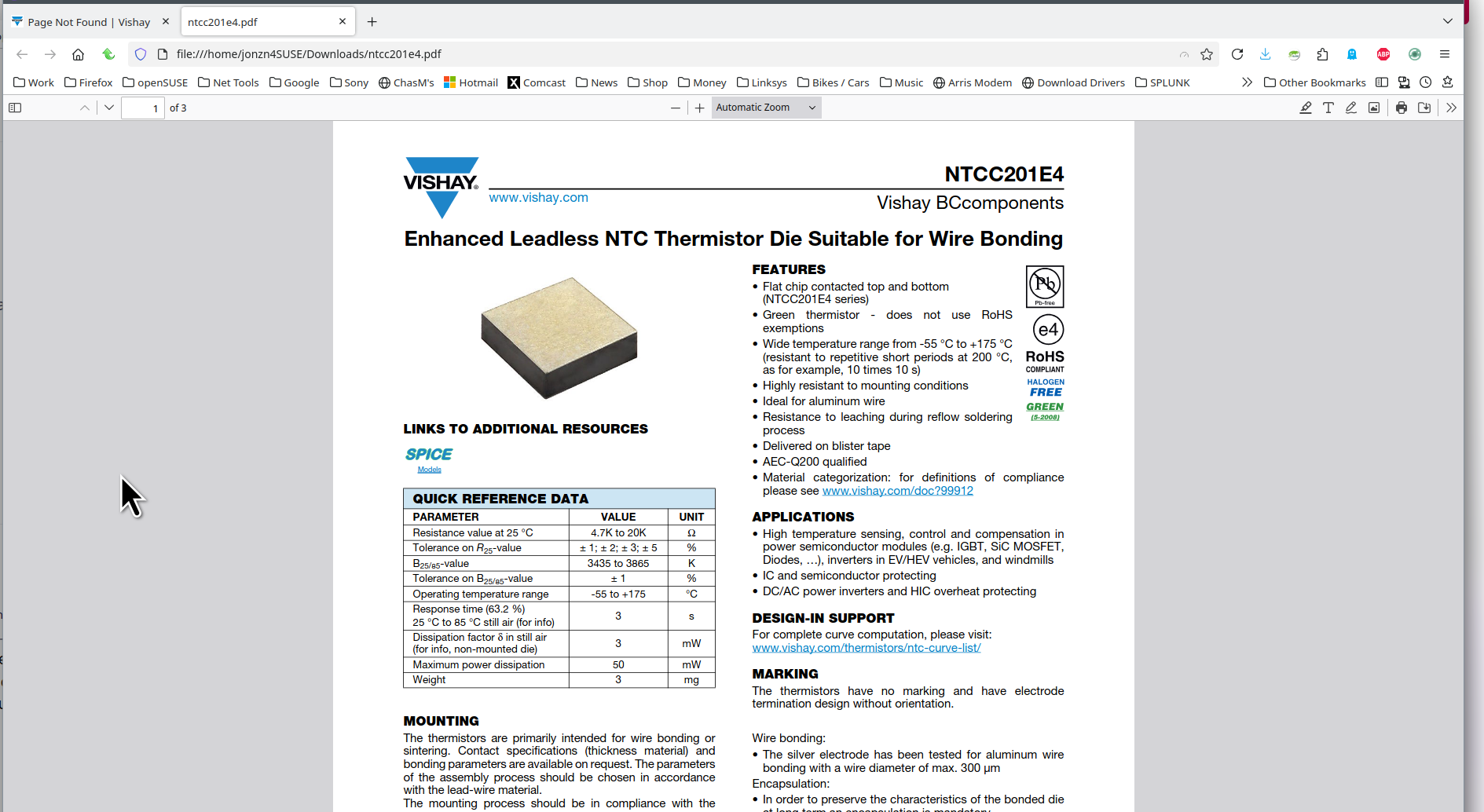
www.vishay.com/docs/29226/ntcc201e4.pdf What OS? What version of Firefox? I'm not seeing the issue. see screenshot A full browser screenshot is more useful. Do you have the same issue with Firefox in Troubleshoot Mode? https://support.mozilla.org/en-US/kb/diagnose-firefox-issues-using-troubleshoot-mode#w_how-to-start-firefox-in-4troubleshoot-modesf5safe-modesf
Прочетете този отговор в контекста 👍 0Всички отговори (4)
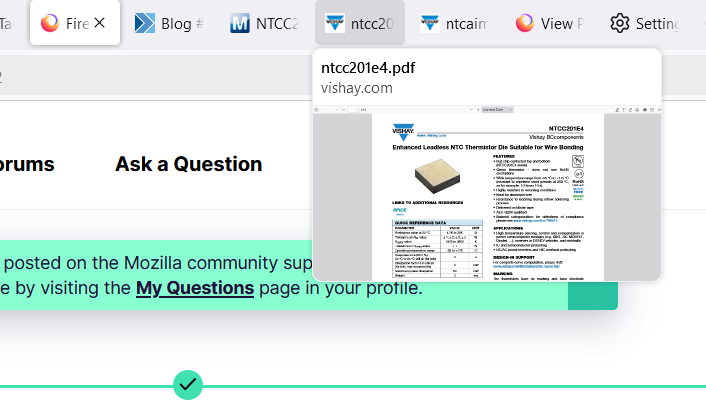
BTW, the hover preview on the tab works fine.
Избрано решение
www.vishay.com/docs/29226/ntcc201e4.pdf What OS? What version of Firefox? I'm not seeing the issue. see screenshot A full browser screenshot is more useful. Do you have the same issue with Firefox in Troubleshoot Mode? https://support.mozilla.org/en-US/kb/diagnose-firefox-issues-using-troubleshoot-mode#w_how-to-start-firefox-in-4troubleshoot-modesf5safe-modesf
Променено на от jonzn4SUSE
There was something going on in the background. I tried to start it in Troubleshooting mode and it wouldn't do it. I reset my computer and it worked. I have to apologize for posting before a restart, not sure what I was thinking. Thanks for the look.

For anyone else experiencing the issue where Firefox just shows black pdf like mine(see screenshot), I solved it by just hitting the zoom button.