


Video Downloader Add In
Is there a way to determine where the add on saves files? I do not see any way to do this. My preference for "file saving" is "always ask" and I can't seem to add MP4 in the applications box. This is not a problem with Video Download Helper (3 colored circles). That add on allows one to select where things should be saved. Sometimes that add-on does not work but Video Downloader does.
Избрано решение
https://addons.mozilla.org/en-US/firefox/addon/s3download-statusbar
I made this entry in the review section of that add-on;
by FredMcD, a day ago This downloads the file but is very lacking. The download starts when you right-click the link. You are given no opportunity to rename the file or select where you want the file saved.
Прочетете този отговор в контекста 👍 1Всички отговори (4)

Each such add-on has its own settings. Check the options. What add-on are you using?
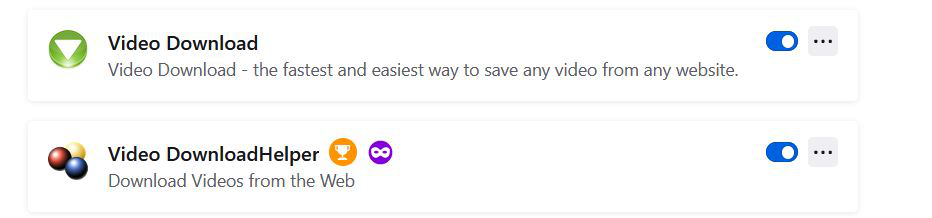
It is called "Video Download." as opposed to "Video Download Helper" there seems to be no options that can be set. A screen shot of the addon icons is shown below-- sorry if this arrived twice.
Избрано решение
https://addons.mozilla.org/en-US/firefox/addon/s3download-statusbar
I made this entry in the review section of that add-on;
by FredMcD, a day ago This downloads the file but is very lacking. The download starts when you right-click the link. You are given no opportunity to rename the file or select where you want the file saved.
Thanks. I've been doing this stuff for a long time and sometimes I think that I miss things because of my age.