


letters disappeared

Firefox quantum 57.0 (64 bit) for linux mint Linux Mint 18 64 bit Kernel 4.4.0-21 generic AMD Athlon 5370 APU with Radeon R3 x 4
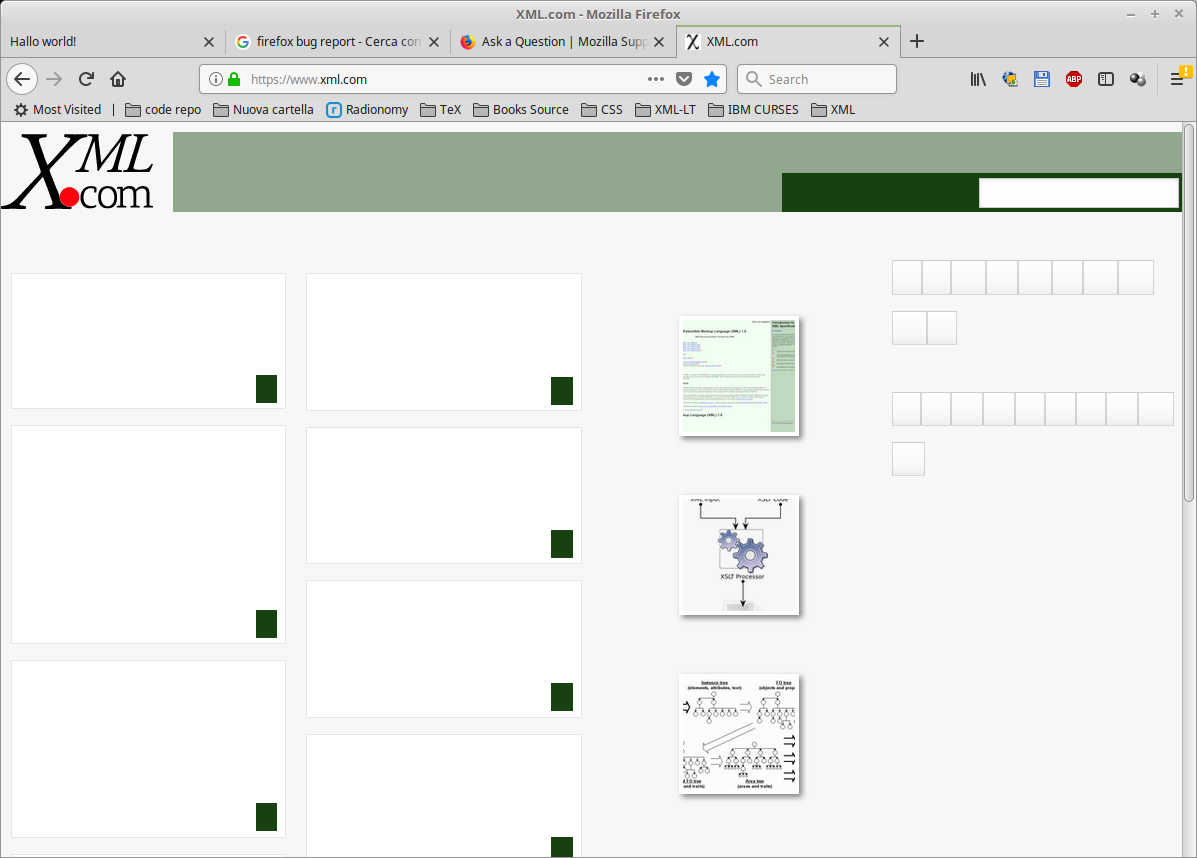
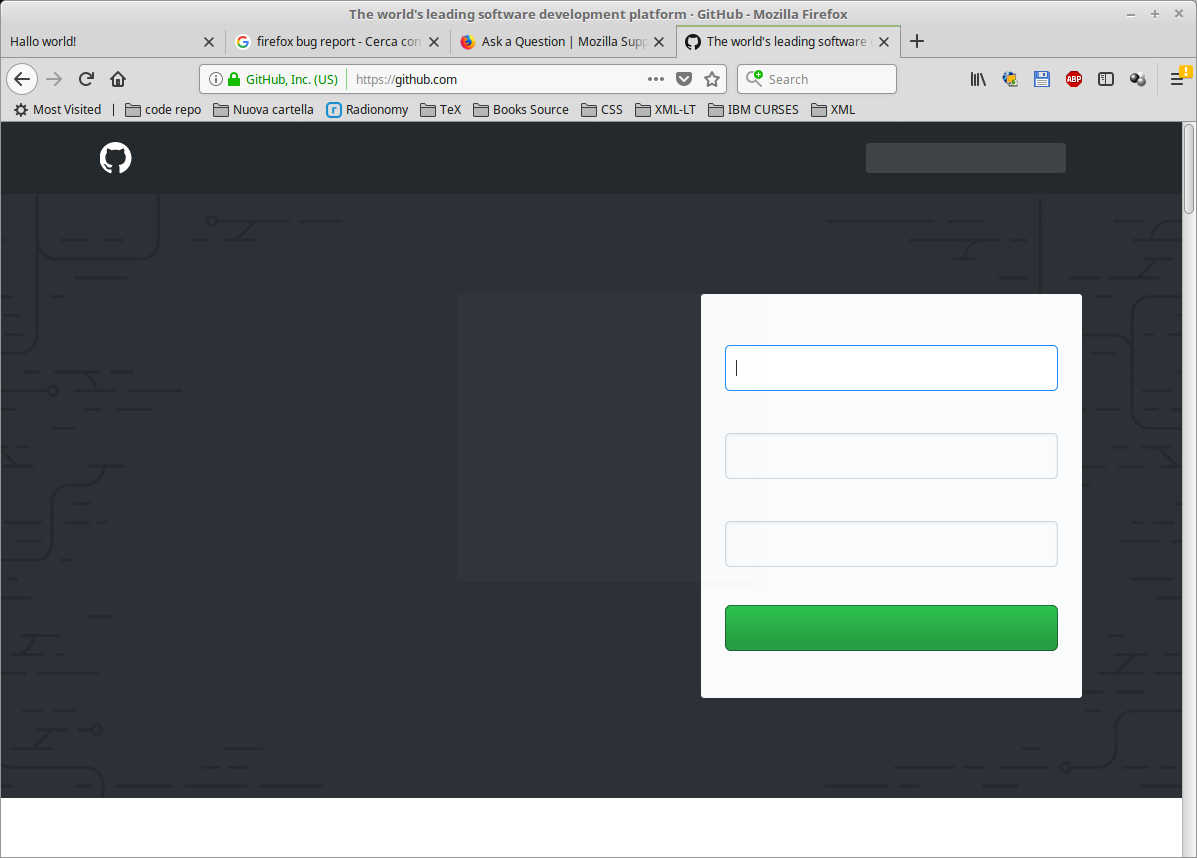
On some web sites all letters disappear. This didn't happen with the previous versions of firefox. The 2 screenshots were taken two minutes ago. 1) ff01.png: xml.com 2) ff02.png: github.com.
Regards
Избрано решение
The culprit seems to be some kind of new sandboxing in 57 which prevents fonts from loading.
- Open a new tab and type about:config in the address field (press enter, accept risks, etc., etc.)
- Type “sandbox” in the search box
- Change the setting security.sandbox.content.level to 2
- Restart Firefox
If that doesn’t work you could try changing it to 1.
If this solved your problem, mark as solution.
Променено на от Mkll
Всички отговори (4)
Couldn't upload images. Now I retry with smaller ones.
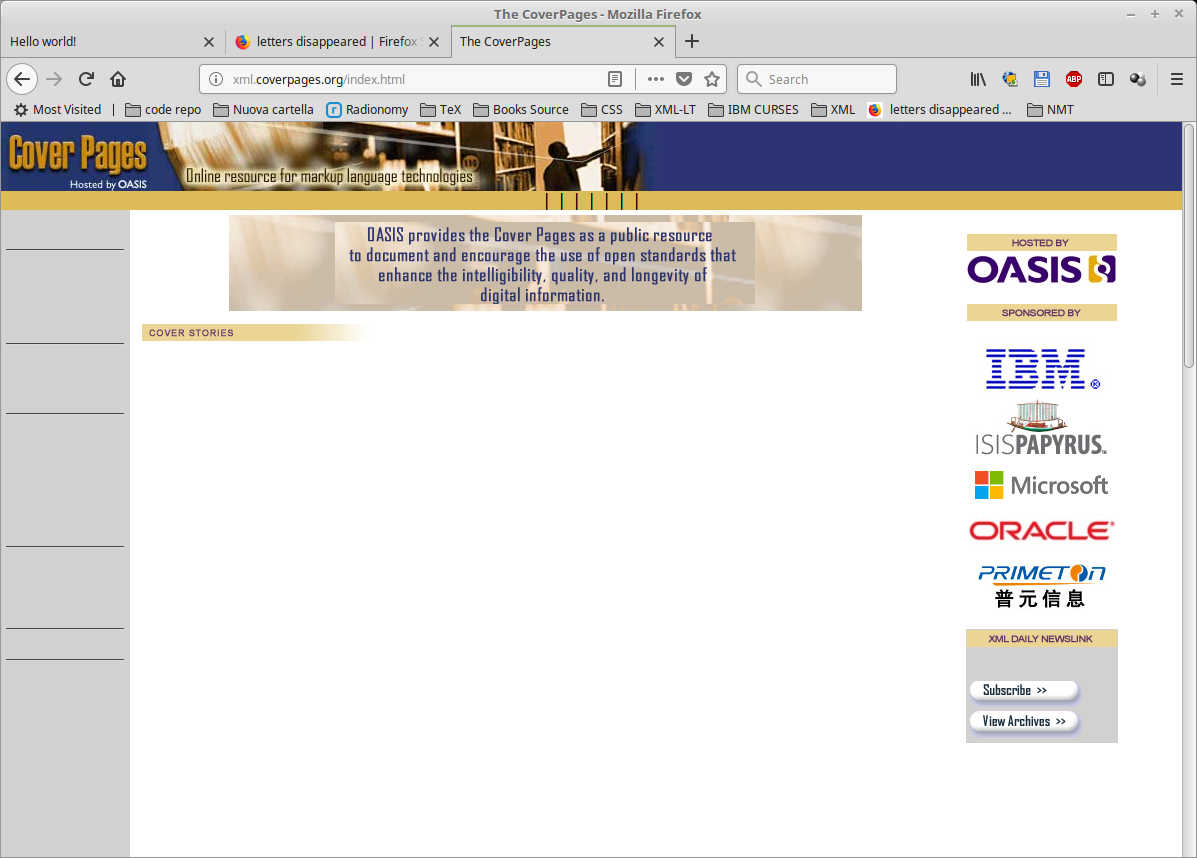
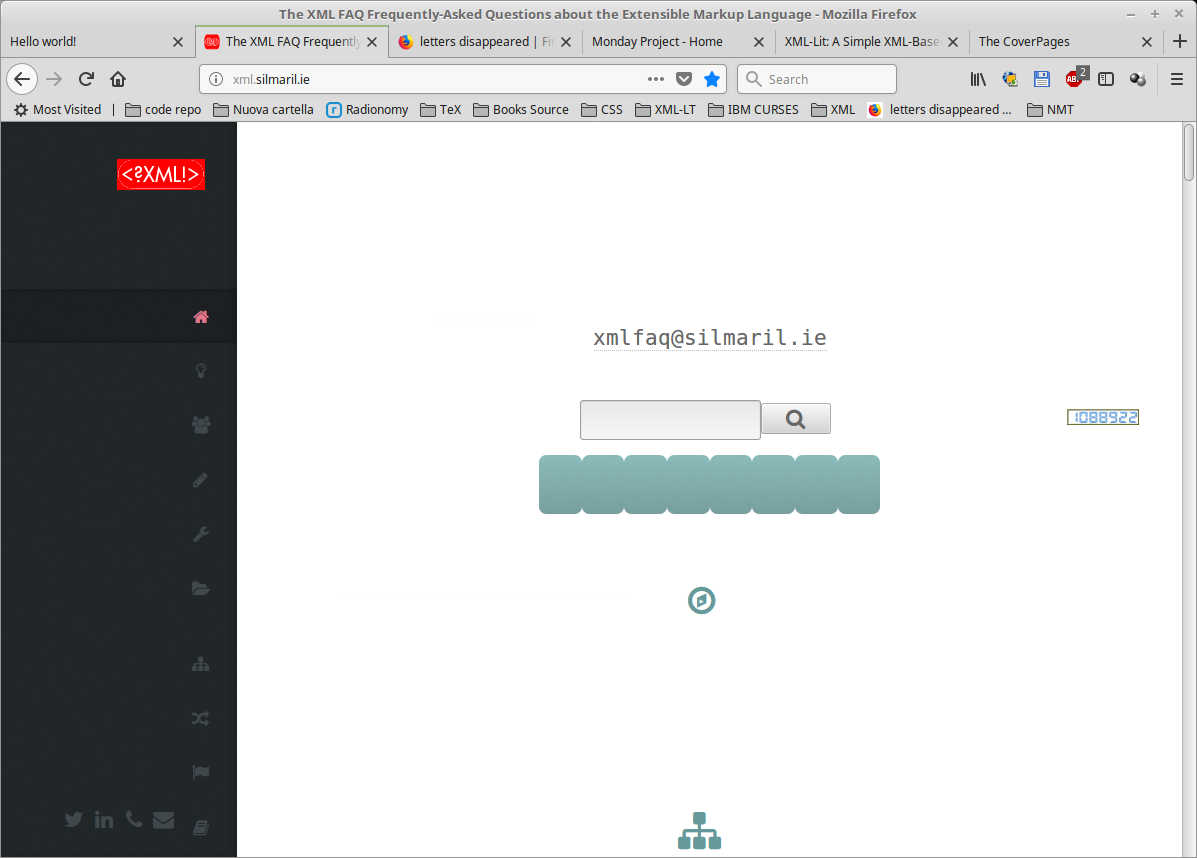
No progress with firefox 57.0.1 Here are a bunch of screenshots taken with the updated browser:
- Coverpages
- Silmaril
- Sourceforge
Please, let me know if there is a way to solve the problem.
Regards.

Избрано решение
The culprit seems to be some kind of new sandboxing in 57 which prevents fonts from loading.
- Open a new tab and type about:config in the address field (press enter, accept risks, etc., etc.)
- Type “sandbox” in the search box
- Change the setting security.sandbox.content.level to 2
- Restart Firefox
If that doesn’t work you could try changing it to 1.
If this solved your problem, mark as solution.
Променено на от Mkll
Mkll said
......
- Change the setting security.sandbox.content.level to 2
security.sandbox.content.level was 3, now it's 2 and it works.
Many thanks.