


Can not see "box" or "dropbox" only <>in filelink window option in email

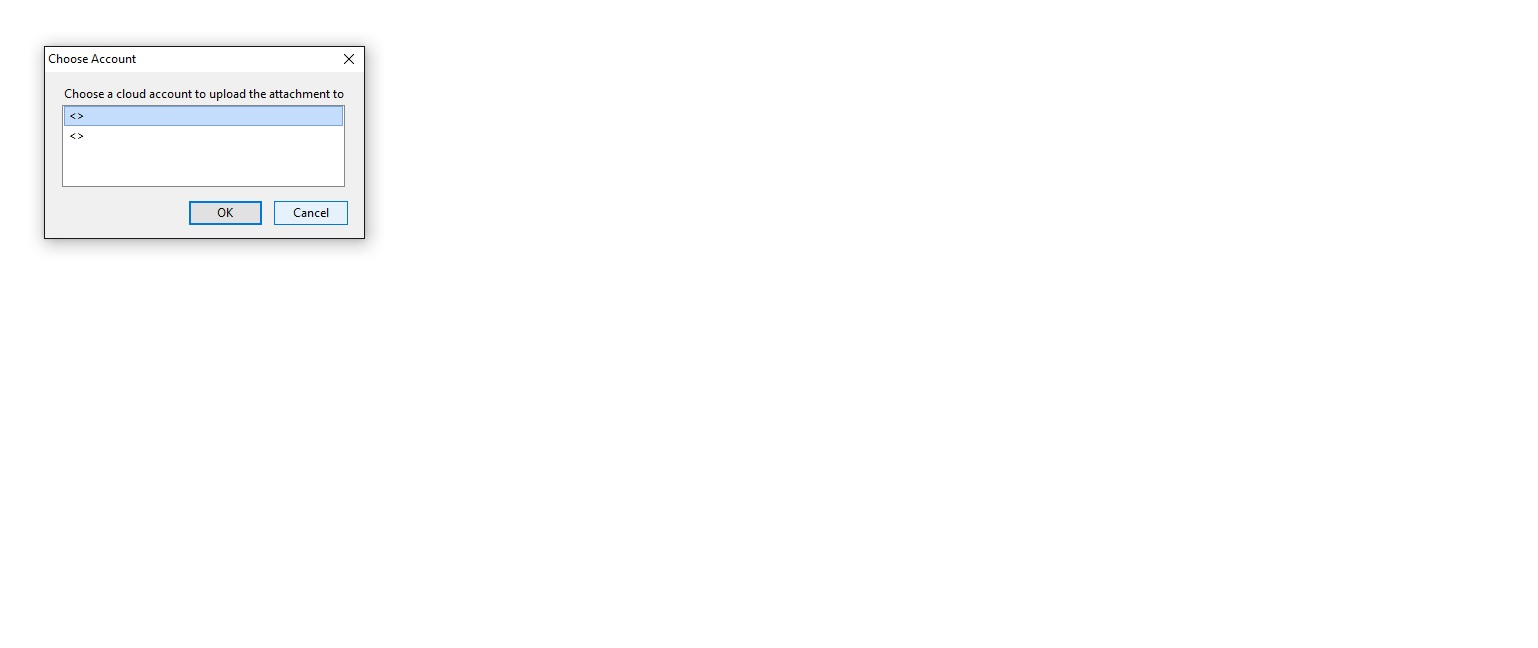
When sending email with large file I select "Link" Popup box "Choose Account" then "Choose a cloud account to upload the attacment to"
The selection box only has < > for both my "Box" and "DropBox" account
When sending email with large file
I select "Link"
Popup box "Choose Account"
then "Choose a cloud account to upload the attacment to"
The selection box only has < > for both my "Box" and "DropBox" account
Всички отговори (1)

Support for box.com is broken in Thunderbird v38. It will be fixed in the next major release (v45). For Dropbox support you'll need to install this add-on and set up your Dropbox account. https://addons.mozilla.org/en-US/thunderbird/addon/dropbox-for-filelink
For more information on how to install add-ons in Thunderbird see http://xenos-email-notes.simplesite.com/416814616