


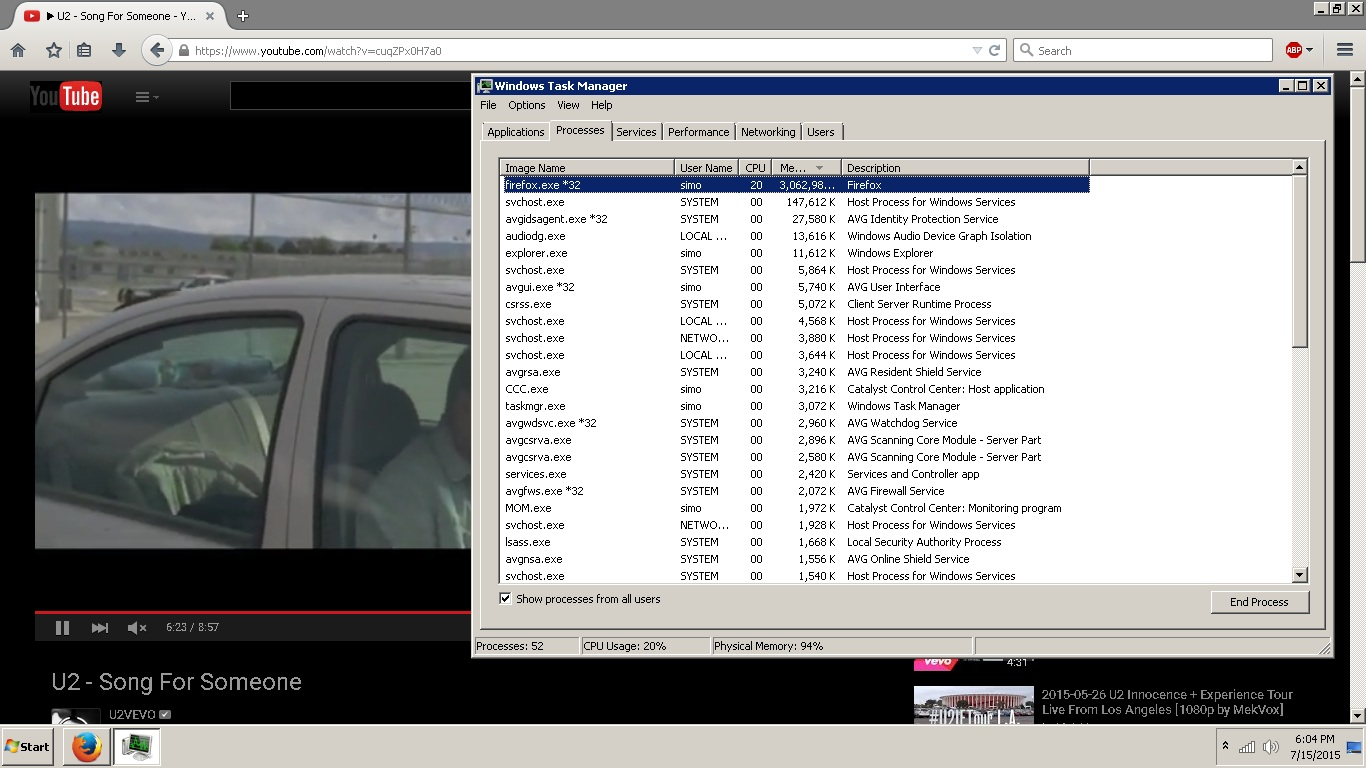
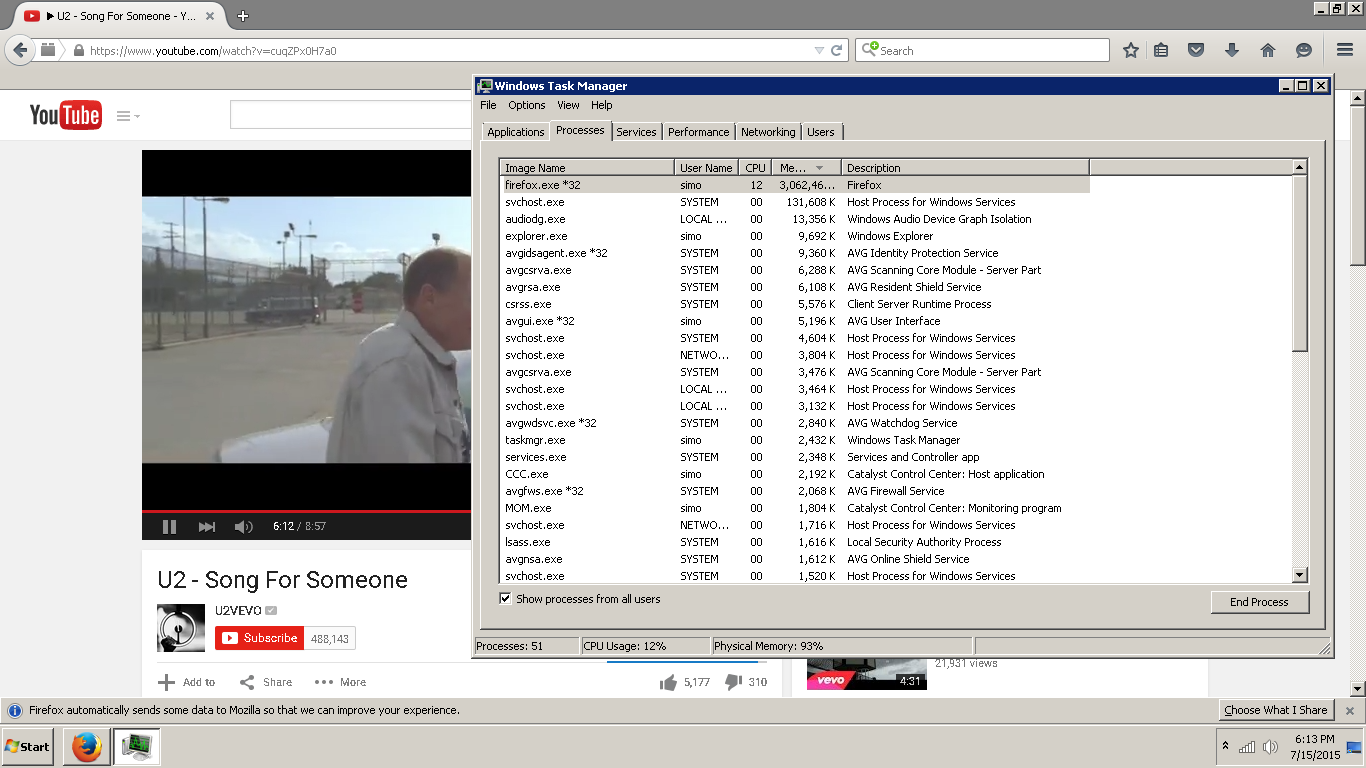
memoery reaching 3 giga :) 1 tab opened with a youtube video

hi i have an hp g6 pavilion, after the last flash player automatic update (some 1 month ago maybe) , i started getting ram problems, ram increase to 3 giga when just watching 1 video with no other tabs opened, i tried a lot of solutions described here and around the web without success, please advise
Всички отговори (2)
In the meantime I can offer these work around in how to manage high memory usage:
Also the Telementary data sent on the browsers can help improve the performance. There are also automated tests done to check performance of different platforms.
If you are interested in providing a website example this could help create a bug. With the websites, there are have these tools to test the performance of the profile as well: This will test the javascript engine on desktop: https://developer.mozilla.org/en-US/d.../Reporting_a_Performance_Problem
Are you sure YouTube is using the Flash player on that page? Usually in that case plugin-container.exe would appear in the Processes tab.
To determine which player is being used, try right-clicking it and checking the last line of the short context menu.
If YouTube is serving the HTML5 player and you want to go back to using Flash on YouTube, there are a couple of extensions for that specific purpose: