


How can I remove the Thunderbird ad that appears each time I sign on to Thunderbird Mail, asking for donations
A user maybe has sent a donation, and this is not tracked by Thunderbird. Anyway, independently of donating or not donating to Mozilla the answer to this question https://support.mozilla.org/en-US/questions/1226585 is not working today.
All Replies (5)

If you're referring the one in the attached image, that's the default Start Page that fills the pane where message content is displayed until one is selected. You can disable that at <Settings | General | Thunderbird Start Page>. If you mean something else, please show us a screen shot.
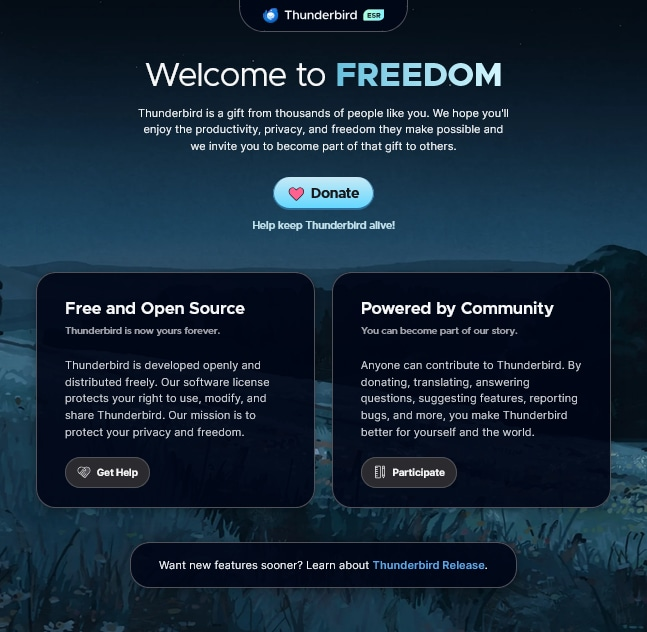
I attach here the "ad" screenshot.
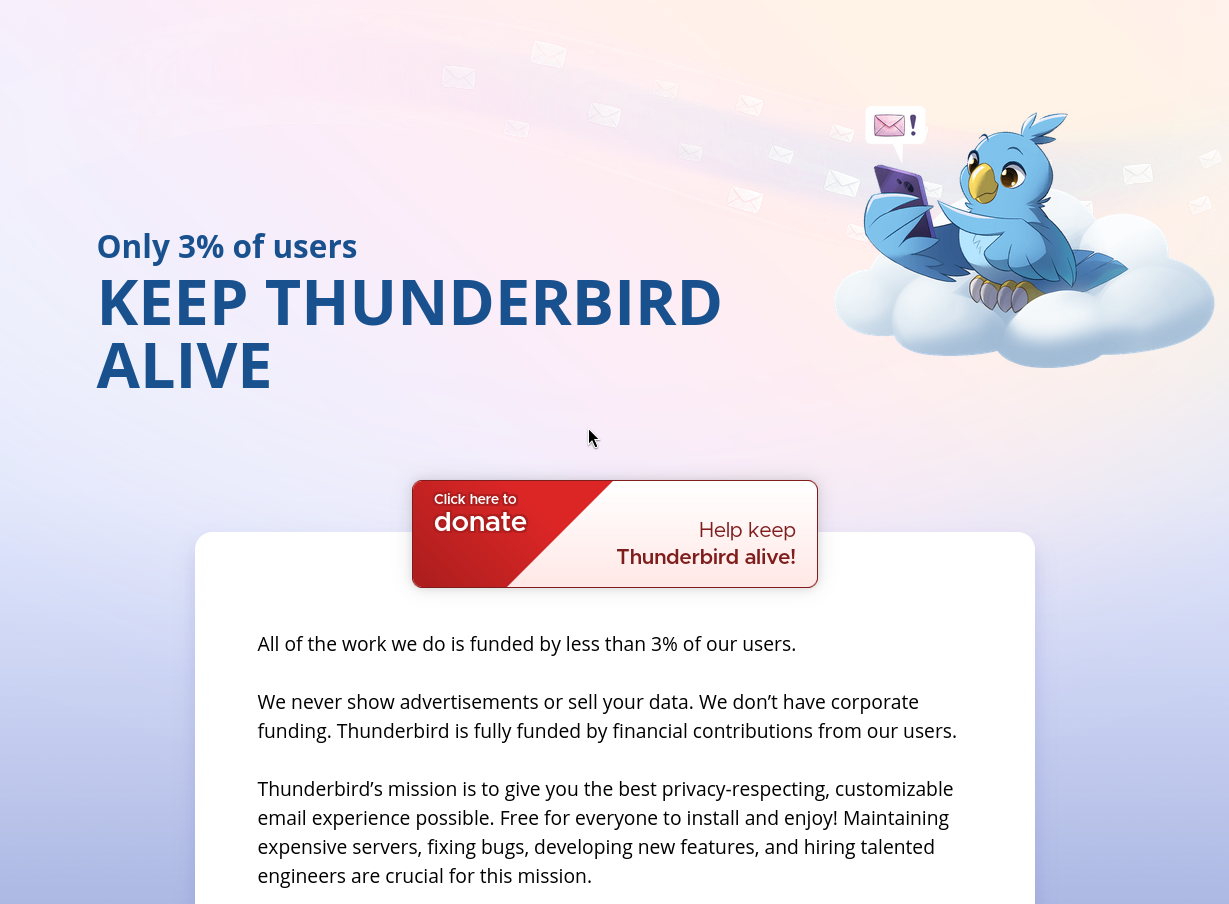
That's a different donation plea. It only appears once when Thunderbird is updated, then not again until the next update, not every time you start the program. It's a tab that can be dismissed at any time. I know of no way to prevent it.
It does NOT ONLY appears once Thunderbird is updated but more often. Reproduced in more than one profile, and more than one computer (Thunderbird 140 ESR in GNU/Linux with updates perfectly controlled).
You may be right. But it's certainly not "each time I sign on". I don't keep track of it because it's such a minor inconvenience for me and I understand their need for donations. But I understand that it may irk others.
A Google search finds a few proposed Advanced Preferences (see <Settings | General | Config Editor>) settings changes that some claim can suppress the popup. I can't vouch for any of them. One of them is in this discussion, and advises to change 'mail.inappnotifications.enabled' from True to False.
https://unix.stackexchange.com/questions/797584/disable-future-thunderbirds-donate-now-tab-popovers
Modified by Lin