


Windows 10 reached EOS (end of support) on October 14, 2025. If you are on Windows 10, see this article.

Search Support

Avoid support scams. We will never ask you to call or text a phone number or share personal information. Please report suspicious activity using the “Report Abuse” option.

Learn More
Open

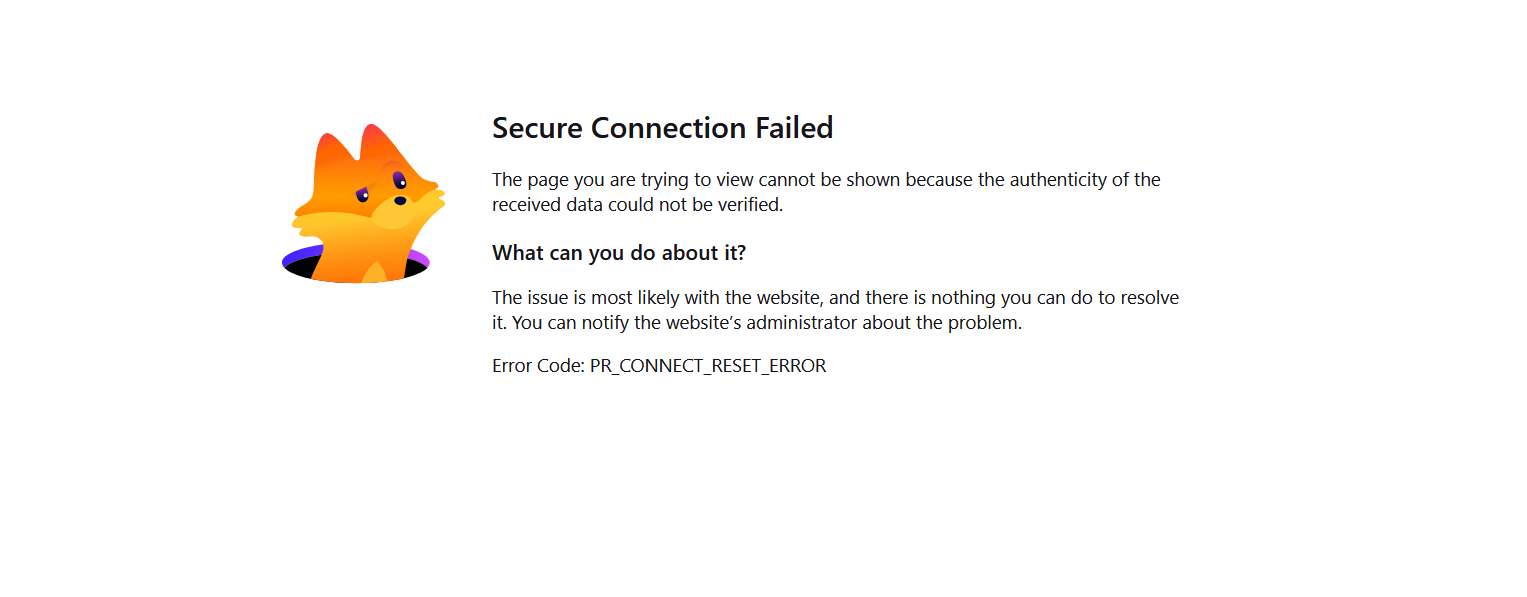
I am getting a secure connection failed error message

Gary Lowe

I have started receiving a secure connection failed error message for a portal log-in website that worked fine for the past 6-7 months (see attached document). Other people in my group use Firefox and Bitdefender to access the portal and none of them are having this issue.

I originally believed the problem to be my anti-virus (Bitdefender) and worked with them to resolve the problems. After trying various solutions including clearing my cache, using private mode and turning off different components of their software, Bitdefender believes the problem is with my browser setting and not their software. I also tried accessing the portal using Chrome in both regular and incognito modes and cannot access the site which would seem to rule out the problem being a Firefox browser problem but contacting Firefox support seems to be the next logical step.

I have been to the Firefox FAQ and saw similar problems with potential solutions - DNS over HTTPS, TLSKEYLOGGING issues, add-on exceptions - none of which worked. I have the most recent version of Firefox and am running Windows 11 home version.

Sometimes if I hit refresh after receiving the error message, the browser will try to connect and I will get a server time out message. If I keep hitting "try again", sometimes the portal log-in screen will appear and allow me to log-in. The key word is "sometimes" since often I just keep getting the server time out message.

Any ideas for me to try from this forum?
I have started receiving a secure connection failed error message for a portal log-in website that worked fine for the past 6-7 months (see attached document). Other people in my group use Firefox and Bitdefender to access the portal and none of them are having this issue. I originally believed the problem to be my anti-virus (Bitdefender) and worked with them to resolve the problems. After trying various solutions including clearing my cache, using private mode and turning off different components of their software, Bitdefender believes the problem is with my browser setting and not their software. I also tried accessing the portal using Chrome in both regular and incognito modes and cannot access the site which would seem to rule out the problem being a Firefox browser problem but contacting Firefox support seems to be the next logical step. I have been to the Firefox FAQ and saw similar problems with potential solutions - DNS over HTTPS, TLSKEYLOGGING issues, add-on exceptions - none of which worked. I have the most recent version of Firefox and am running Windows 11 home version. Sometimes if I hit refresh after receiving the error message, the browser will try to connect and I will get a server time out message. If I keep hitting "try again", sometimes the portal log-in screen will appear and allow me to log-in. The key word is "sometimes" since often I just keep getting the server time out message. Any ideas for me to try from this forum?
Attached screenshots

All Replies (1)

Sual ver

You must log in to your account to reply to posts. Please start a new question, if you do not have an account yet.