


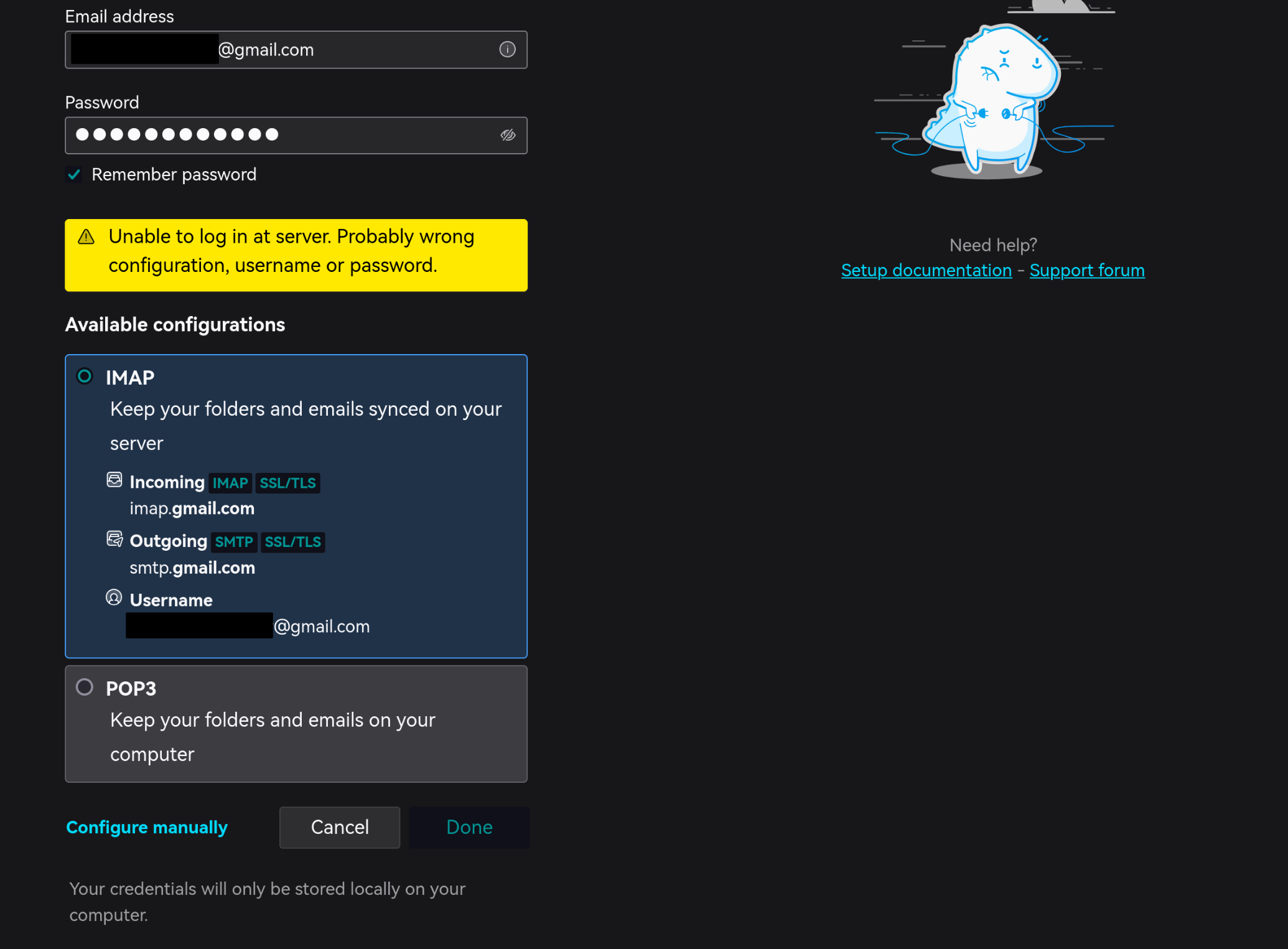
"Unable to log in at server. Probably wrong configuration, username or password" when adding Gmail on Thunderbird Linux
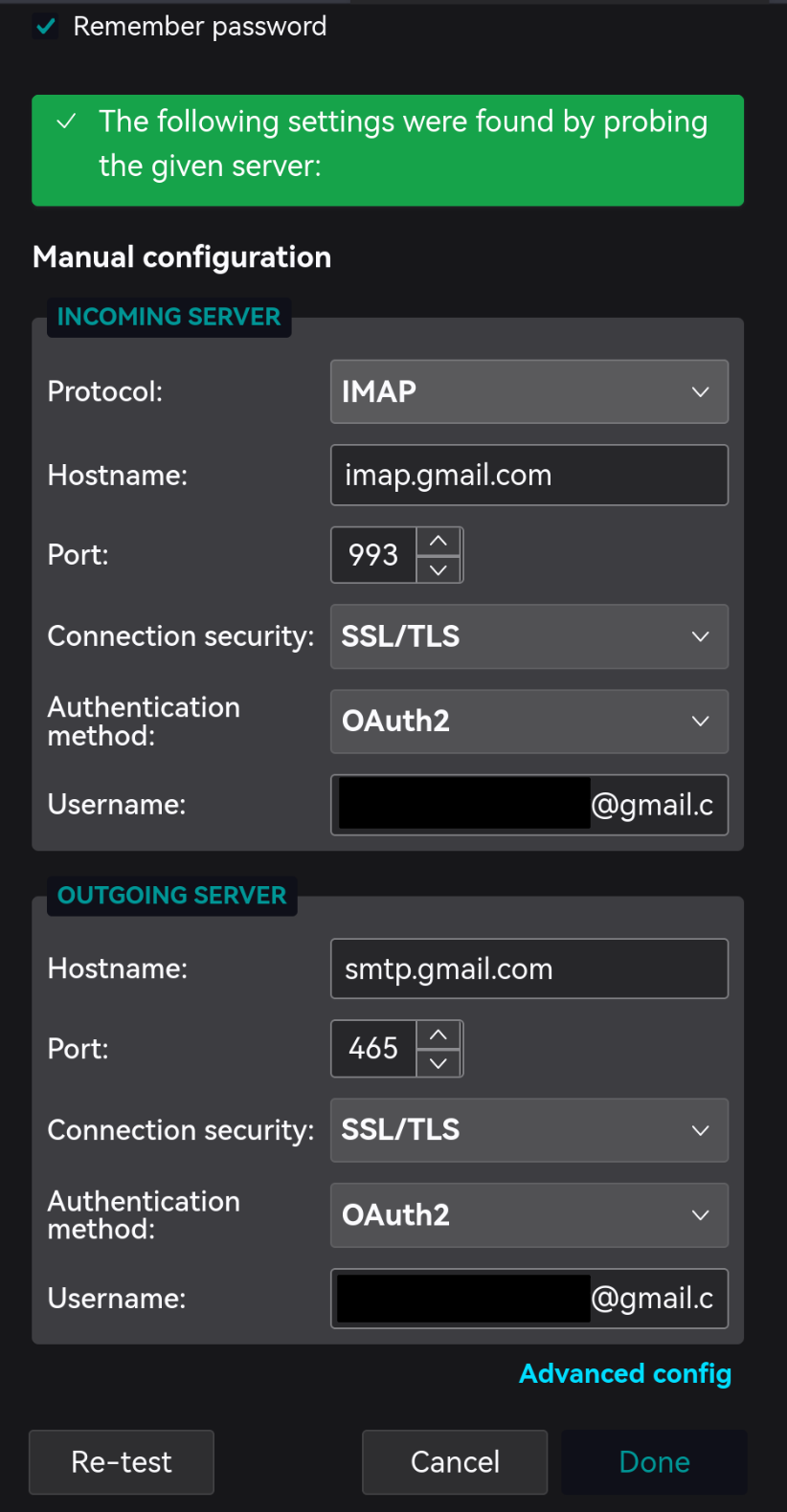
Problem It prompts "Unable to log in at server. Probably wrong configuration, username or password" when adding Gmail on my Thunderbird on Manjaro Linux. My Google account has 2FA and Authenticator enabled.
No google webpage asking for login popped out. (but Microsoft's webpage did popped out and asked me to do 2FA when adding an outlook account).
Tried to add and use "Google app passwords" but it didn't work for me.
All other of my emails worked well including outlook and several others.
Thunderbird info: 128.7.0esr (64-bit) Mozilla Thunderbird for Manjaro LinuxManjaro - 1.0 On KDE Plasma 6 Wayland session
This seems to be an ancient but long not fixed problem (?) 🤯 Could anybody here help a bit (?) Would appreciate that veeeery much!!! :3
Chosen solution
Oh I know what's wrong.
While having Clash for Windows taking control of the proxy, opening Google webpage fails for some unknown reason. Solution: Set Clash Mode to "Direct" then add account in Thunderbird. After seeing the Google webpage open, set Clash Mode back and refresh the webpage. Then everything should work well.
What a weird issue.
Read this answer in context 👍 0All Replies (1)
Seçilmiş Həll
Oh I know what's wrong.
While having Clash for Windows taking control of the proxy, opening Google webpage fails for some unknown reason. Solution: Set Clash Mode to "Direct" then add account in Thunderbird. After seeing the Google webpage open, set Clash Mode back and refresh the webpage. Then everything should work well.
What a weird issue.