


how to create a filter for all emails having a date in the future
Lately I've been getting more and more spam with a date in the future. Presumably they do this so that the spam always appears along with the newest emails in my inbox. Can I make a filter to automatically route all emails dated, say, tomorrow or later to the junk folder?
All Replies (3)

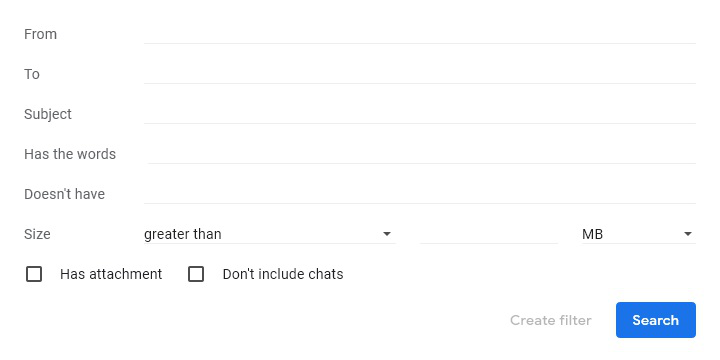
That would depend on your email service. In the screenshot, Gmail doesn't seem to afford any date filter.

You will have to contact your e-mail provider for help. https://support.mozilla.org/en-US/kb/problems-with-email-how-to-find-help
Some e-mail providers have the option to sort incoming
mail. Contact your e-mail provider for help.
You can create filters in Thunderbird to do what you're looking for, however, the "date" field doesn't increment automatically. You would need to edit the filter when the "date" expires.