Open
Disable Google search in look up feature on iOS

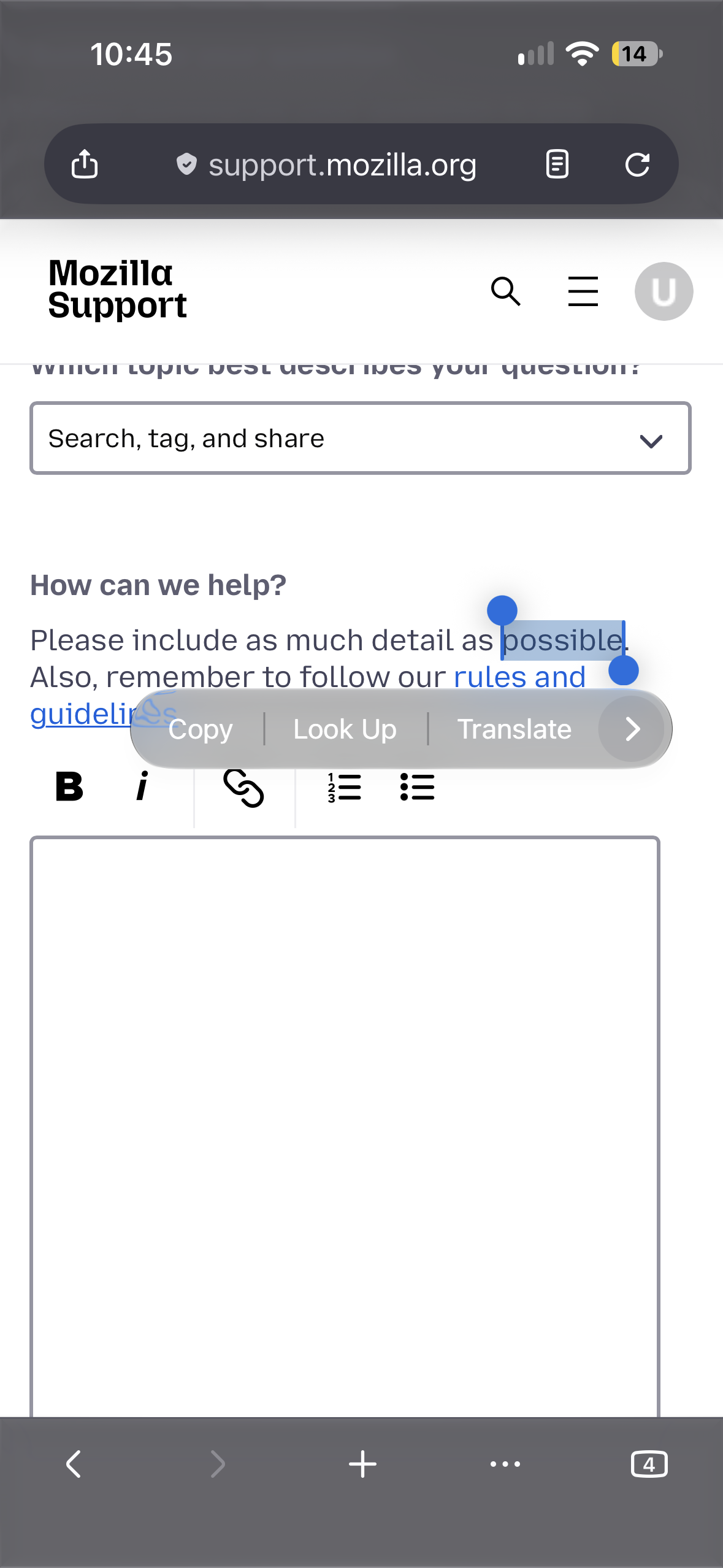
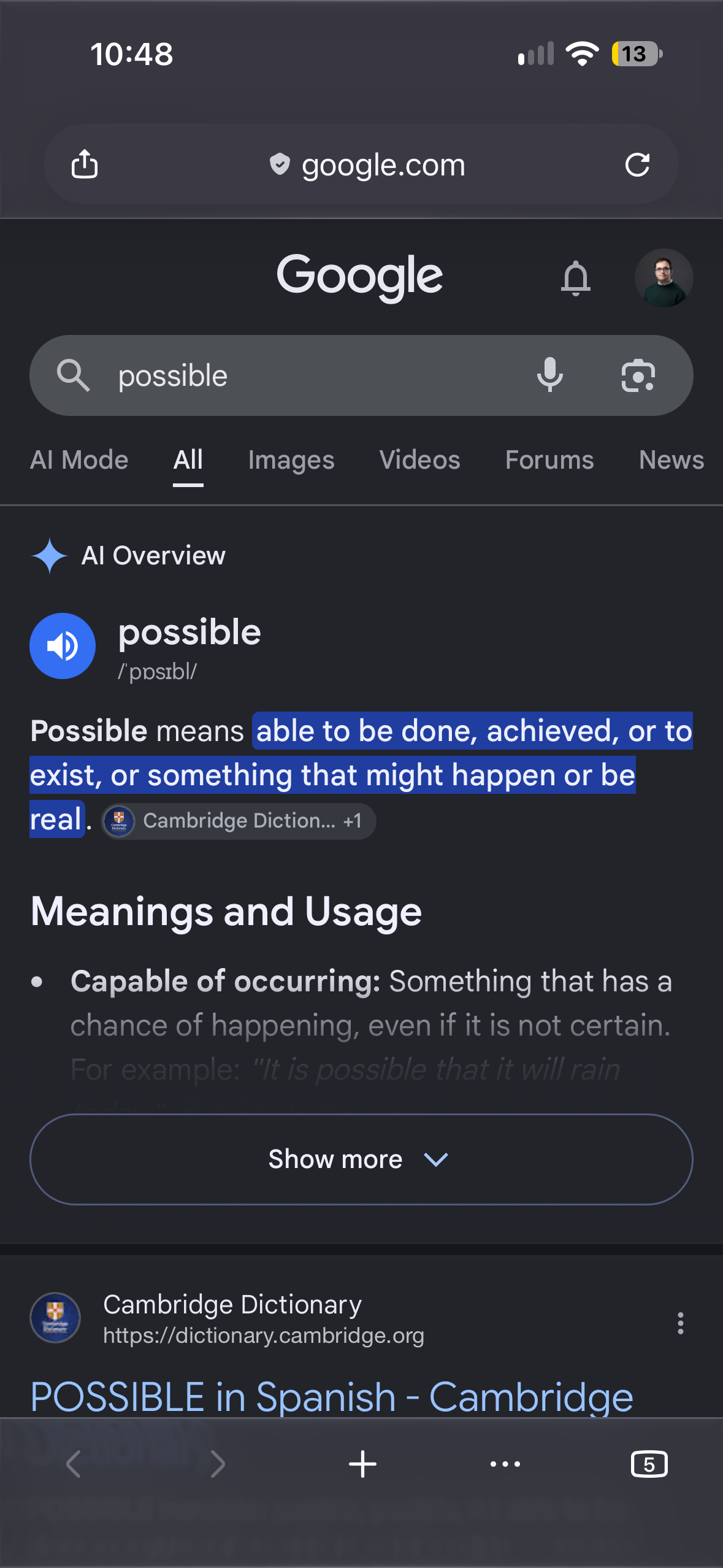
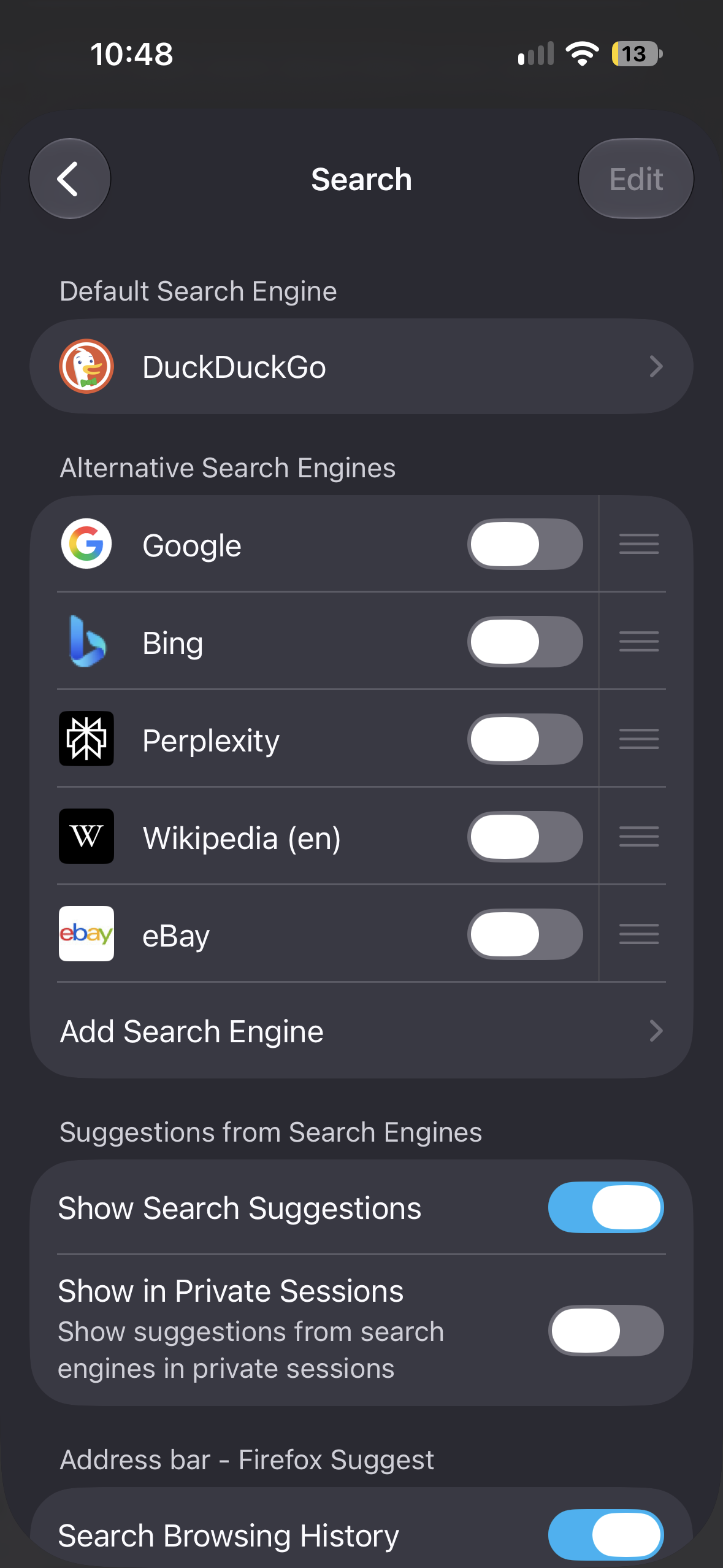
I have DuckDuckGo set as my default search engine on Firefox iOS, but whenever I try using the Look Up feature and then Search, it always gives back results from Google. I even turned off Google Search as one of my preferred search engine, and I still get Google search results. This only happens when I try using Look Up, because it works perfectly fine when I try searching normally. How do I change it, if it can be changed at all?
I have DuckDuckGo set as my default search engine on Firefox iOS, but whenever I try using the Look Up feature and then Search, it always gives back results from Google. I even turned off Google Search as one of my preferred search engine, and I still get Google search results. This only happens when I try using Look Up, because it works perfectly fine when I try searching normally. How do I change it, if it can be changed at all?