


I Keep Getting an Error Message

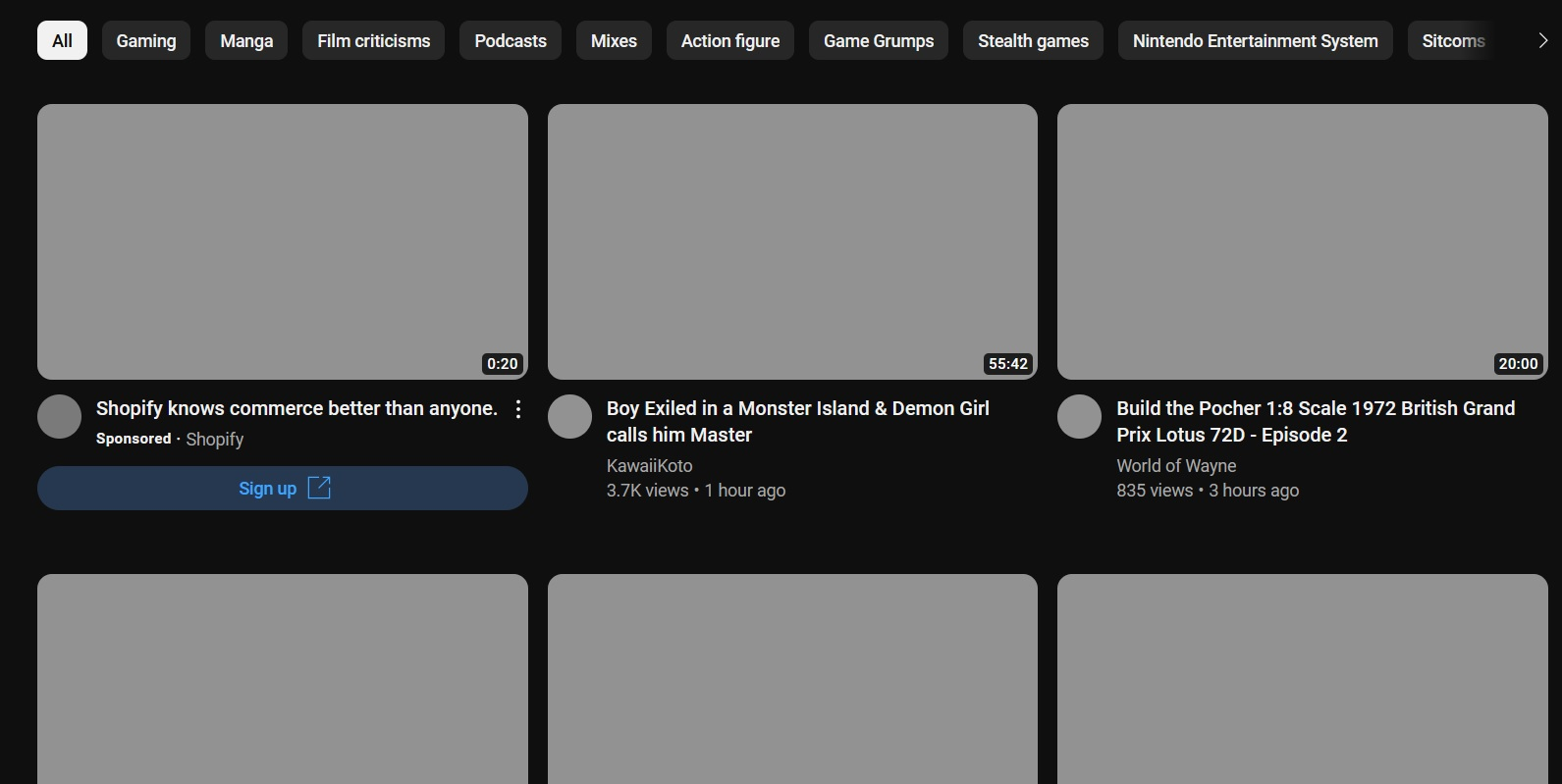
I have been getting this error message for over a week now, PR_END_OF_FILE_ERROR. My internet is fine and I have restarted my computer a few time since the problem started. I have added some sites to the Exceptions list but even then they don't work properly. I have tried refreshing Firefox and changed the profile and they both didn't fix the problem. I am sadly not knowledgeable enough to make sense of the Web Developer Tools. The attached image is what my YouTube page looks like after add the site to the Exceptions list.
所有回覆 (3)
You can try to disable DNS over HTTPS.
- https://support.mozilla.org/en-US/kb/firefox-dns-over-https
- https://support.mozilla.org/en-US/kb/dns-over-https-doh-faqs
Do you use a Proxy or VPN?
You can check the connection settings.
- Settings -> General -> Network: Connection -> Settings
If you do not need to use a proxy to connect to internet, select "No Proxy" if "Use the system proxy settings" or one of the others do not work properly.
See "Firefox connection settings":
See also:
Locking this thread.
Please continue here: [/questions/1432323]