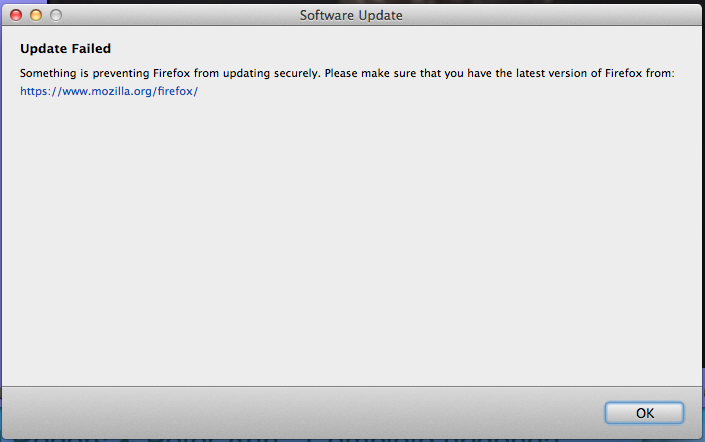
Every few days I get a warning box labeled "Software Update" that tells me "Update Failed. Something is preventing Firefox from updating securely. I have screen
I have a screen shot of this warning. There is no Mozilla or Firefox logo on it. Is it from Mozilla? Every time I get this message, I close the box via the red dot in the upper left-hand corner, go to the Mozilla site and download and install the latest version. A few days later, the message reappears. Thank you for helping me. Late 2011 MBP OS 10.8.5
Oak Freed
所有回复 (4)

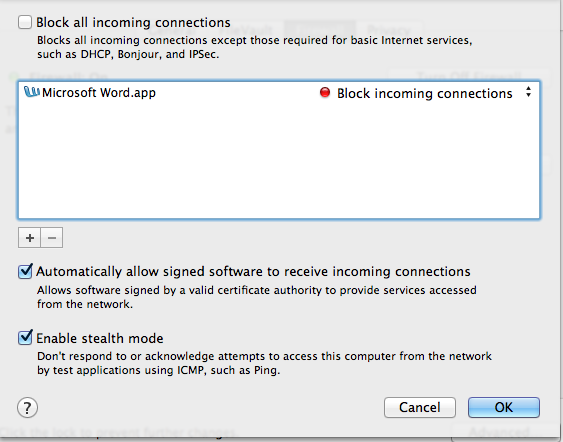
Are you the adminstrator of your computer? Do you have a real time anti-virus / anti-malware program installed? Is firefox restricted by your firewall? Any one of these could be your problem. Could you tell me more about your computer please?
Try to delete a possible user.js file and numbered prefs-##.js files and rename (or delete) the prefs.js file to reset all prefs to the default value including prefs set via user.js
Cor-el, Thank you for your suggestions. They are over my head. I have no idea what they mean. Oak Freed
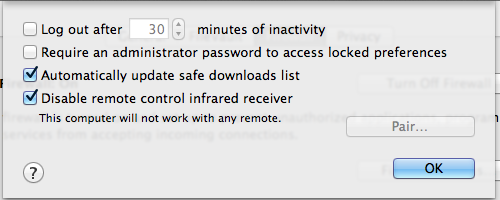
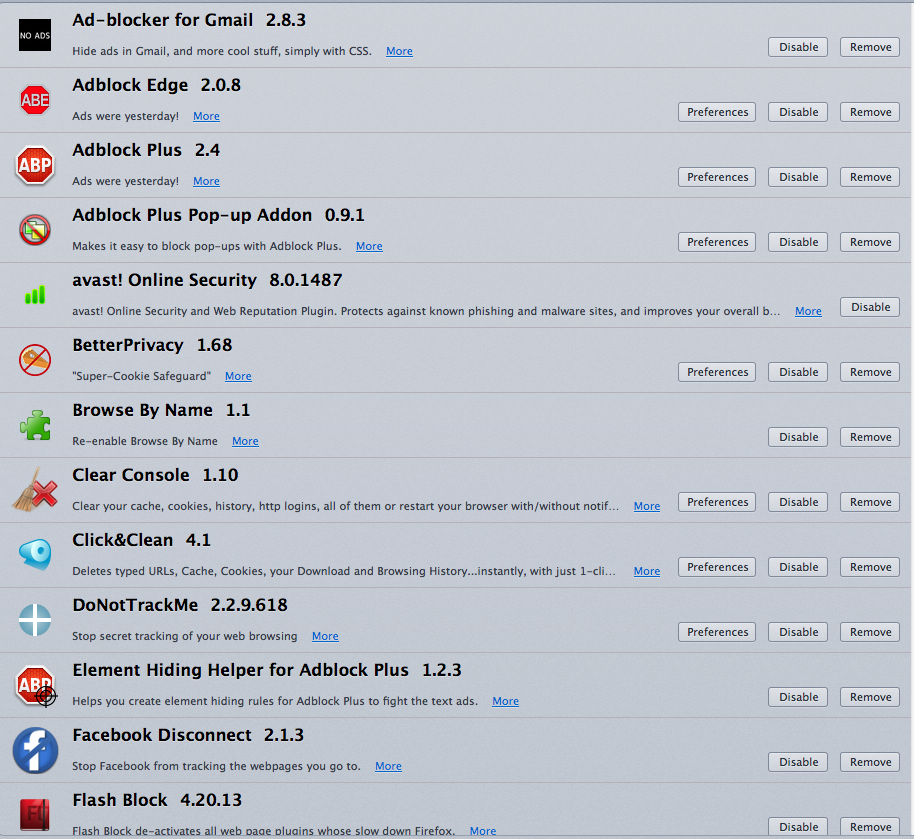
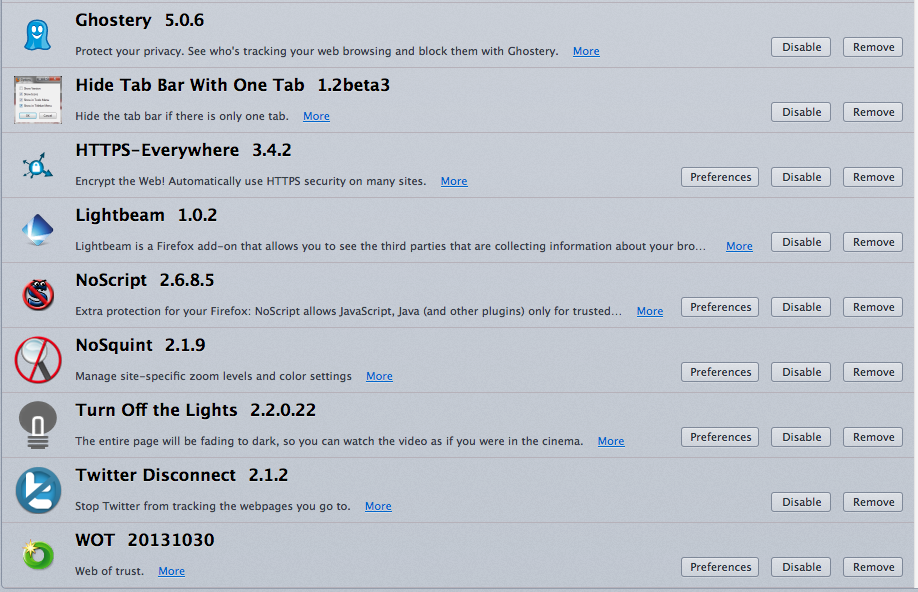
Here are screenshots that I made: