


Text is being distorted

More and more frequently, when I open a web page, the text is distorted. If I place another window over the text or highlight it, the distortion disappears. If I scroll the web page, the distortion scrolls with the text.
I've attached an image. Does anyone know what this is or how I can fix it?
由Avallon于修改
被采纳的解决方案
Try to disable hardware acceleration in Firefox.
- Tools > Options > Advanced > General > Browsing: "Use hardware acceleration when available"
- https://support.mozilla.org/kb/Troubleshooting+extensions+and+themes
Try to update the graphic display driver.
定位到答案原位置 👍 45所有回复 (20)
Added an image.
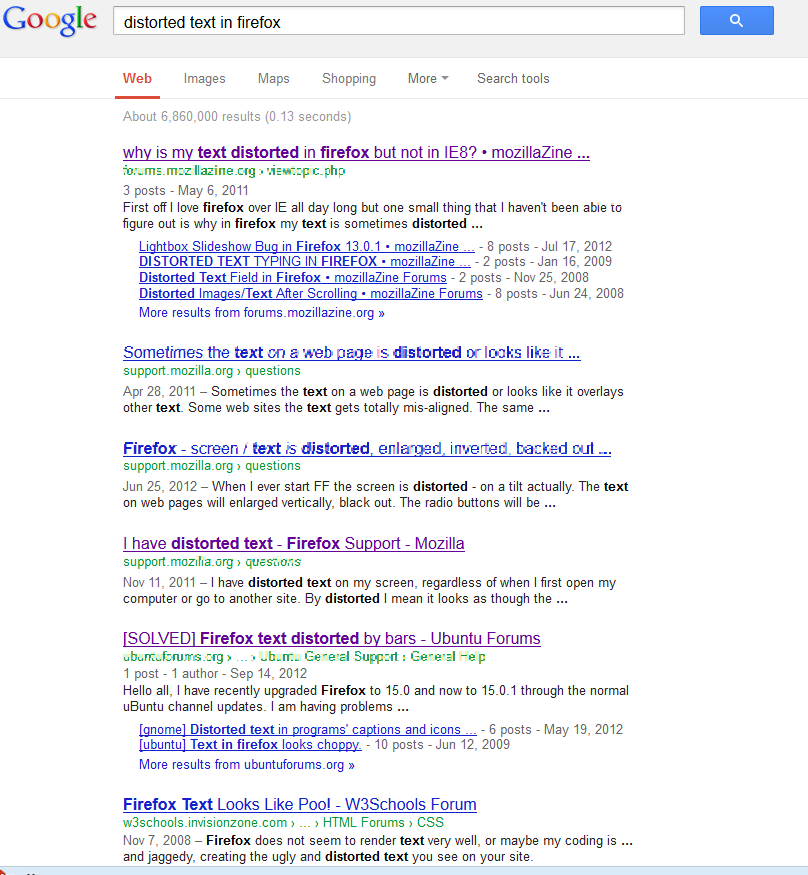
由Avallon于修改
Added a second image
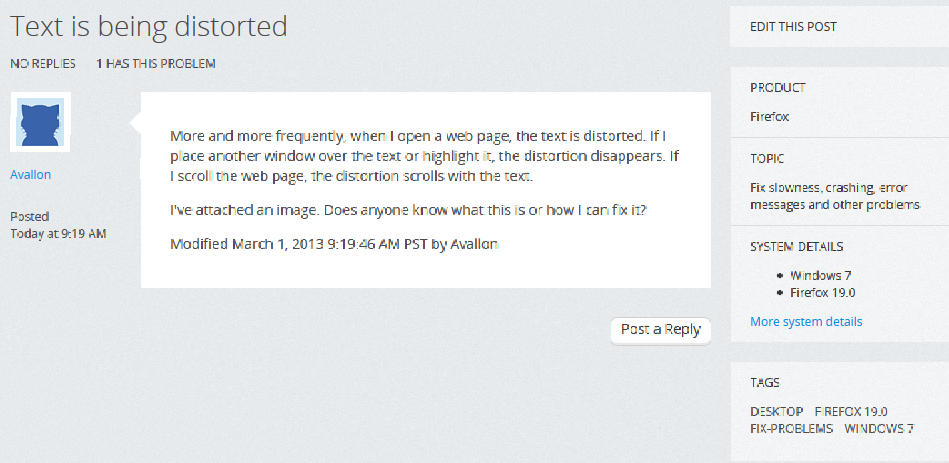
由Avallon于修改
I have the exact same problem. I get it a lot when I am scrolling the page. I uploaded a pic of this site where the distortions are pretty strong. The more I scroll back and forth the worse it gets. Once the distorted text is highlighted they disappear but yeah... that's hardly a solution.
Got Windows 7 x64, ATI Radeon 3870 HD, Firefox version 20.0.
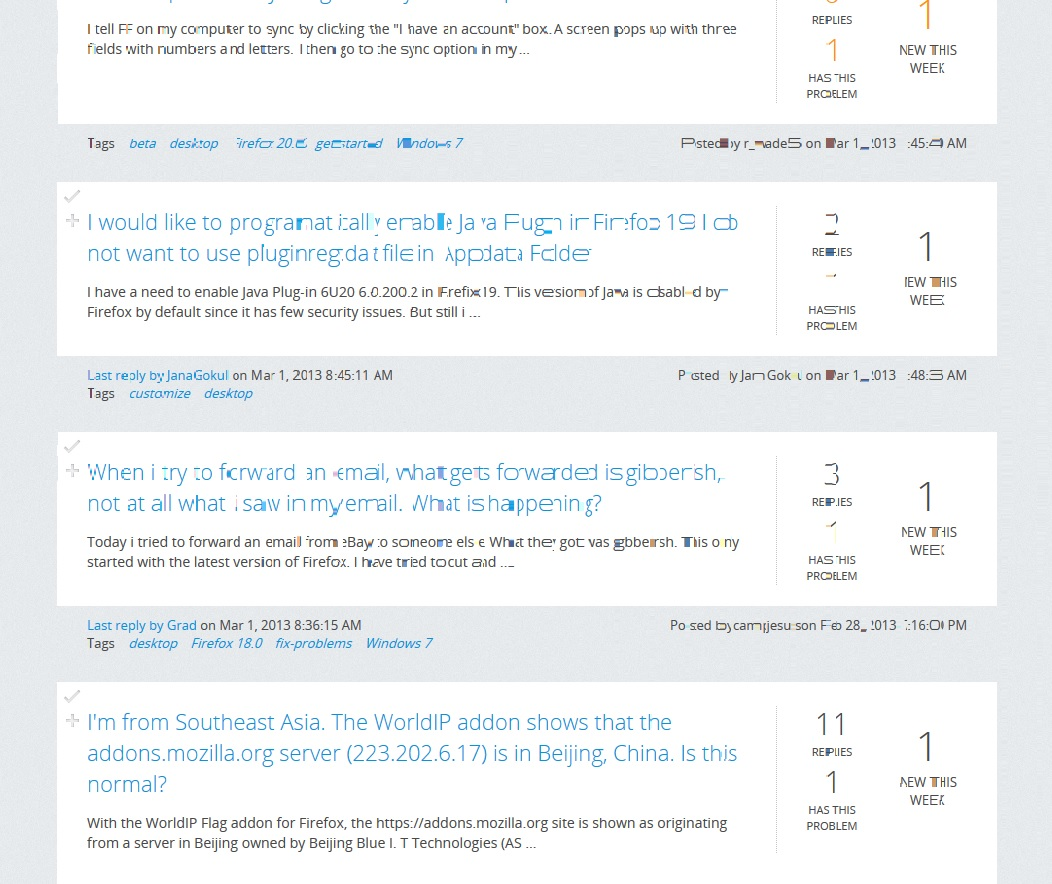
I just noticed, on youtube when I move the cursor over the video links, the text of other video links will randomly distort. This seems to cause the distortions more "reliable" even.
First pic is where the text is ok, 2nd pic is where I just moved the cursor down the links and then up again.
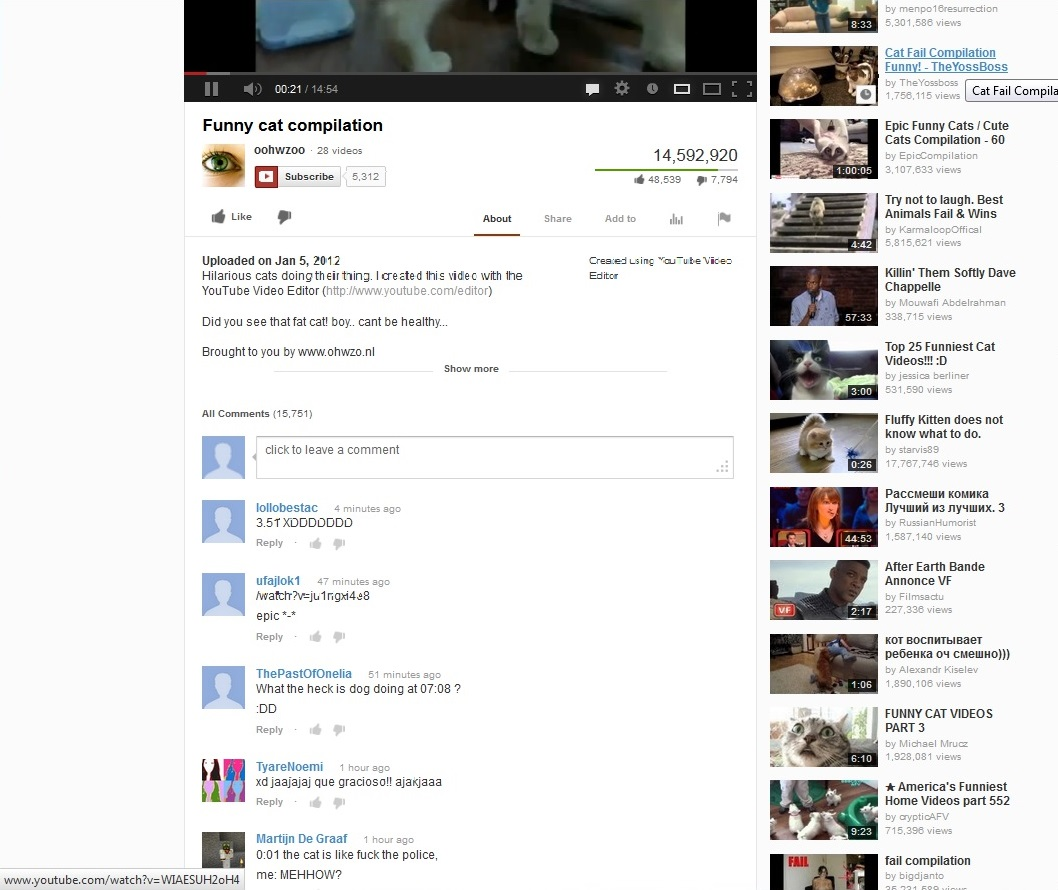
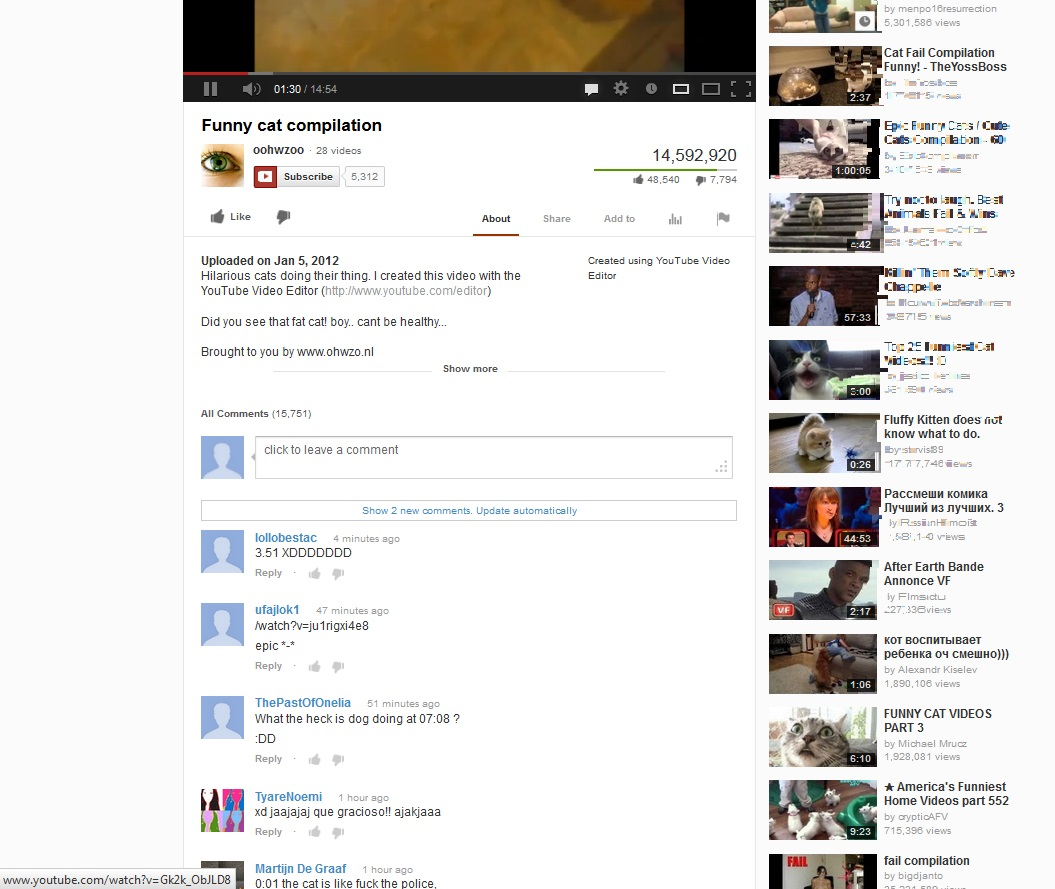

While I have exactly the same problem I've discovered that it only happens when I run fullscreen. The same page is fine when I switch to a smaller screen and immediately returns when switching back to fullscreen. It also seems to come and go as I scroll down the page. It happens on all pages regardless of typeface of layout. Mozilla needs to fix this ASAP!
What all of these people said. I have the exact same problems and it started after the latest Firefox update.
选择的解决方案
Try to disable hardware acceleration in Firefox.
- Tools > Options > Advanced > General > Browsing: "Use hardware acceleration when available"
- https://support.mozilla.org/kb/Troubleshooting+extensions+and+themes
Try to update the graphic display driver.
Cor-el, it's my work PC that's having the issue, so I'll have to try that on Monday. Thank you for the suggestion.
Updating my display driver worked for me so far. Turning hardware acceleration off before I updated the driver worked for me as well. Thanks cor-el <3 ^^
由Vyress于修改
It should not be up to us to suddenly have to update drivers, etc. Everything was fine on my system until Firefox upgraded to 19. My drivers and all software are already up to date. This is a BUG, simple as that!
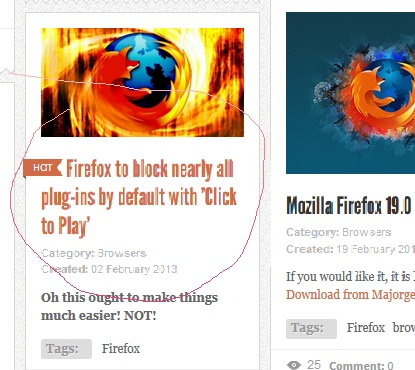
I have this problem also, on an AMD system with windows 7 x64 and radeon 4350 graphics. It appeared immediately after installing the Win7 64 platform update KB2670838 on Feb 26 not the Firefox 19 update a few days earlier, although it only affects Firefox. My drivers were up to date, but turning off hardware acceleration fixed it.
由vankuvr于修改
You're right! I have a similar setup: Win 7 Pro 64, AMD Radeon HD4650. I turned off hardware acceleration and the problem went away. Note, as I mentioned before that the problem, at least for me, only occurs when running anything other than full screen. In full screen it's fine even with acceleration on. Thanks for the advice.
Hey, I was trying to find a solution, but for the past week my firefox is doing something weird with fonts, I didn't see any errors on images yet. I downloaded AMD Vision Control Center, but I don't know anything about it :( The problem is happening even when I'm writing right now. Here is screen:
Please tell me what to do (I already unchecked acceleration, didn't help). roxy
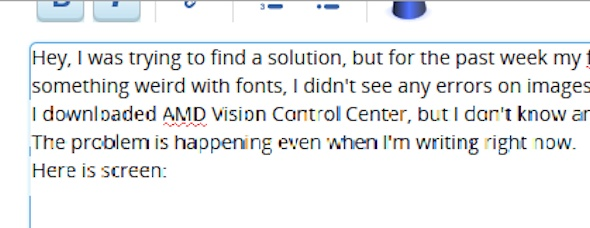
Thank you.
Problem solved.

Both suggestions--turning off hardware acceleration (HA) and updating driver--worked. After turning off HA, the problem resolved. I then checked for an updated display driver via Windows 7, which found one. After updating the driver, I turned HA back on and the text distortion seems to have stopped.
Still puzzled, though, about why only Firefox 19.0 was affected; no other browser (Chrome/IE) or local application was affected. Anyone know what changed with v19.0 to cause this issue to arise?
roxcafe,
Try updating your display driver. In Windows 7 (the process may be similar for other versions of Windows), go to Control Panel > Device Manager > Display Adapter. Right-click on your adapter, then click on "Update Driver Software." Click on "Search automatically for updated driver software." Windows will determine whether your driver software has been updated and will install it automatically.
This method is conservative in that it will only install a version virtually guaranteed to be compatible with your PC. Alternatively, go to your PC's manufacturer's website and search for updates there.
IF you cannot find a suitable updated driver, stick with shutting off Hardware Acceleration in Firefox 19.0 as described in cor-el's 3/1/2013 post (first bullet).
由DrBB01于修改
Thanks very much for your answer DrBB01. I have ATI Mobility Radeon HD 4200 Series, updating it now, let you know if this works asap.
It helped! I updated my driver and it's all good, thx DrBB01!
I'm glad it worked!
I have the same problem - SAMSUNG r720 Screen Size 17.30 (resolution: 1600 x 900 pixels), Windows 7 32 bit, Radeon HD 4650 with latest drivers. I am running FireFox v19.0.2.