


Open
I can no longer compose new emails. No prompt given.

I have used Thunderbird for years and have updated new versions. This past week, I can no longer compose new emails; no prompt given for that function. What can I do? I am not a computer geek, so I don't really know how to fix this problem, which seems to be a software issue. Thank you.
I have used Thunderbird for years and have updated new versions. This past week, I can no longer compose new emails; no prompt given for that function. What can I do? I am not a computer geek, so I don't really know how to fix this problem, which seems to be a software issue. Thank you.
所有回复 (1)
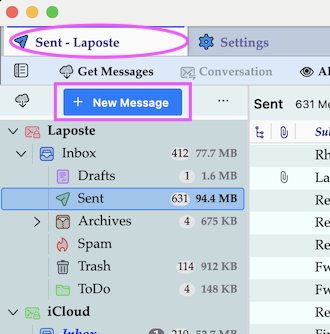
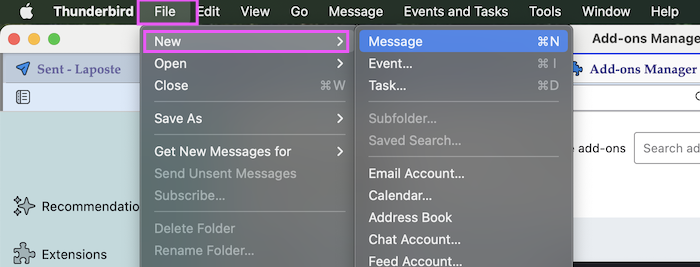
If you have selected any folder in any of your accounts in the folder pane on the left you'll see a big "New Message" button at the top of the folder pane (1st image) If you have opened another tab you won't see the folder pane: go to File > New > Message... (2nd image) Or just use the keyboard short cut Ctrl + N (the Thunderbird main window must be in focus).
由Mapenzi于修改