


Strange log-in for my local newspaper

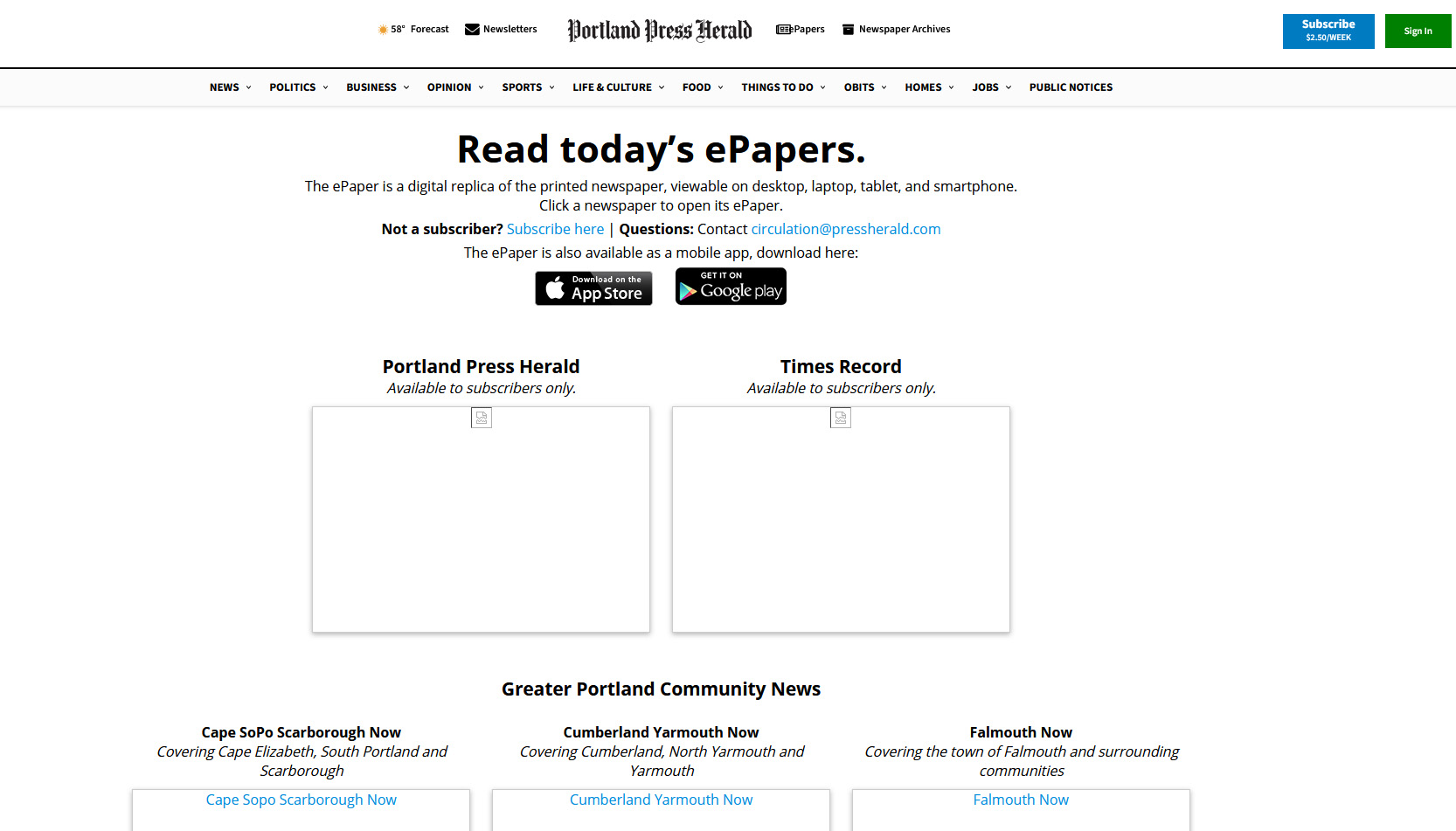
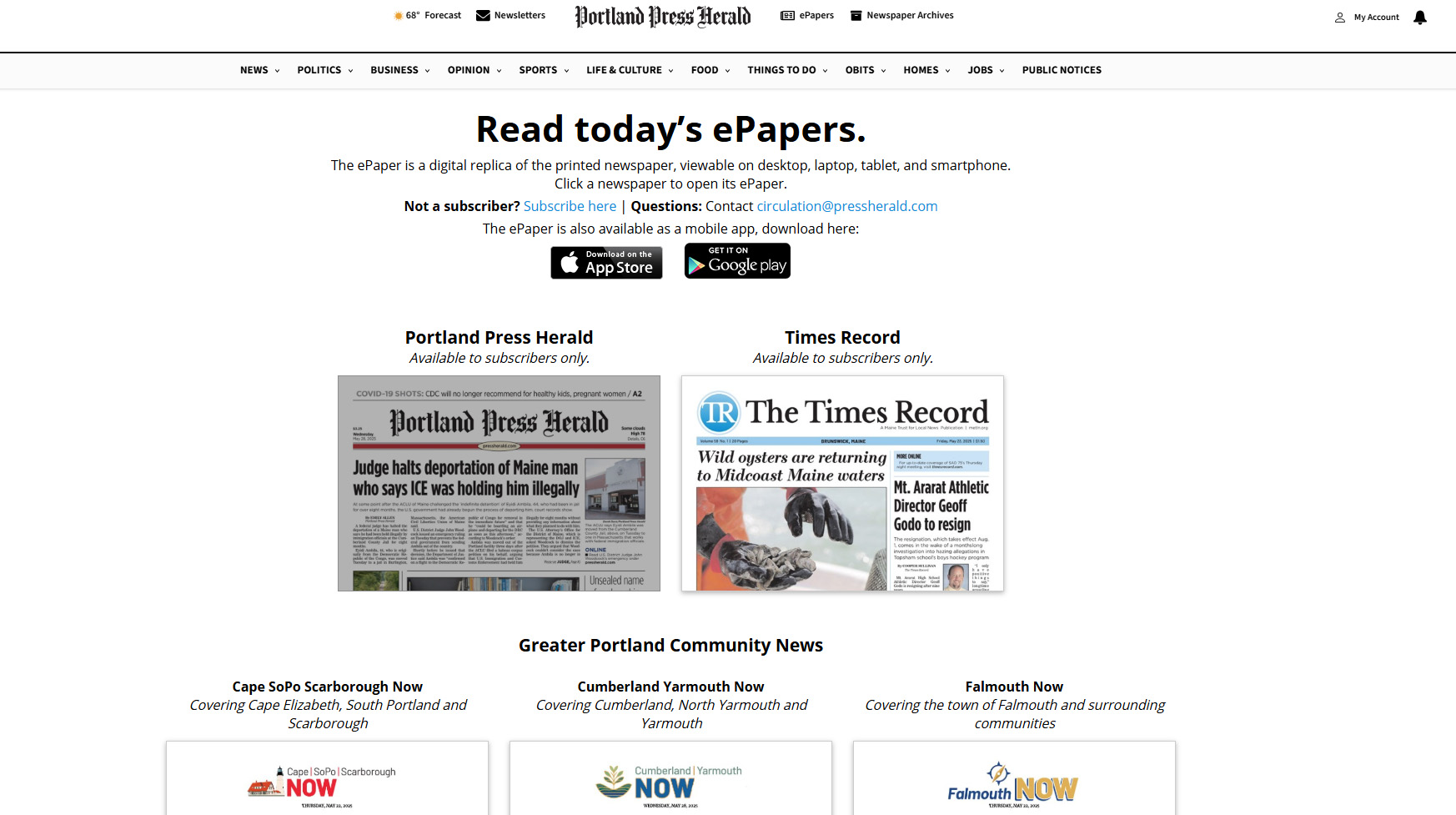
For some strange reason, I get this response when logging in to local newspaper on Firefox..image one. When loading the same newspaper on Edge, I see this instead...image two. I've been in contact with the newspaper but the techs there can't figure what's happening. Is there a setting I have wrong on Firefox? Thanks for your time.
被采纳的解决方案
Just because it recommended doesn't mean it won't cause issues with some sites. You may just have to tweak something in that add-on settings for that site.
定位到答案原位置 👍 0所有回复 (6)
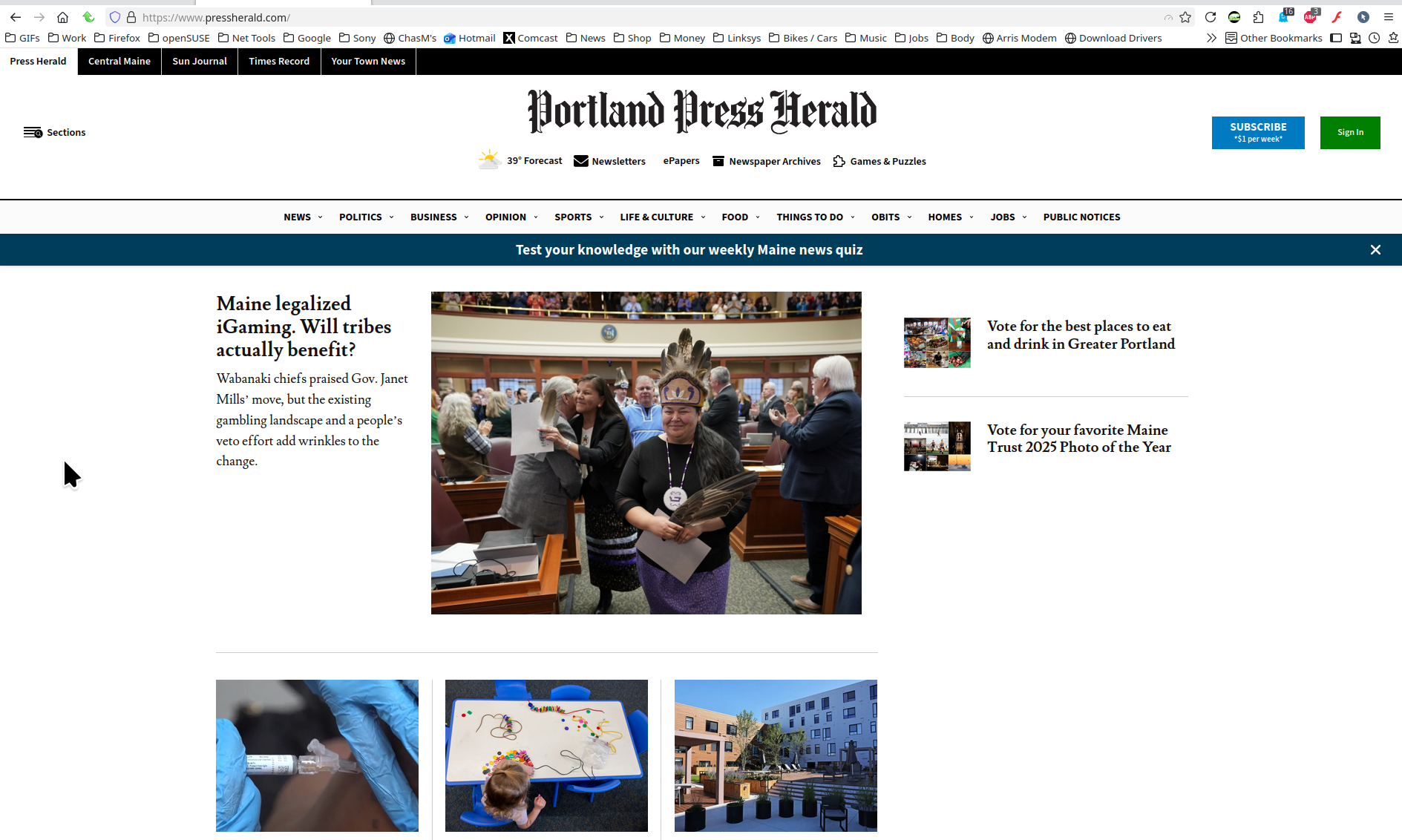
Your screenshot only shows what's in the browser window. It would be more helpful if we can see the entire browser to determine if you're running add-ons. see my screenshot Does it happen with Firefox in Troubleshoot Mode? https://support.mozilla.org/en-US/kb/diagnose-firefox-issues-using-troubleshoot-mode#search
由jonzn4SUSE于修改
Bruce Bartrug
4:02 PM (0 minutes ago)
to no-reply
Bruce Bartrug <bbartrug@gmail.com>
3:59 PM (0 minutes ago)
to no-reply
jonzn: It doesn't happen in Troubleshoot Mode. Here's a copy of the whole browser page, but that's probably not what you want; please indicate how to send you what you requested. Thanks.
image.png
-- Bruce Bartrug Nobleboro, Maine, USA bbartrug@gmail.com
I see no image, but glad it doesn't happen in troubleshoot mode. Must be an add-on. Do you research into which one is causing the issue.

Privacy Badger is the add-on that was causing the problem. Isn't Privacy Badger highly recommended all around? What does Priv Badg stop, and what might happen if its not enabled? Thanks for your help,
选择的解决方案
Just because it recommended doesn't mean it won't cause issues with some sites. You may just have to tweak something in that add-on settings for that site.
由jonzn4SUSE于修改