


Thunderbird 145.0: Calendar providers missing, no Google/CalDAV options, new profile not created
Hi Thunderbird team,
I recently moved over from Postbox because Thunderbird is known for being stable, powerful, and professionally maintained. I’m more than willing to financially support the project if it means the basics — like Google Calendar integration — work reliably.
I’m assuming this is just a technical issue on my system, so here are the full details.
I’m on macOS Sonoma, running Thunderbird 145.0 (aarch64), and the entire Calendar module appears to be missing.
Symptoms: • When creating a new calendar, only “On my computer” is available • No Google, no CalDAV, no ICS, no network calendar options at all • The calendar wizard never shows Google OAuth • No calendar providers appear in the UI • calendar.provider.* entries are missing in about:config • The profile does not contain an extensions/ directory (so Lightning and the GData/CalDAV providers are not being created or loaded)
What I have tried: 1. Fully removed Thunderbird.app 2. Downloaded the correct aarch64 build from the Mozilla CDN 3. Renamed the existing profile (…default-release → …default-release-old) 4. Started Thunderbird with –ProfileManager to force creation of a new profile 5. Thunderbird shows the “Profile missing” dialog but does not automatically generate a new default-release profile 6. After manually creating a new profile, the Calendar module is still missing 7. No calendar-related files are generated in the new profile either
My goal is simply to add Google Calendar using the built-in provider, but Thunderbird behaves as if Lightning and all calendar providers are missing.
Question: How can I force Thunderbird to regenerate the full Lightning/Calendar provider set inside a new profile? Or: Which specific files or modules must exist for the calendar subsystem to load?
Any help would be appreciated — at the moment Thunderbird cannot create any network calendar at all.
System diagnostics (Calendar providers missing in Thunderbird 145.0 on macOS 14.8.2)
macOS version: macOS Sonoma Version 14.8.2 Build 23J126
Thunderbird version: Thunderbird 145.0 Executable type from the “file” command: Mach-O universal binary: x86_64 + arm64 The correct universal binary is installed.
Profile configuration (from profiles.ini): Profile1: default → Profiles/2a3nceor.default (Default=1) Profile0: default-release → Profiles/gpr8c7hb.default-release Install section shows default-release is locked as the default profile
Problem summary: • Thunderbird reports “Profile missing” • Thunderbird does not auto-create a new default-release profile • Even newly created profiles do not load the calendar subsystem
Calendar-specific issue: • “New Calendar” only shows “On my computer” • No “On the network” option • No Google / CalDAV / ICS • No Google OAuth login flow • Thunderbird behaves as if Lightning is not present
Profile folder contents: The profile does not contain: extensions/ Lightning gdata-provider caldav-provider ics-provider calendar-data/ storage.sdb local.sqlite
prefs.js contains no calendar.* entries. This suggests that the entire calendar subsystem is not being initialized.
Expected behavior: • A new profile should include Lightning + providers • “On the network” → Google / CalDAV / ICS should appear • Provider modules should be created inside the profile directory
Actual behavior: • No calendar subsystem • No providers • No way to add any network calendar
Request: What could prevent Thunderbird 145.0 from generating or loading the Calendar/Lightning subsystem on macOS 14.8.2, even with a completely new profile? Which component might be failing to register?
由Mr. Mike于修改
所有回复 (3)

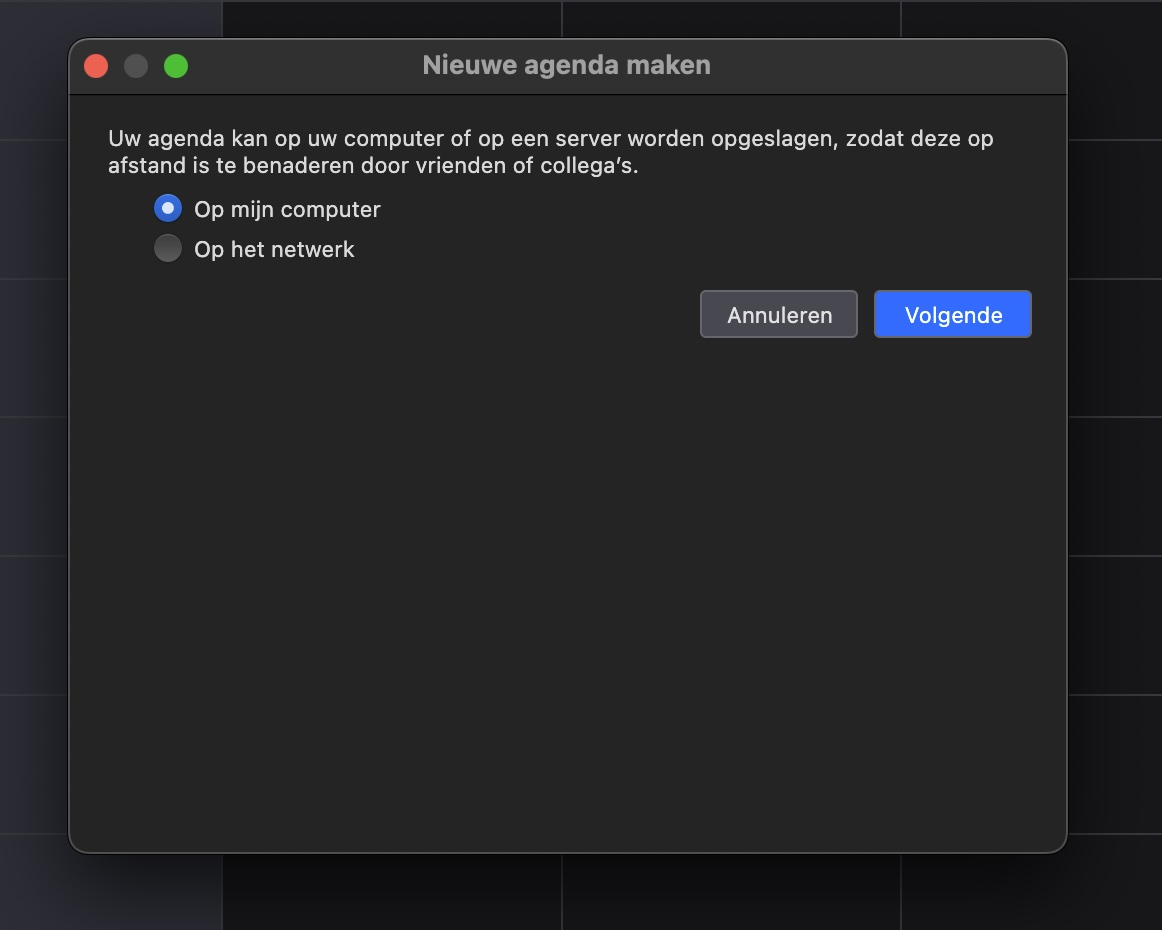
When creating a new calendar, only “On my computer” is available
You want to select 'On the network' when creating a new Google Calendar
Downloaded the correct aarch64 build from the Mozilla CDN
You want to download Thunderbird from https://www.thunderbird.net/
Started Thunderbird with –ProfileManager to force creation of a new profile
Starting the Thunderbird profile manager does not enforce the creation of a new profile. Why should it?
Thunderbird shows the “Profile missing” dialog
The “Profile missing” error is exactly what's expected when you rename an existing profile folder. Thunderbird is looking for profiles as per the entries in the profiles.ini file. You can use profile manger to create a new profile though. See https://support.mozilla.org/kb/using-multiple-profiles
After manually creating a new profile, the Calendar module is still missing
Not sure what you mean with 'Calendar module'. You can simply open a new calendar tab via the Spaces Toolbar. View - Toolbars Select 'Spaces Toolbar' in case it isn't visible.
My goal is simply to add Google Calendar using the built-in provider, but Thunderbird behaves as if Lightning and all calendar providers are missing.
There are no add-ons needed. Thunderbird supports CalDAV natively, and a Google Calendar can be accessed via CalDAV. See https://support.mozilla.org/en-US/kb/using-lightning-google-calendar for how to create a Google Calendar in Thunderbird.
Thunderbird cannot create any network calendar at all.
As per your first two screenshots - it can.
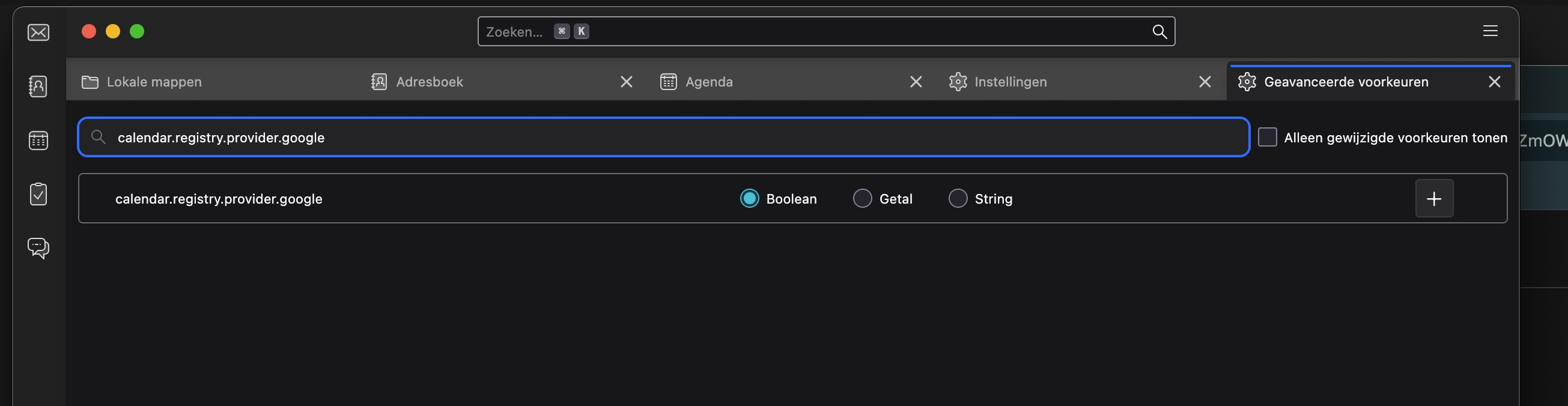
Wrt the 3rd screenshot, stop messing with about:config, it's not needed to create a new calendar.
由christ1于修改
Christ1, thanks for your reply.
Let me simplify my question:
I just want to add my Google Calendar using Thunderbird’s built-in Google integration (the one that normally opens a Google OAuth login). How do I enable that?
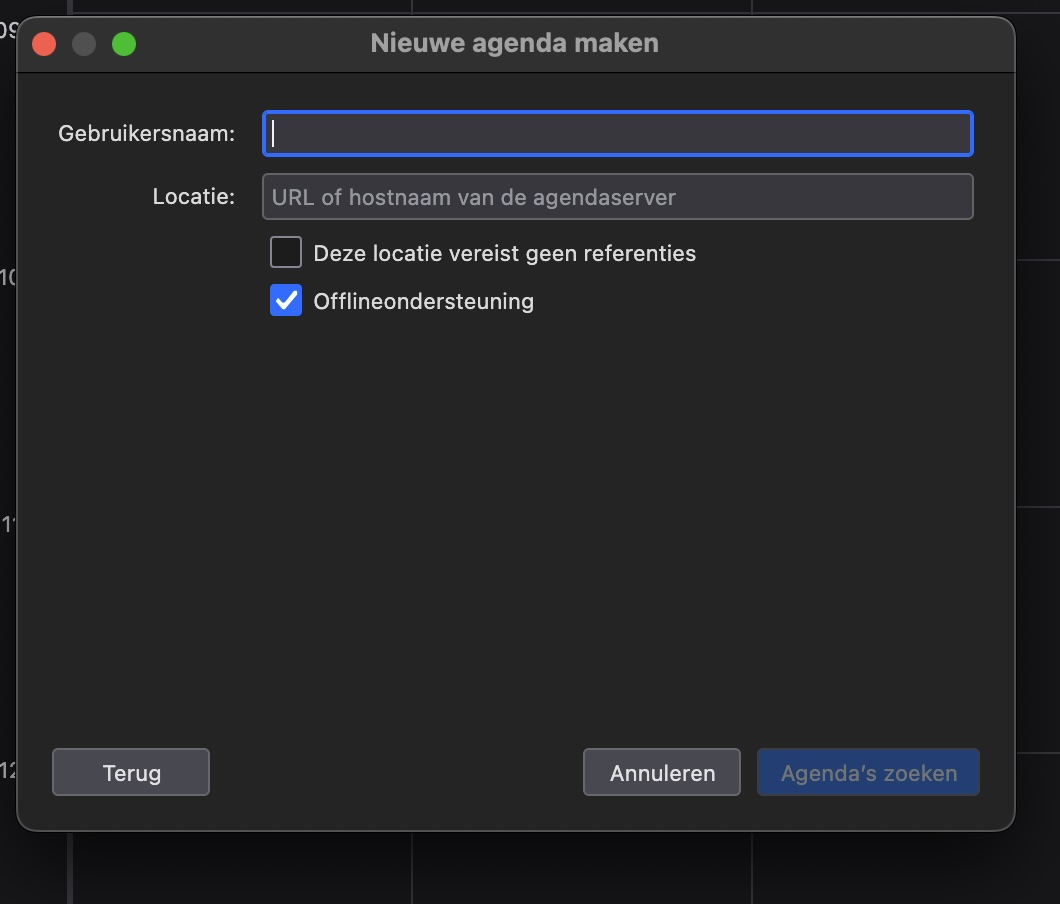
I can select “On the network”, but after that Thunderbird gives me no choices at all. There is no option for Google, no CalDAV, no ICS — just empty fields.
1. I choose “On the network” 2. The next panel shows no provider types and no Google option
So my question is simply: Where in Thunderbird do I enable the built-in Google Calendar support, so that the Google (OAuth) option appears in this screen?
That is the only thing I’m trying to achieve.
How do I enable that?
You don't. No extra step is required, it works out of the box.
There is no option for Google, no CalDAV, no ICS — just empty fields.
Indeed, there is no extra option, because none is needed. Just carry on with your Gmail email address, and follow the instructions in the support article linked above.