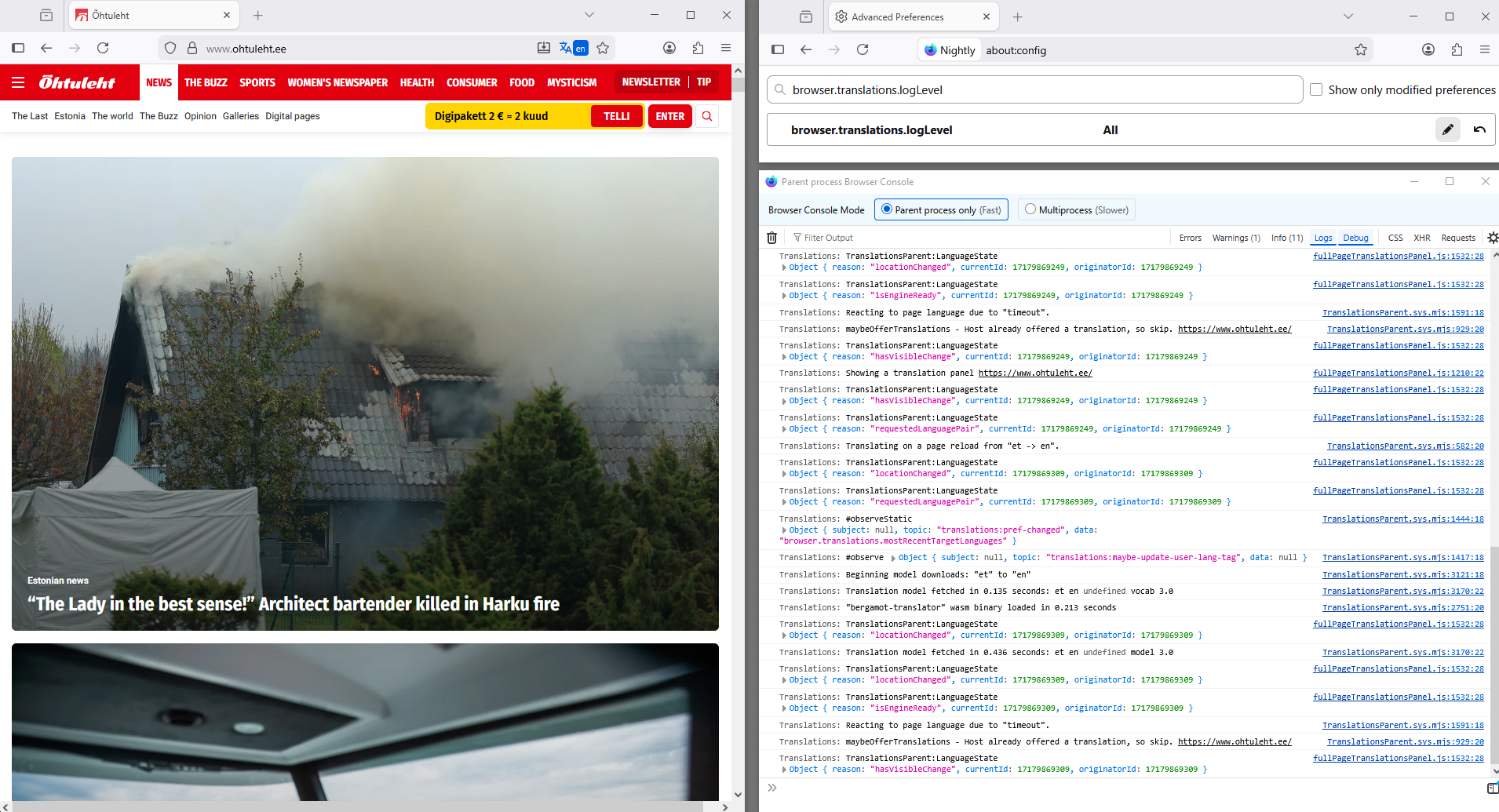
Firefox translating to estonian for NO reason

I do not live in Estonia, I don't know estonian, I don't have estonian set as a language anywhere in firefox or any other settings, I don't have any estonian language packs downloaded, the only time I was involved with it was when I accidentally clicked on 'estonian' instead of 'english' when trying to translate a page (once, I clicked on it accidentally once as far as I remember, one single time and no more. Only one time this happened. Once), and it somehow just can not cease asking me to translate pages to estonian, anything that isn't in english, somehow it tolerates that. Actually how does this happen and how do I fix it
所有回复 (5)
Hi, if you go to Settings => General => Language the you can clik on settings behind translations and remove the unwanted translation language. See Firefox Translations
Mad Maks said
Hi, if you go to Settings => General => Language the you can clik on settings behind translations and remove the unwanted translation language. See Firefox Translations
Yes, but in my case I want translation to be offered sometimes, it's just that it forces estonian on to me.
so i suggest you look where i pointed you to and remove the estonian language from the " Translation will happen automatically for the following languages" list
Hello
About translation log, for information purposes. https://connect.mozilla.org/t5/discussions/feedback-regarding-the-translate-feature-on-ff/m-p/102185/highlight/true#M39741
Try.
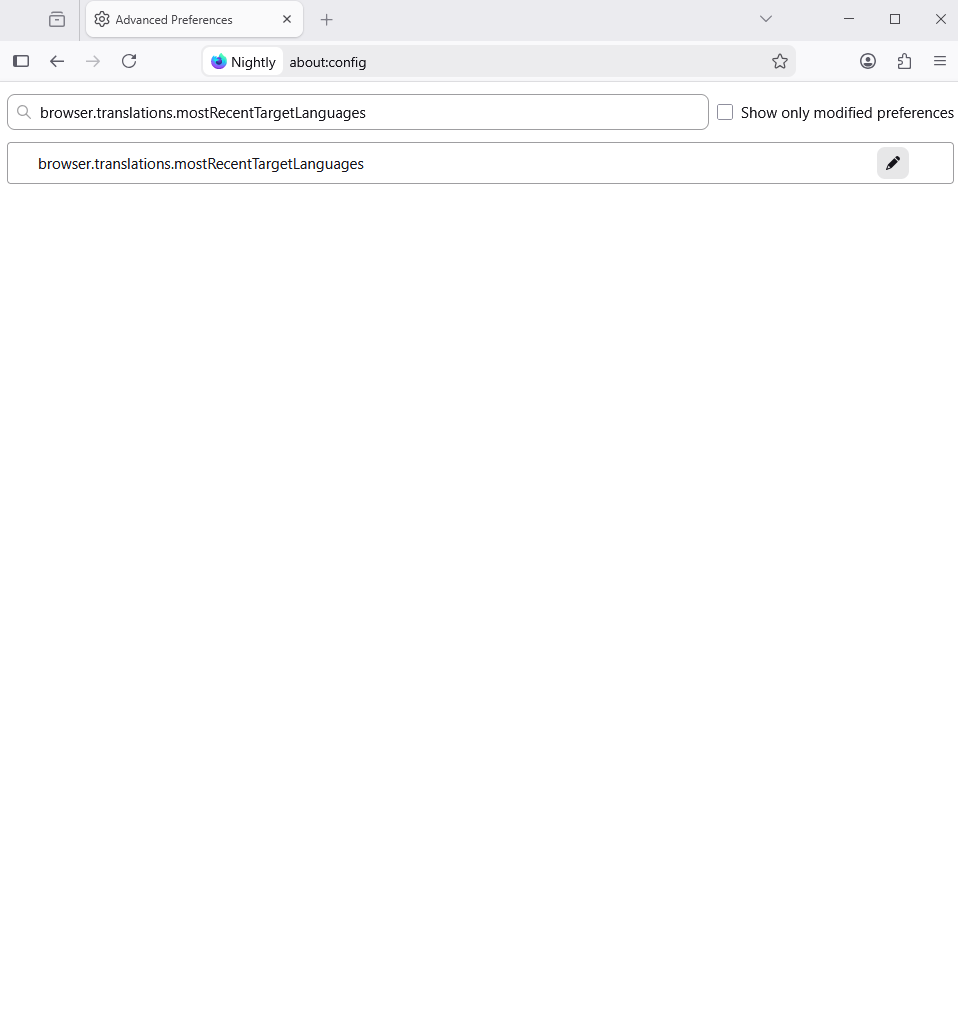
1 - Go to Configuration Editor for Firefox https://support.mozilla.org/en-US/kb/about-config-editor-firefox 2 - Enter a search term browser.translations.mostRecentTargetLanguages To reset a preference to its default value, click the Reset button.
Moderator Warning: These instructions are for experienced Firefox users. Changing settings in the Configuration Editor (about:config) can have serious effects on your browser’s stability, security and performance. Only proceed if you are comfortable with advanced settings and understand the potential impacts.
由Mad Maks于修改
Similar question https://support.mozilla.org/en-US/questions/1535724
Clarification.
browser.translations.mostRecentTargetLanguages, this is an information from the, browser.translations.logLevel.
Take a look at the screenshot, below.