


firefox

Why I am receiving regular message from web page "https://fno.5paisa.com/open-interest/oi-dashboard?name=HINDALCO&exch=N&exchtype=D" that this page is slowing firefox, stop it ?
所有回复 (2)
Why I am receiving regular message from web page "https://fno.5paisa.com/open-interest/oi-dashboard?name=HINDALCO&exch=N&exchtype=D" that this page is slowing firefox, TO SPEED UP YOUR BROWSER, stop it ?
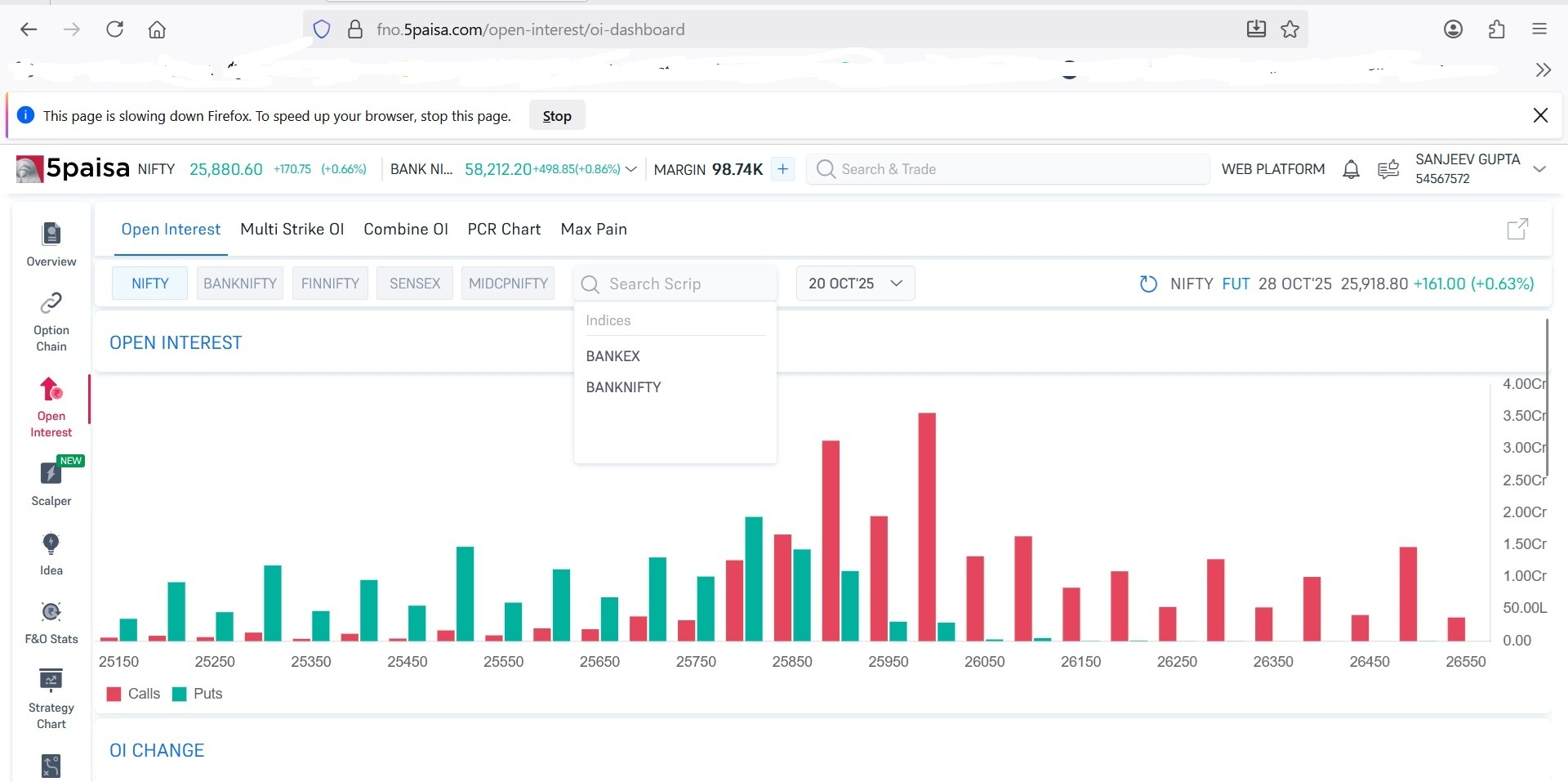

Firefox 149.0 (64-bit), Win 11 Pro.
Suddenly/recently started getting exact same "site is slowing" message when trying to access https://www.driveaccord.net/
Never had this problem on this site before getting a few recent FF updates. I have to click Stop button in the "slowing" message and then try to load the page again. It typically takes ~4-5 cycles of trying to load and clicking Stop before the page finally loads. The "status line" at bottom of FF window says "waiting for www.driveaccord.net..." continuously, until it loads.
Once the page loads, there are no further problems anywhere on the site during that session. If I leave the site, clear FF browser cache, cookies, etc and then try to visit the site again, I have to go through another 4-5 cycles of clicking Stop again.
If I don't clear cache, cookies, etc, after accessing the site, just leave the page and then try visiting again, it works perfectly the very first time, even after cold booting the PC. So this may be some sort of issue creating/storing cookies for this site.
No other sites I visit are affected by this problem. And, naturally, that site's IT support team blames Firefox...
How do I fix this?