


Bookmarks not syncing between laptops

Hi, all!
I bought a second MacBook. I am clearly logged in to Firefox on both laptops and my iPhone. I can share tabs between all three. I can access history between all three. However, Bookmarks on MacBook #2 are not updating with what I add to MB #1 or my phone. MacBook #2 is my business laptop, and the more important of the two. When I first got it, Bookmarks synced, but somehow stopped.
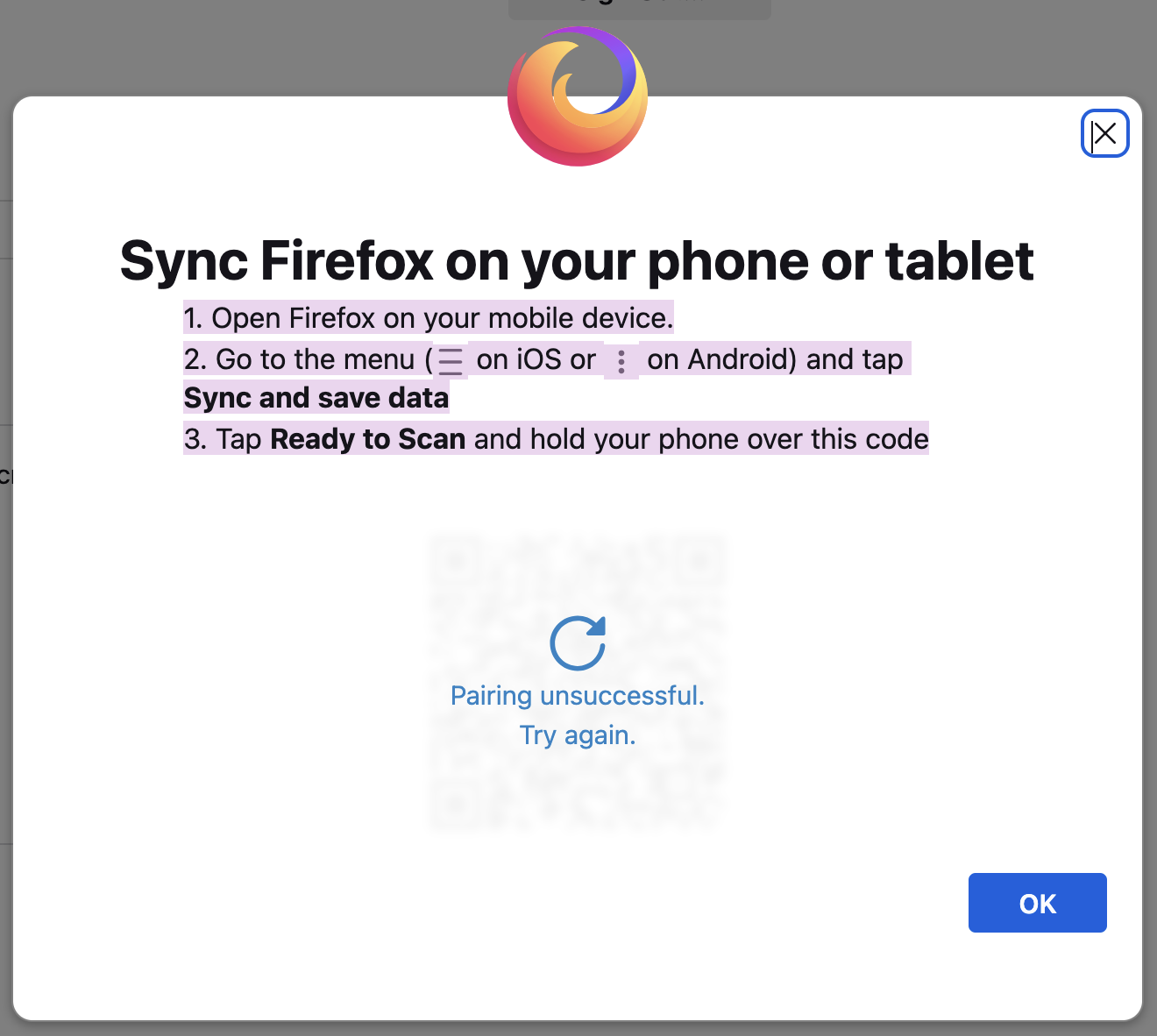
AND! Mozilla's instructions to pair/sync are inaccurate. There is no "Sync and save data" to tap on in iOS, and no matter where I look in iOS Firefox Settings, I see no way to scan the QR code. None of the Help pages I've seen have different or better info.
Thanks for your time and suggestions. John
所有回复 (3)
Moments after I made that post, MB #2 and my iPhone are now synced with MB #2s outdated version of bookmarks. I want new bookmarks, folders and folder structure on MB #1 synced with these devices.
Again, I am logged in to Firefox on all three devices, and that shows on all three.
What are the 2025 steps (not 2023) to getting Firefox bookmarks synced across all three devices?
Thank you!
To further clarify, tapping on my email gets me to "Sync Settings, and yes, "Sync Bookmarks" is selected.
My best guess says because I am logged in on my phone that the option to scan the QR code to sync just doesn't appear. I can select "Disconnect Sync," but don't want to try that without someone's input with reasonable certainty that doing that and resyncing will work.
I really wish Mozilla folks would provide direct help. This has been going on for months.

I’m likely too late for op but hopefully this will help future people. I was able to sync my bookmarks between my dell laptop and asus desktop by going into my Firefox setting on both devices, selecting the sync tab, selecting manage sync, and toggling on bookmarks (which was off for some reason). I clicked Sync Now on both devices and they appeared.