


Auto-fill settings missing

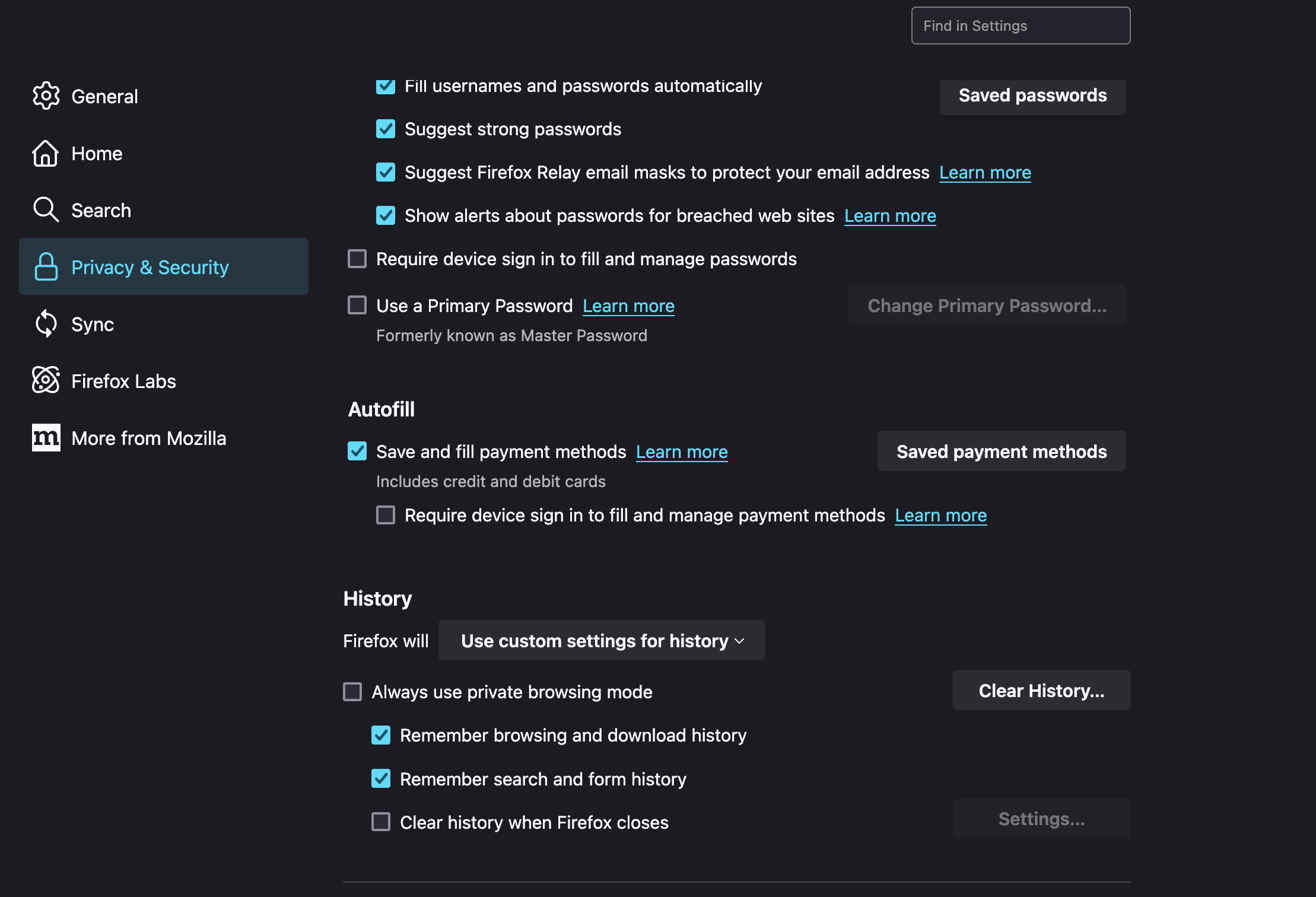
I cannot find the auto-fill options in settings. Within settings I have found autofill for bank cards, but that is the only option. I am trying to turn on autofill personal details such as address etc.
Please help!
I cannot find the auto-fill options in settings. Within settings I have found autofill for bank cards, but that is the only option. I am trying to turn on autofill personal details such as address etc.
Please help!
所有回复 (2)
Hi Jamie
Address autofill is only available for users the US or Canada.

Does anyone have an explanation as to why? That seems like such an arbitrary limitation, especially for such an incredibly basic feature of a browser. "The feature is there, it exists, it works, but YOU in particular can't have it because of where you live?" Is it a patent issue? What is going on?