


since updating to version 126.0 64 bit, why is firefox much slower to open?

i have updated to the latest version of Firefox, 126.0, 64 bit but find it is much slower when opening now. any idea why this might be?
所有回复 (7)

Did you try with Firefox in Troubleshoot Mode? https://support.mozilla.org/en-US/kb/diagnose-firefox-issues-using-troubleshoot-mode
Did you clear the browser cache and startup? see screenshot https://support.mozilla.org/en-US/kb/how-clear-firefox-cache
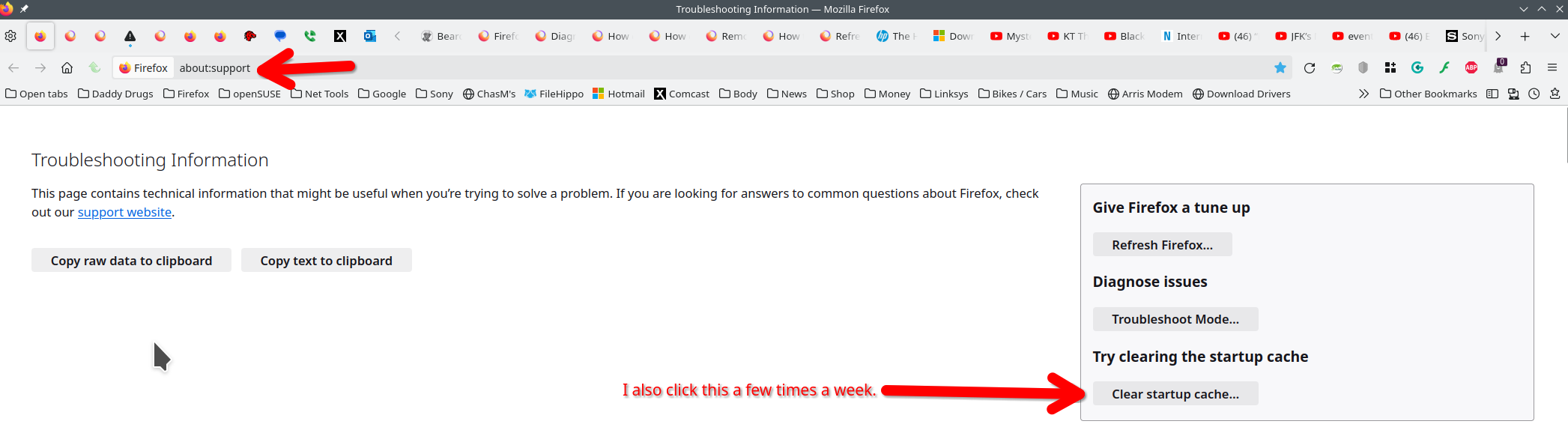
tnx to jonzn4SUSE for the suggestion of using troubleshoot mode. i found that firefox started much faster with the various bits disabled. what i dont understand is when i start firefox ordinarily, i have no pop-up blockers etc enabled anyway and that includes the inbuilt pop-up blocker, ie, all are switched off, so what has changed from how i have firefox start and how trouble shoot mode starts? this is very perplexing!
kevpc
Post a screenshot so we can see how many add-ons are installed when in normal mode?
hope i've added the images correctly.
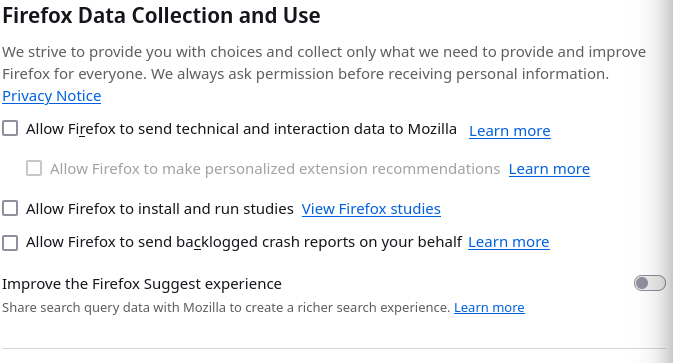
may i also ask, why is it that when i turn off the options for firefox to collect and use data, when i check the next day, all 3 options are ticked again? surely i shouldn't have to do this every day. once selected or de-selected, that's how things should stay unless i change them

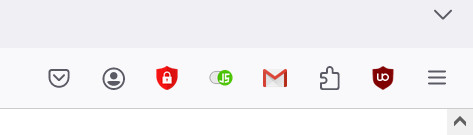
My options have been unchecked for sometime. see screenshot For the slow startup, I would disable Mcafee, restart and see if it makes a difference.
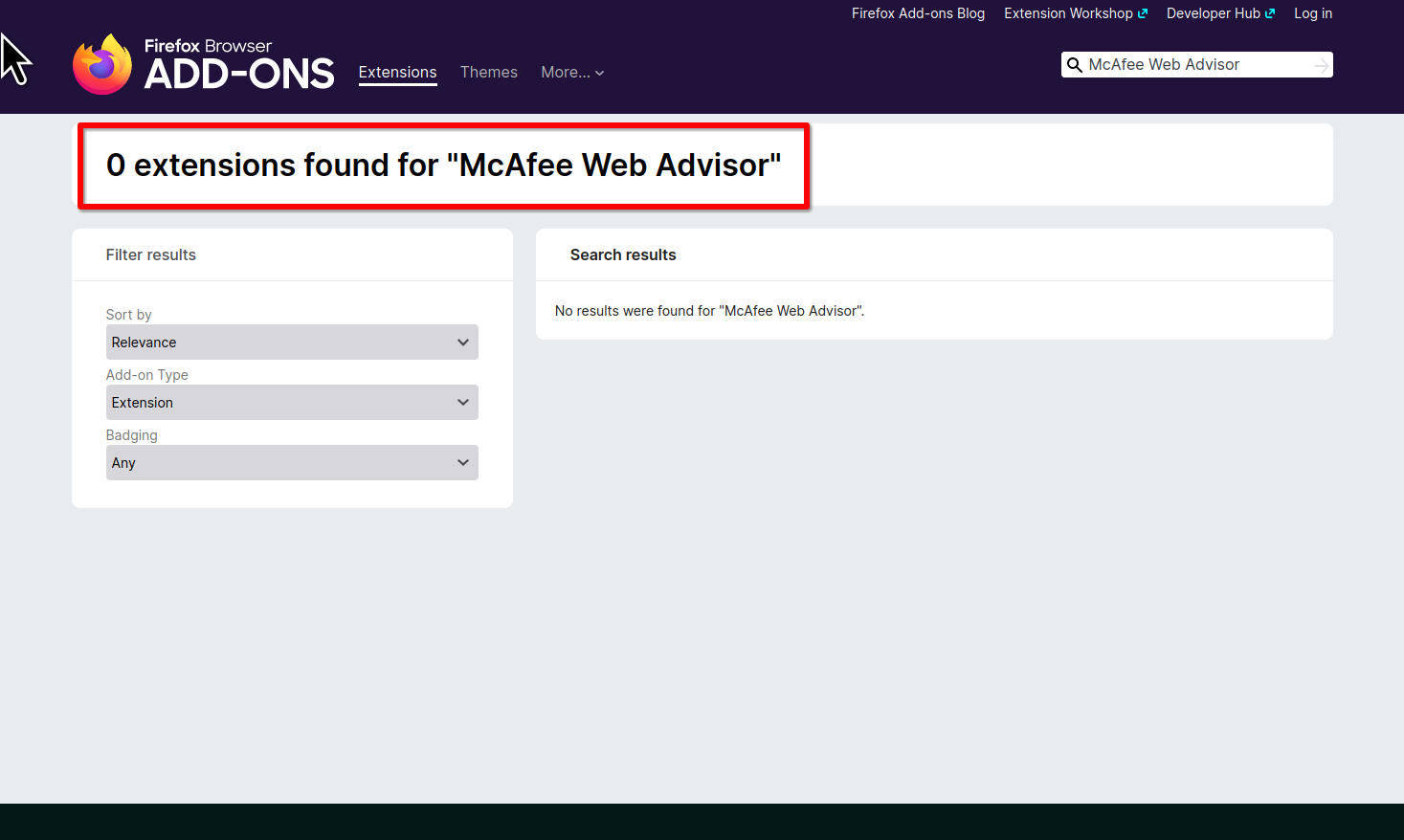
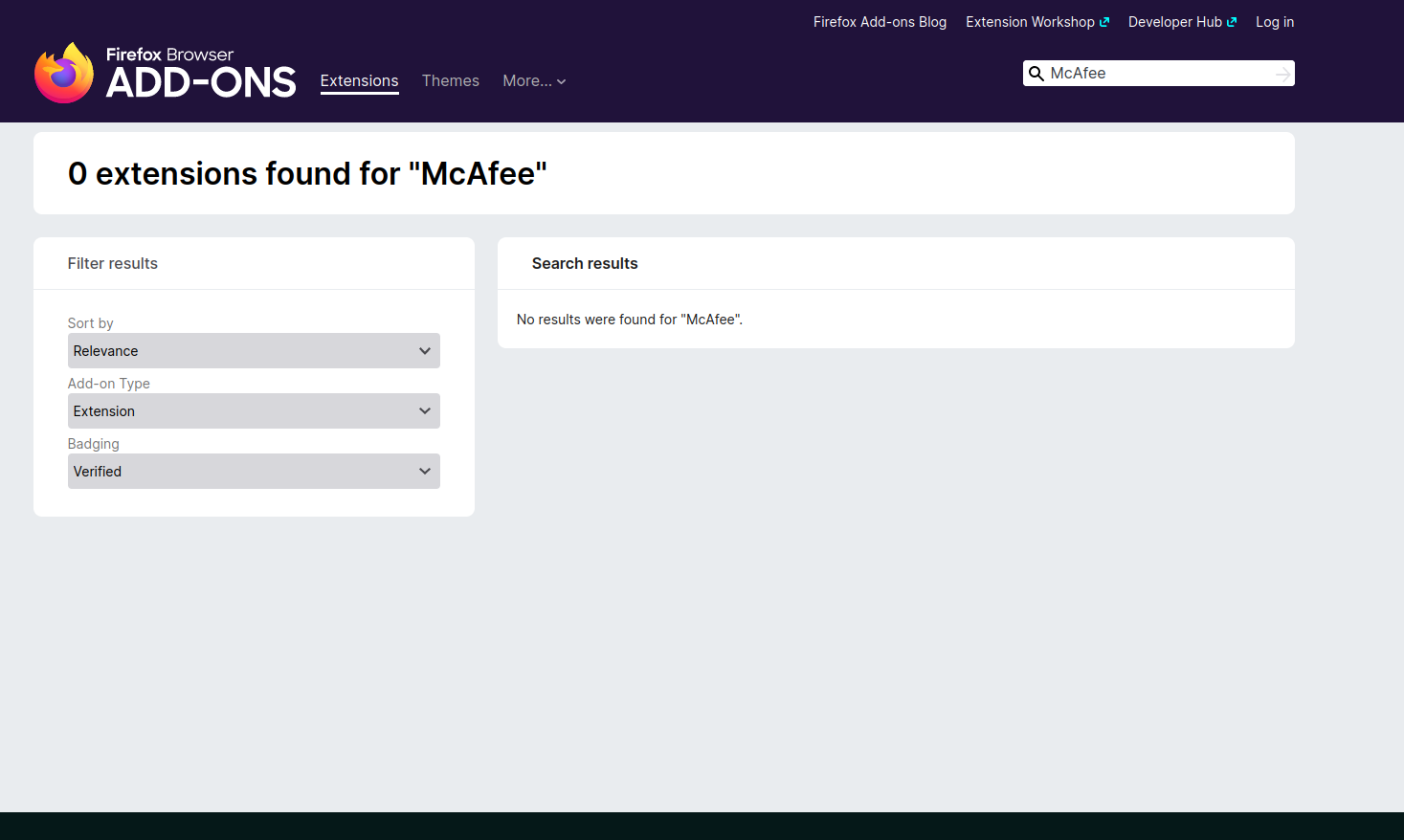
Mcafee... I'm not a fan and it's not in the add-on store. If it's not on the add-on site, there must be security reasons.
i dont use Mcafee, it isn't on my machine. the 'M' you can see is for gmail.
any idea on the other issue i've mentioned?