


Amazon Prime video

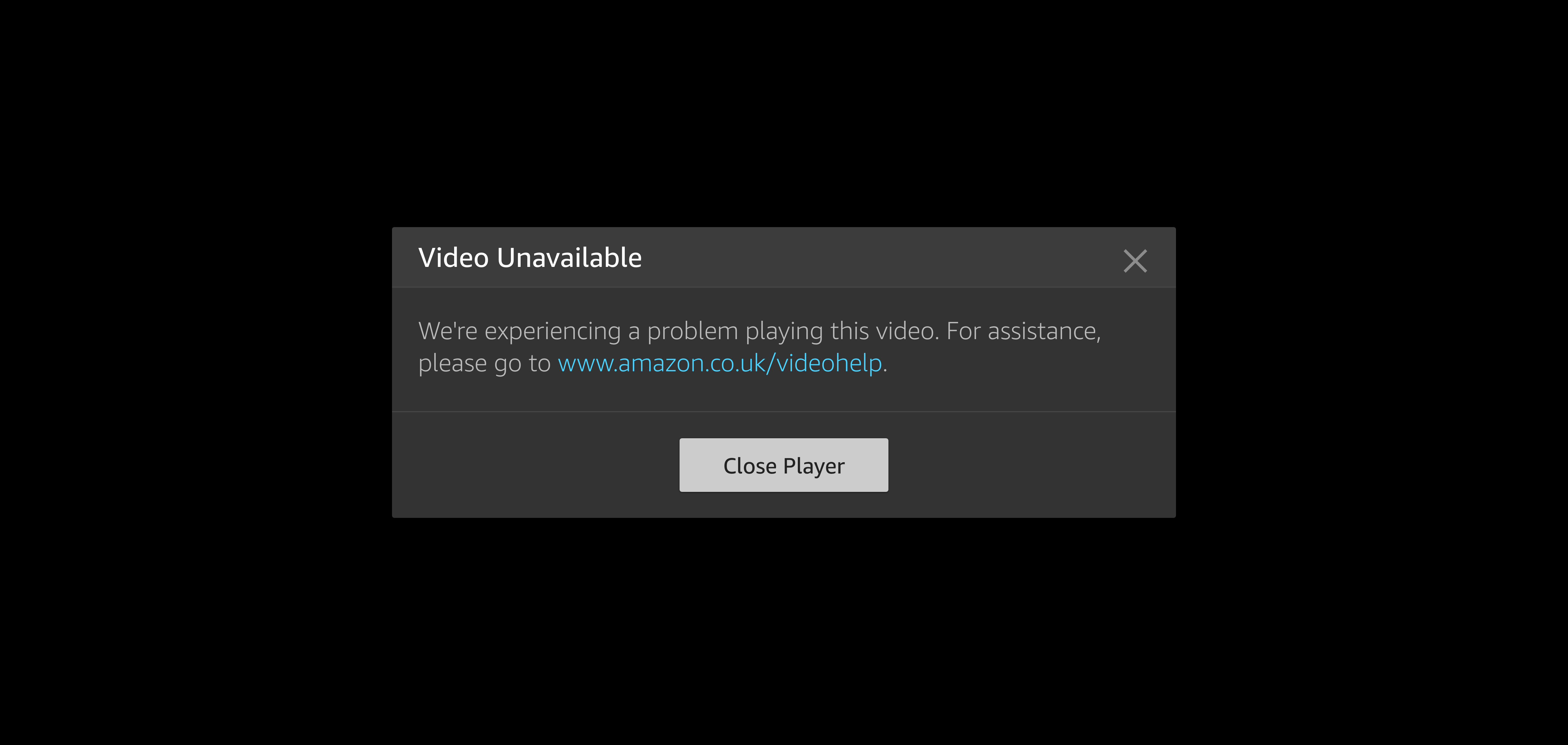
Since upgrading to OS Ventura, my iMac can't stream Prime videos on Firefox. My Mac Book has no problem on the same Amazon Prime account. If I use Safari on the iMac, it works fine. Anyone else had this problem?
所有回复 (3)

Did you try with Firefox in Safe Mode? https://support.mozilla.org/en-US/kb/diagnose-firefox-issues-using-troubleshoot-mode
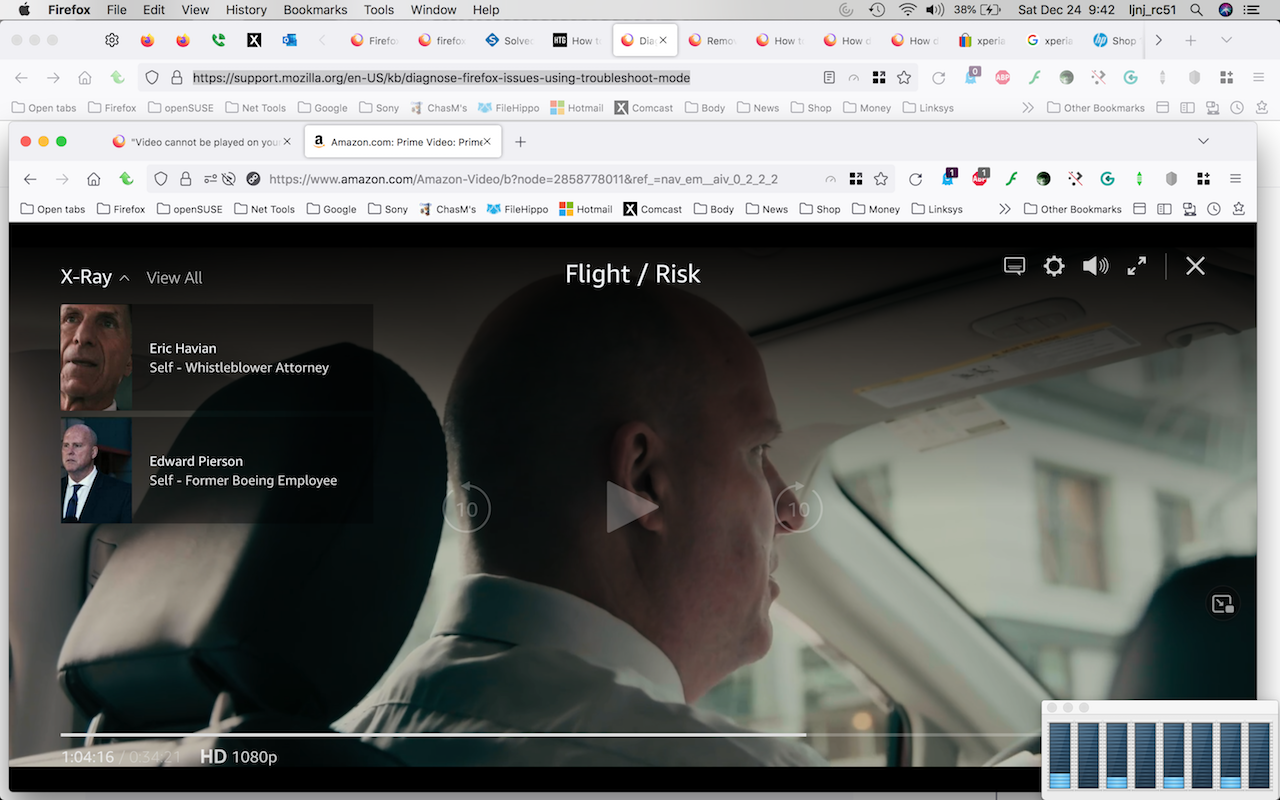
It works on my mac running 10.13.6. see screenshot
Thanks, I will give that a try, but my MacBook on Monterey 12.6 has no problem with Prime video streaming. It's my iMac on Ventura 13.1 that no longer works. And it's an odd error message, see screenshot, don't you think?
Make sure you have updated the Widevine plugin to the latest version (4.10.2557.0).
- Tools -> Add-ons -> Plugins
You can toggle DRM off/on to see if that makes Firefox (re)load DRM components.
- Settings -> General: Play DRM
- https://support.mozilla.org/en-US/kb/enable-drm
You can possibly check the XHR requests in the Browser Console if this doesn't work.