

话题已存档。
如果需要帮助请提出新问题。

已存档
Firefox Window is a couple pixels wider all the time.
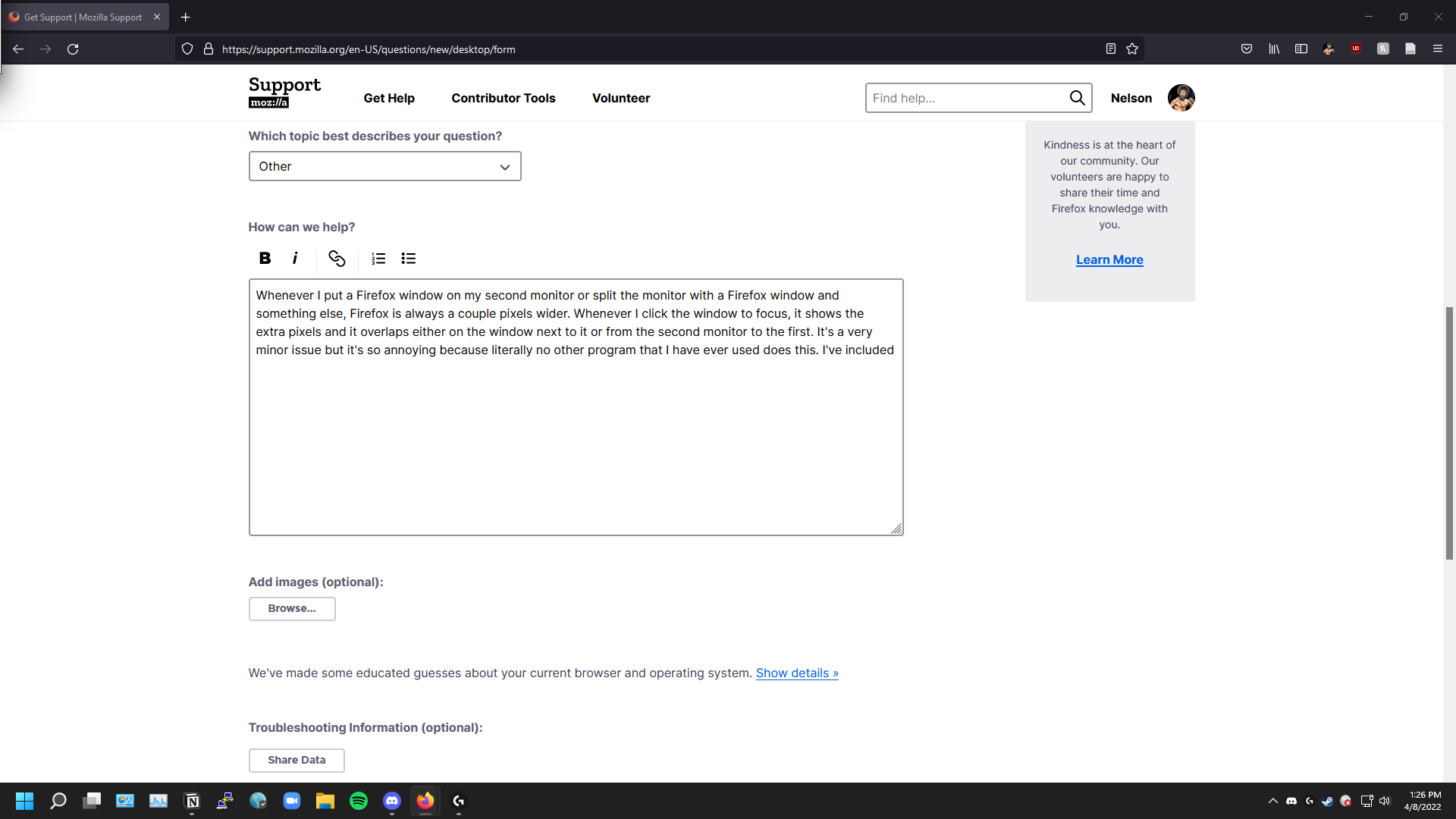
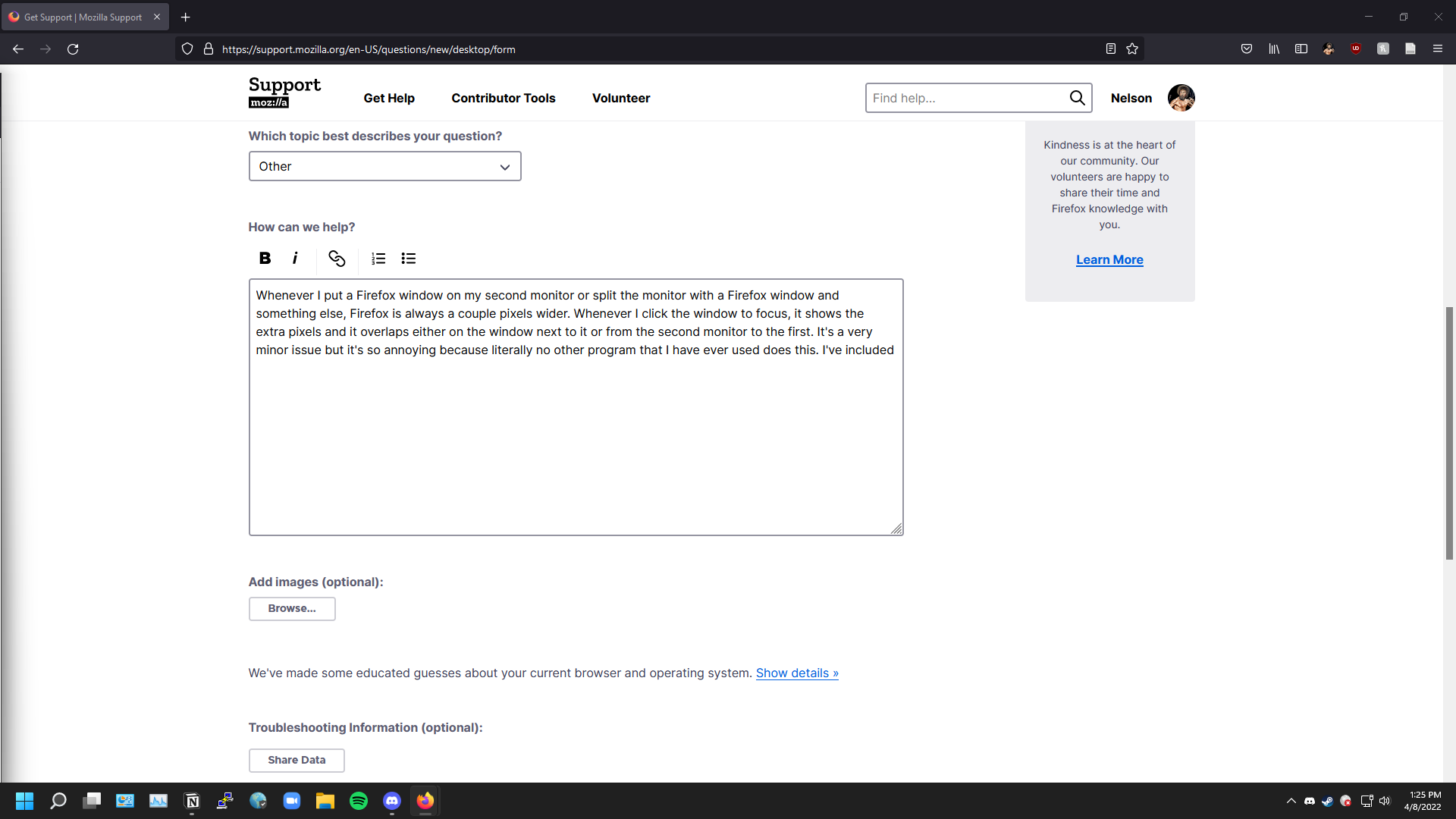
Whenever I put a Firefox window on my second monitor or split the monitor with a Firefox window and something else, Firefox is always a couple pixels wider. Whenever I click the window to focus, it shows the extra pixels and it overlaps either on the window next to it or from the second monitor to the first. It's a very minor issue but it's so annoying because literally no other program that I have ever used does this. I've included screenshots of my main monitor while I'm focused on the window on my second monitor. I've included two screenshots where the window is snapped to the top half and bottom half (the second monitor is vertical).
Whenever I put a Firefox window on my second monitor or split the monitor with a Firefox window and something else, Firefox is always a couple pixels wider. Whenever I click the window to focus, it shows the extra pixels and it overlaps either on the window next to it or from the second monitor to the first. It's a very minor issue but it's so annoying because literally no other program that I have ever used does this. I've included screenshots of my main monitor while I'm focused on the window on my second monitor. I've included two screenshots where the window is snapped to the top half and bottom half (the second monitor is vertical).
所有回复 (2)
Does disabling this Windows setting has effect ?
- Start > Settings > Personalization > Colors > "Title bars and window borders"
This does not solve the issue.