

话题已存档。
如果需要帮助请提出新问题。

已解决
已存档
Narrow font on some websites

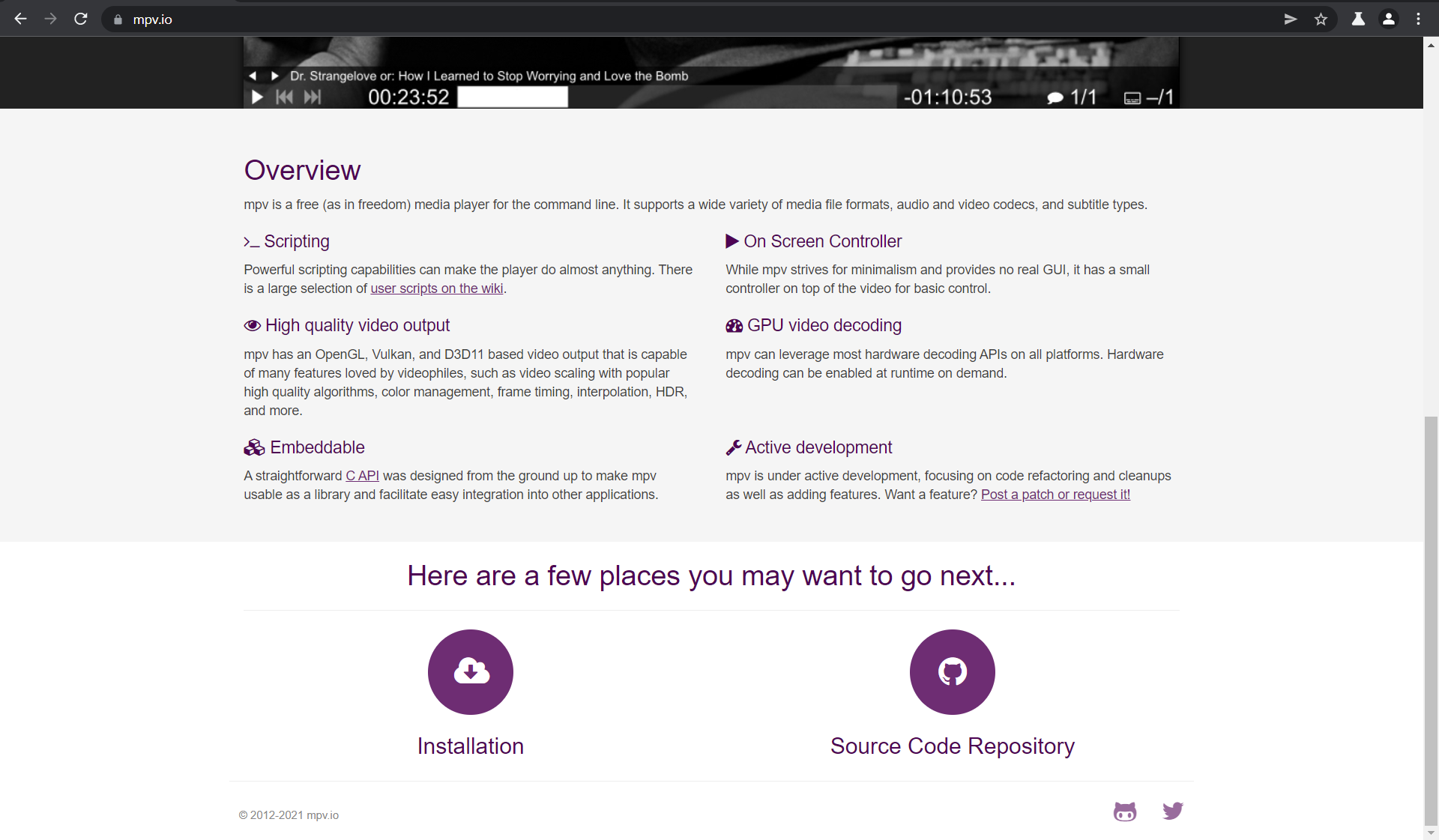
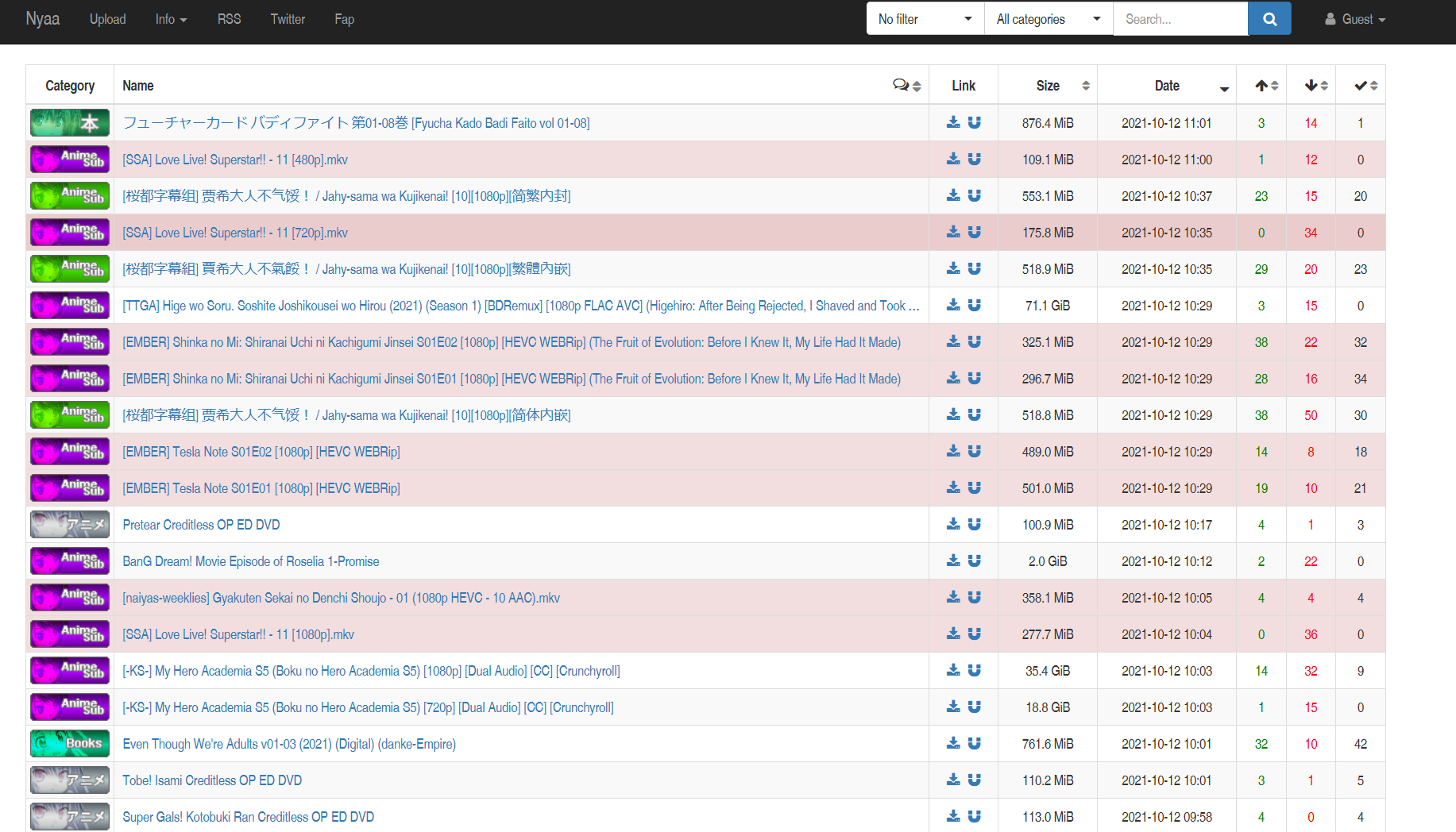
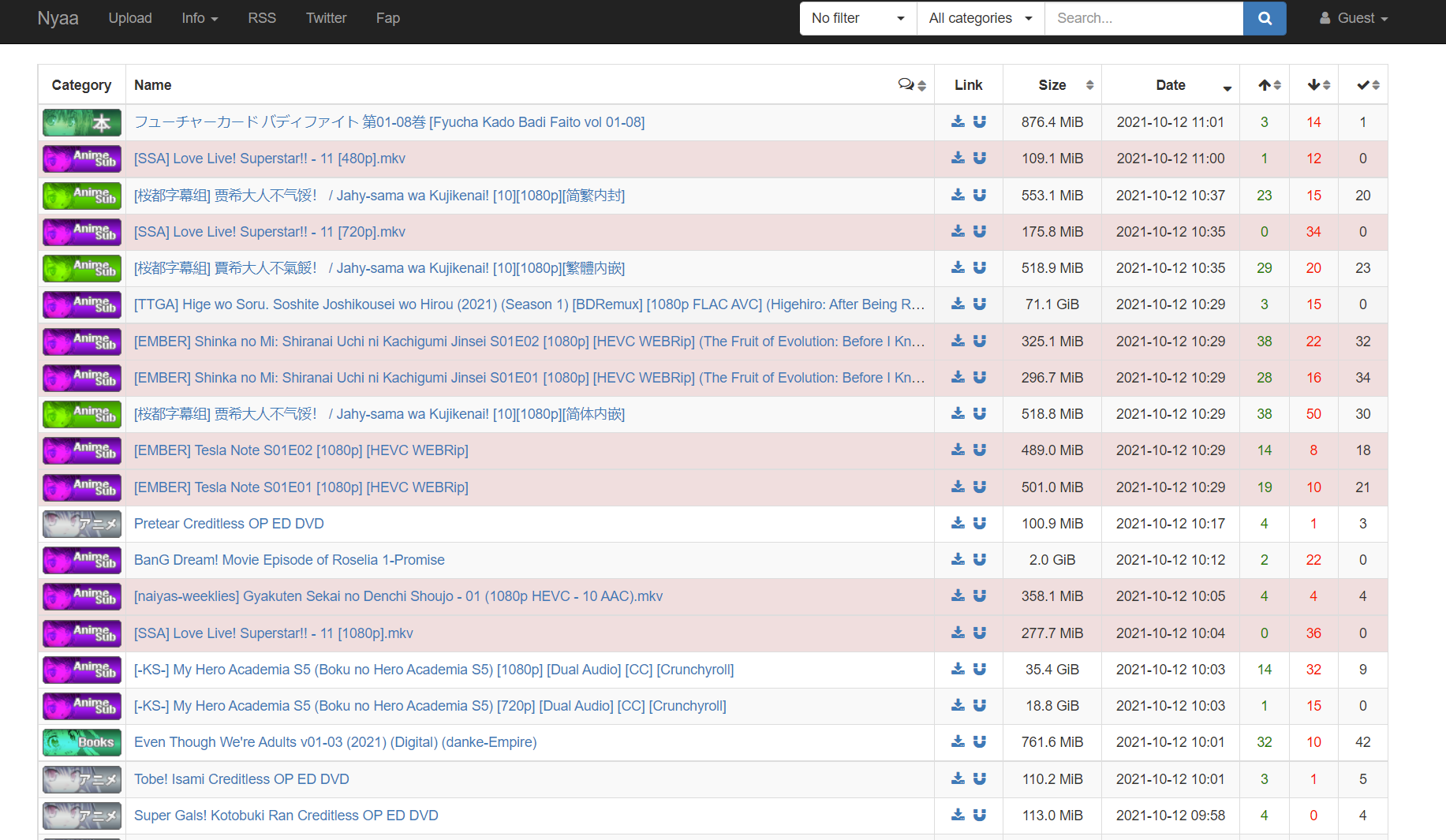
On websites that renders text in the users' installed fonts, the text gets rendered in Arial Narrow. This only happens on Firefox; attached are screenshots of https://nyaa.si/ and https://mpv.io/ on Firefox and in Chromium.
A quick glance at about:config with the search term "font" shows no modified settings.
Any fixes?
On websites that renders text in the users' installed fonts, the text gets rendered in Arial Narrow. This only happens on Firefox; attached are screenshots of https://nyaa.si/ and https://mpv.io/ on Firefox and in Chromium.
A quick glance at about:config with the search term "font" shows no modified settings.
Any fixes?

所有回复 (1)
选择的解决方案
I fixed it!
If anyone comes here with the same problem, here's a solution courtesy of Reddit user u/CJG008: Go to about:config and change layout.css.font-visibility.level from 3 to 1.