

话题已存档。
如果需要帮助请提出新问题。

已存档
Allow 3rd party cookies
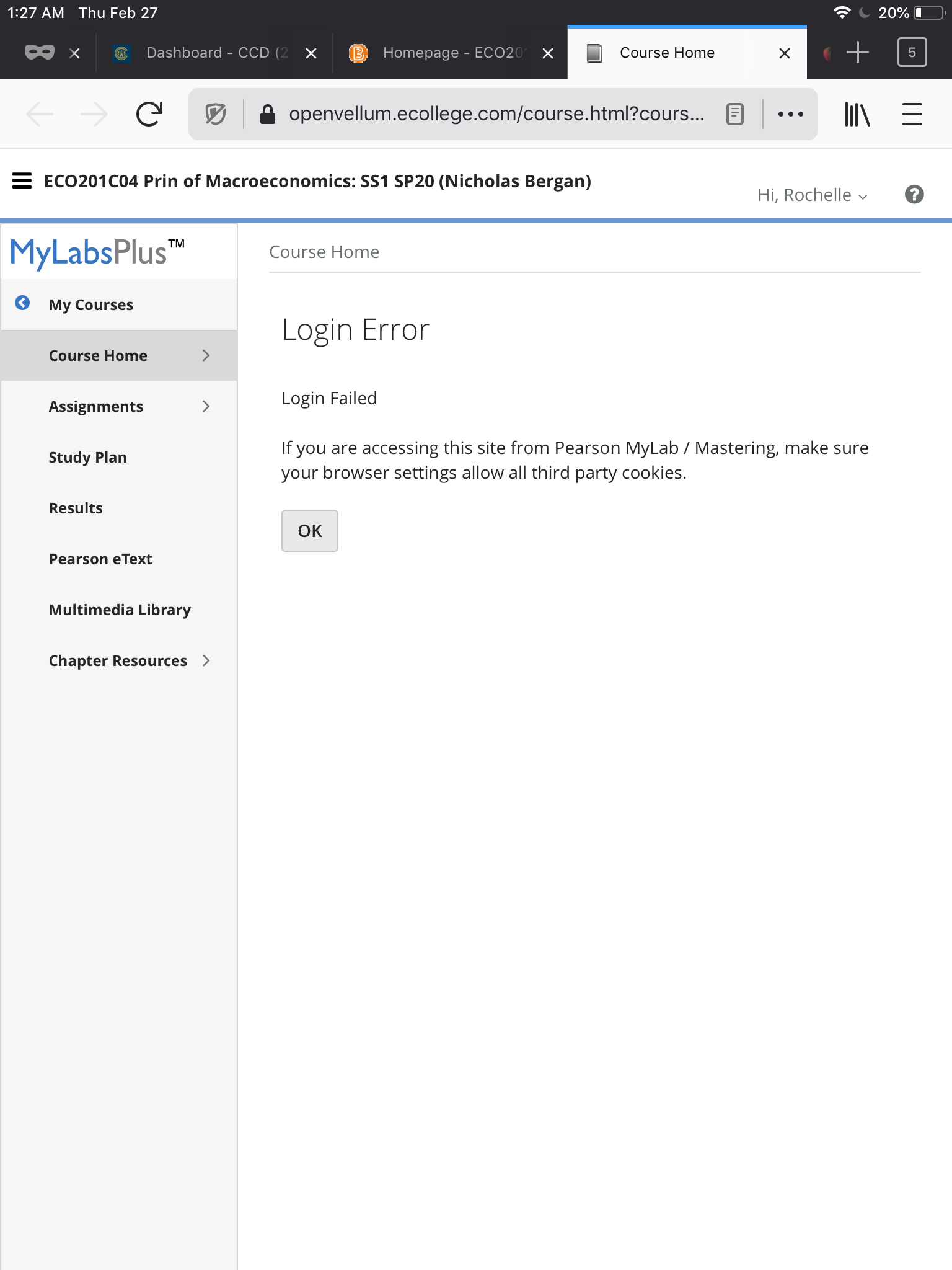
I’m taking college classes and can’t access my class on my iPad. The school says Mac users must use Firefox. When I login, it says I must allow 3rd party cookies. The steps it shows me to do are not the same as the options on my menu bar. I think I have it set to allow cookies but it does not give me an option to allow cookies on certain websites. I’m not sure why I’m having so much trouble. I’m not very computer savvy though. Please help.
I’m taking college classes and can’t access my class on my iPad. The school says Mac users must use Firefox. When I login, it says I must allow 3rd party cookies. The steps it shows me to do are not the same as the options on my menu bar. I think I have it set to allow cookies but it does not give me an option to allow cookies on certain websites. I’m not sure why I’m having so much trouble. I’m not very computer savvy though. Please help.
所有回复 (2)
This might be due to the fact you're using private mode which prevents cookies from being stored. I'd open in a normal firefox window and try again.
由Eve于修改
I wasn’t using the private mode. Is there a way to unblock 3rd party cookies?