


everytime i open firefox must i reboot it???

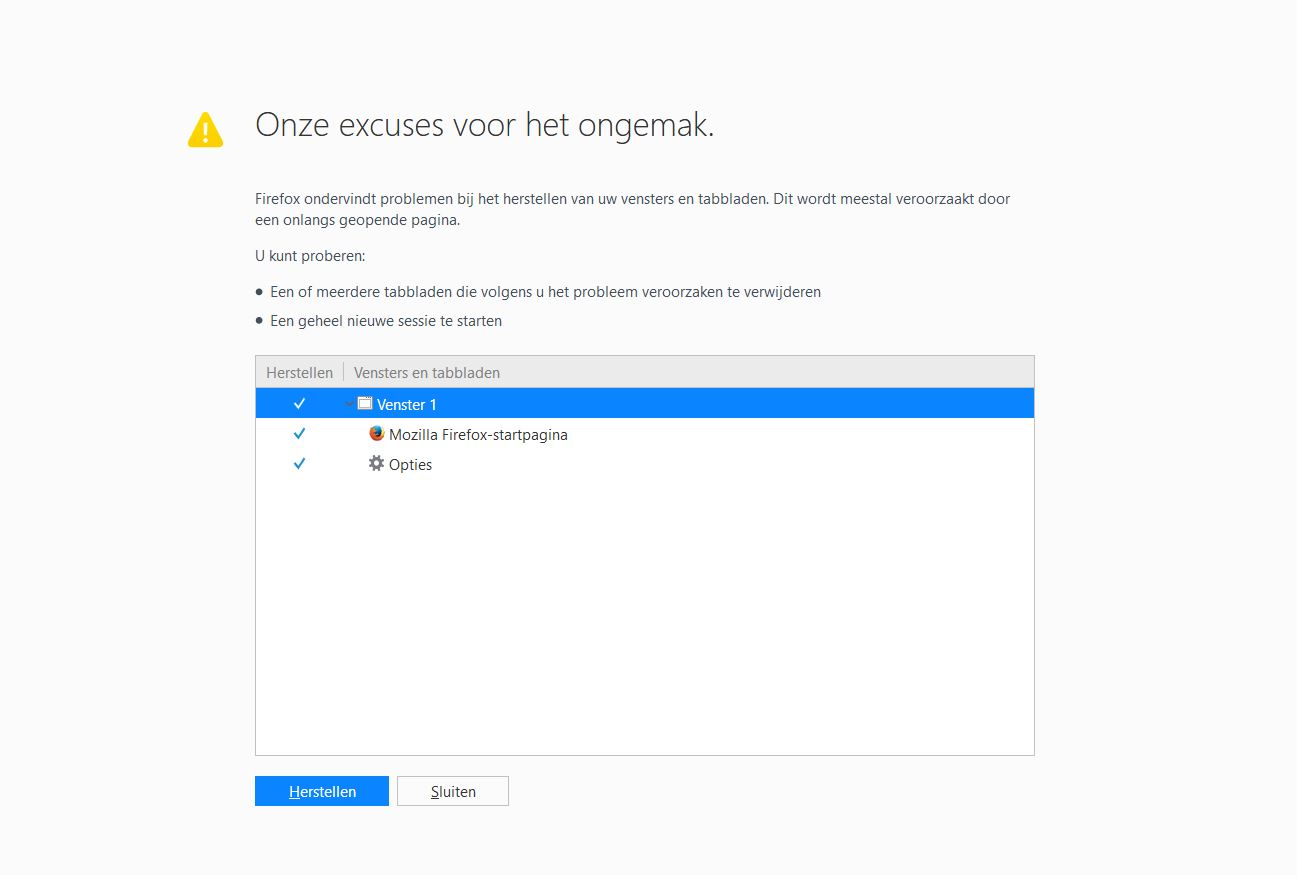
when i open my firefox you see in the attachment that i get. must always close of reboot. can you help me get back to google start page. Have already used firefox refreshments on your site but that does not help. friendly thanks
所有回复 (4)
Getting the page to restore the previous session means that Firefox didn't close properly the last time you used Firefox.
You can use one of these to close Firefox if you are currently doing that by clicking the close X on the Firefox title bar.
- "3-bar" menu button -> Exit (Power button)
- Windows: File -> Exit
- Mac: Firefox -> Quit Firefox
- Linux: File -> Quit
Start Firefox in Safe Mode to check if one of the extensions ("3-bar" menu button or Tools -> Add-ons -> Extensions) or if hardware acceleration is causing the problem.
- switch to the DEFAULT theme: "3-bar" menu button or Tools -> Add-ons -> Appearance
- do NOT click the "Refresh Firefox" button on the Safe Mode start window
the problem is still her nothing move i have always the solusionts reboot or close even i go to safe mode thanks
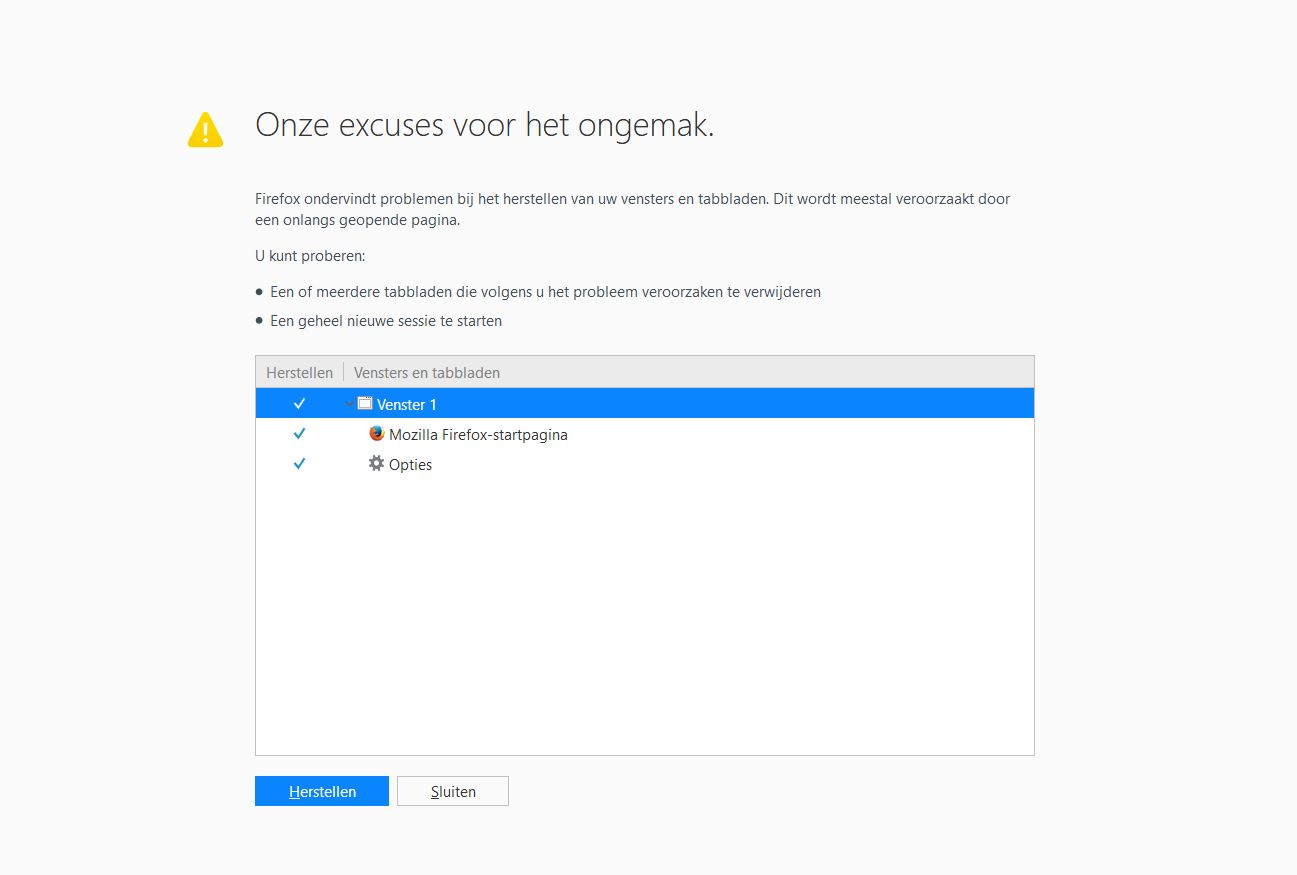
Did you try to start a new session?
You can check for problems with the sessionstore.jsonlz4 file in the Firefox profile folder that stores session data. You can try to rename or remove sessionstore.jsonlz4 and sessionstore.js when present to see if that has effect.
You can use the button on the "Help -> Troubleshooting Information" (about:support) page to go to the current Firefox profile folder or use the about:profiles page.
- Help -> Troubleshooting Information -> Profile Directory:
Windows: Show Folder; Linux: Open Directory; Mac: Show in Finder - http://kb.mozillazine.org/Profile_folder_-_Firefox
Do you use CCleaner? Users with CCleaner who have it set to clean up Firefox data -- especially session data -- have been reporting this problem since installing Firefox 56.
It may be because Firefox 56 has a new format for session history files -- the file names also changed. CCleaner's session data removal may be temporarily broken until it is updated.