


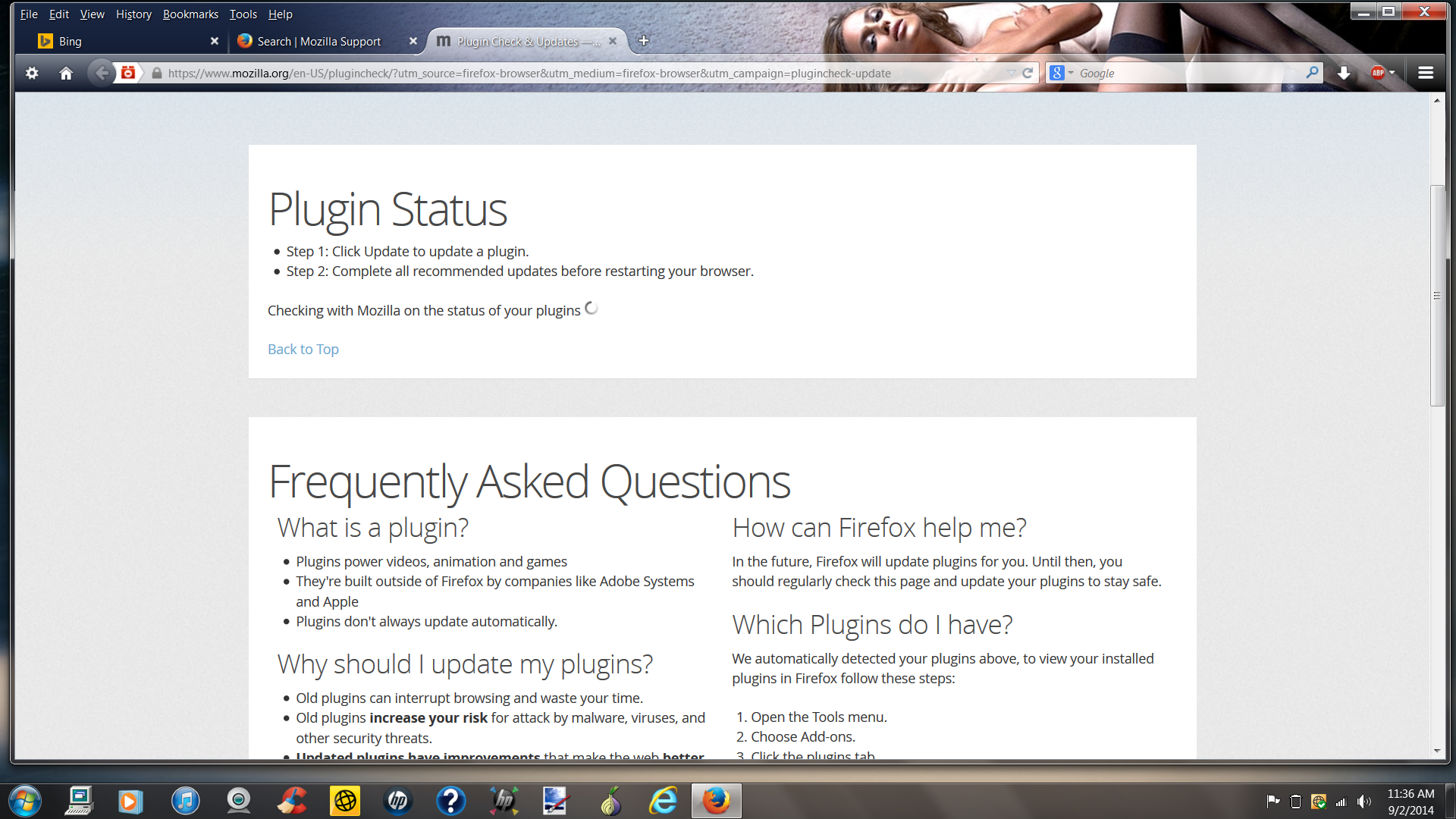
Since updating to 32.0 all it does is sit and spin when checking w/ FF to see if plugins are up to date.
When I go to "Tools" then click on "Add-Ons" then click "Plug-Ins" and then click on "Check To see If Plug-Ins Are Up To Date" it goes to Mozilla Check Your Plug in Page all it does is sit and spin at the Checking with Mozilla on the status of your plugins. I am using Win7 Pro and just downloaded Firefox update to 32.0.
由new_aged2perfection于修改
被采纳的解决方案
Can now access page to update my plugins so problem has been resolved by Mozilla.
定位到答案原位置 👍 0所有回复 (3)
Here is a screenshot of problem and I have already checked my antivirus and there are no problems and no blocking.
选择的解决方案
Can now access page to update my plugins so problem has been resolved by Mozilla.
how did Mozilla resolve the problem ? I have tried everything including disabling the virus program etc etc...nothing works