


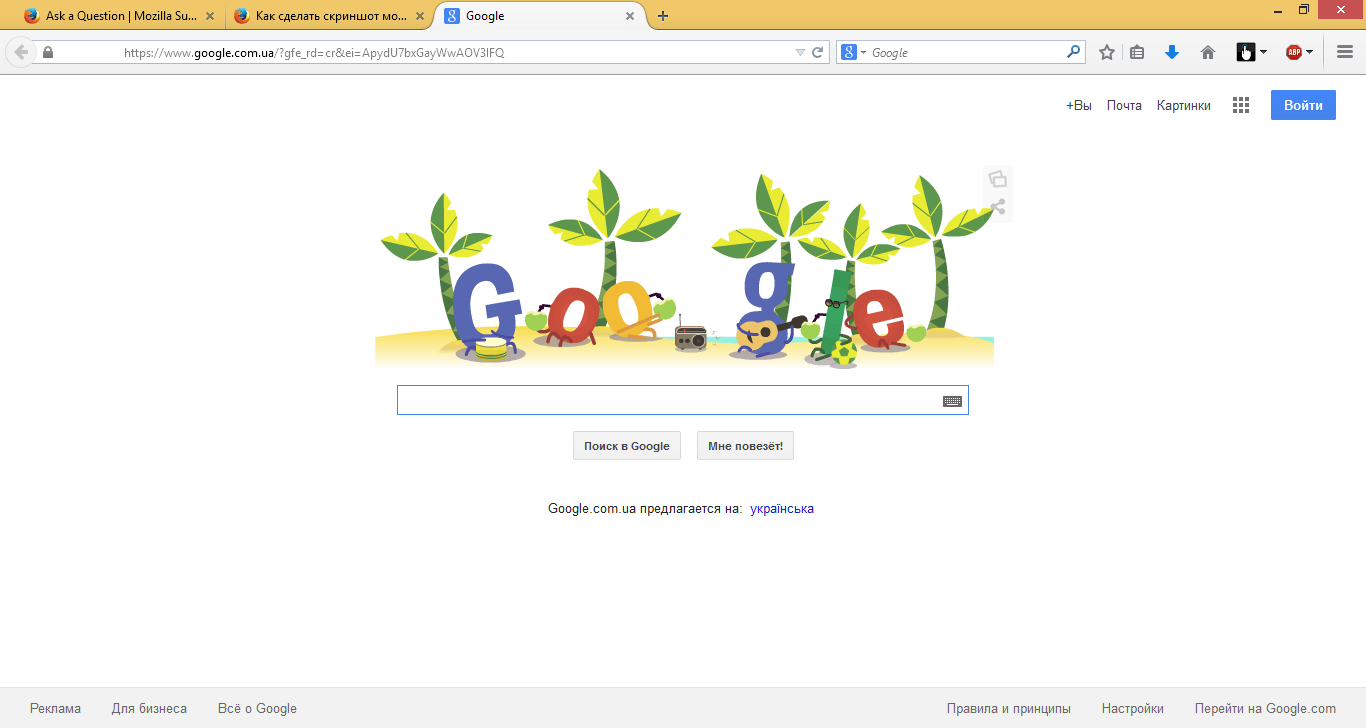
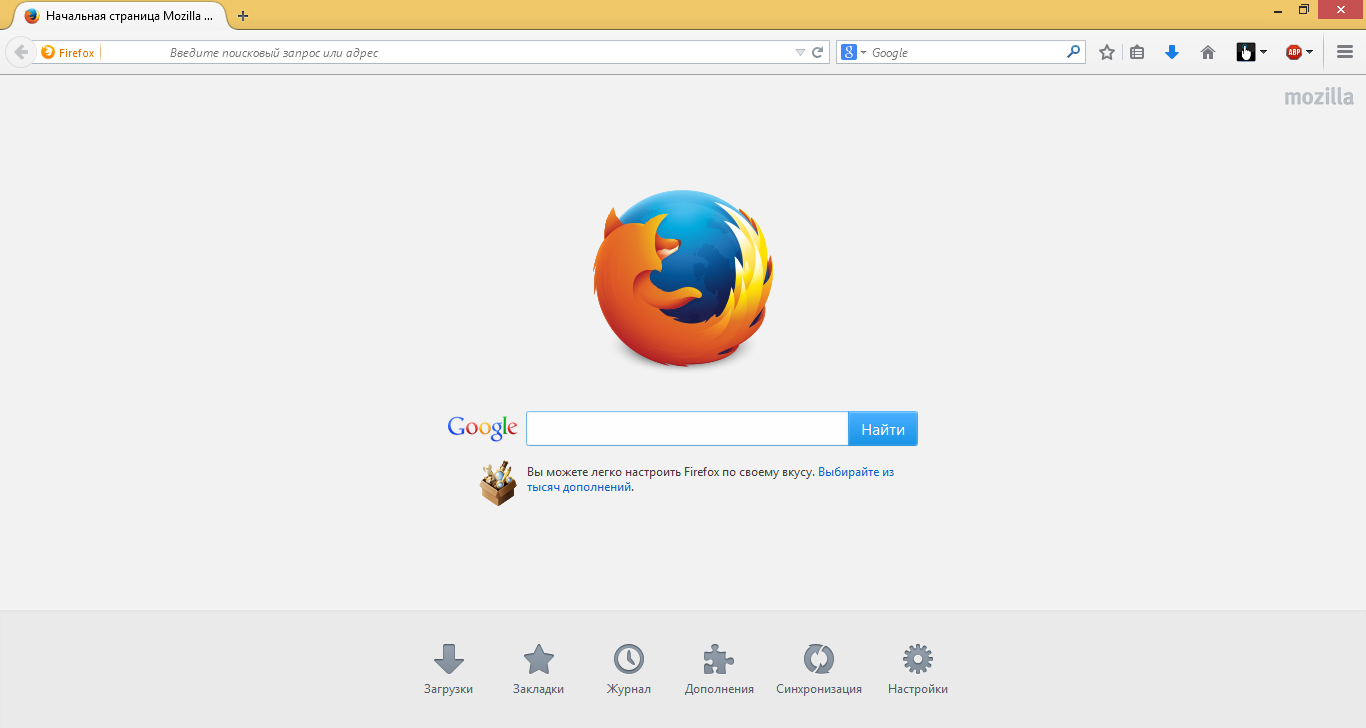
Почему в начале адресной строки есть пустое место?

Появилось пустое место в начале адресной строки, после обновления до 29-й версии и осталось после обновления до 30-й версии.
被采纳的解决方案
What files did you remove and did it has any effect?
You can also try to disable plugins to see if that helps to identify the cause.
- Website Logon Plugin
所有回复 (20)
Добавляю скриншот. Не охота снова с нуля переустанавливать браузер с удалением всех настроек.

Try to start FF in safe mode. https://support.mozilla.org/en-US/kb/troubleshoot-firefox-issues-using-safe-mode
Does the problem go away?
Note that your System Details List shows multiple Flash plugins.
- Shockwave Flash 14.0 r0
- Shockwave Flash 13.0 r0
You can find the installation path of all plugins on the about:plugins page.
You can check the Flash player installation folder for multiple Flash player plugins and remove older version(s) of the plugin (NPSWF32) and possibly (re)install the latest Flash player.
- (32 bit Windows) C:\Windows\System32\Macromed\Flash\
- (64 bit Windows) C:\Windows\SysWOW64\Macromed\Flash\
Спасибо за отклик. Но ни один из предложенных вариантов не помог ( Проблема остается актуальной.
Please post your Troubleshooting Information.
Сведения о приложении
Имя: Firefox Версия: 30.0 User Agent: Mozilla/5.0 (Windows NT 6.3; WOW64; rv:30.0) Gecko/20100101 Firefox/30.0
Сообщения о падениях за последние 3 дня
Все сообщения о падениях
Расширения
Имя: Adblock Plus Версия: 2.6.3 Включено: true ID: {d10d0bf8-f5b5-c8b4-a8b2-2b9879e08c5d}
Важные изменённые настройки
accessibility.typeaheadfind.flashBar: 0 browser.cache.disk.capacity: 358400 browser.cache.disk.smart_size_cached_value: 358400 browser.cache.disk.smart_size.first_run: false browser.cache.disk.smart_size.use_old_max: false browser.places.smartBookmarksVersion: 7 browser.sessionstore.upgradeBackup.latestBuildID: 20140605174243 browser.startup.homepage_override.buildID: 20140605174243 browser.startup.homepage_override.mstone: 30.0 dom.mozApps.used: true extensions.lastAppVersion: 30.0 font.internaluseonly.changed: true gfx.direct2d.disabled: true gfx.direct3d.last_used_feature_level_idx: 0 layers.acceleration.disabled: true network.cookie.prefsMigrated: true places.database.lastMaintenance: 1402946913 places.history.expiration.transient_current_max_pages: 104858 plugin.disable_full_page_plugin_for_types: application/pdf plugin.importedState: true privacy.sanitize.migrateFx3Prefs: true privacy.sanitize.timeSpan: 4 storage.vacuum.last.index: 1 storage.vacuum.last.places.sqlite: 1402604423
Графика
Аппаратно ускоренные окна: 0/2 Basic Версия драйвера: 8.982.10.6000 Дата разработки драйвера: 9-18-2012 Драйвера видеокарты: igdumd64 igd10umd64 igd10umd64 igdumd32 igd10umd32 igd10umd32 Код производителя: 0x8086 Код устройства: 0x0166 Объём видеопамяти: Unknown Описание видеокарты: Intel(R) HD Graphics 4000 Direct2D включён: Заблокирован для вашей версии драйвера видеокарты. DirectWrite включён: false (6.3.9600.17111) GPU #2 активен: false windowLayerManagerRemote: false AzureCanvasBackend: skia AzureContentBackend: cairo AzureFallbackCanvasBackend: cairo AzureSkiaAccelerated: 0
JavaScript
Инкрементальный GC: true
Поддержка доступности
Активирована: false Отключение поддержки доступности: 0
Версии библиотек
NSPR Ожидаемая минимальная версия: 4.10.6 Используемая версия: 4.10.6
NSS Ожидаемая минимальная версия: 3.16 Basic ECC Используемая версия: 3.16 Basic ECC
NSSSMIME Ожидаемая минимальная версия: 3.16 Basic ECC Используемая версия: 3.16 Basic ECC
NSSSSL Ожидаемая минимальная версия: 3.16 Basic ECC Используемая версия: 3.16 Basic ECC
NSSUTIL Ожидаемая минимальная версия: 3.16 Используемая версия: 3.16
Дело в том, что у меня нет вопросов и проблем с работой Mozilla Firefox. Есть только нюанс с пустым место в адресной строке! Он в принципе не влияет на работу, но почему и откуда это пустое место взялось!?
This could be a problem with the theme that you use as do do not appear to have extensions installed.
Start Firefox in Safe Mode to check if one of the extensions (Firefox/Tools > Add-ons > Extensions) or if hardware acceleration is causing the problem.
- Switch to the DEFAULT theme: Firefox/Tools > Add-ons > Appearance
- Do NOT click the Reset button on the Safe Mode start window
Ничего не помогло (( Проблема остается...
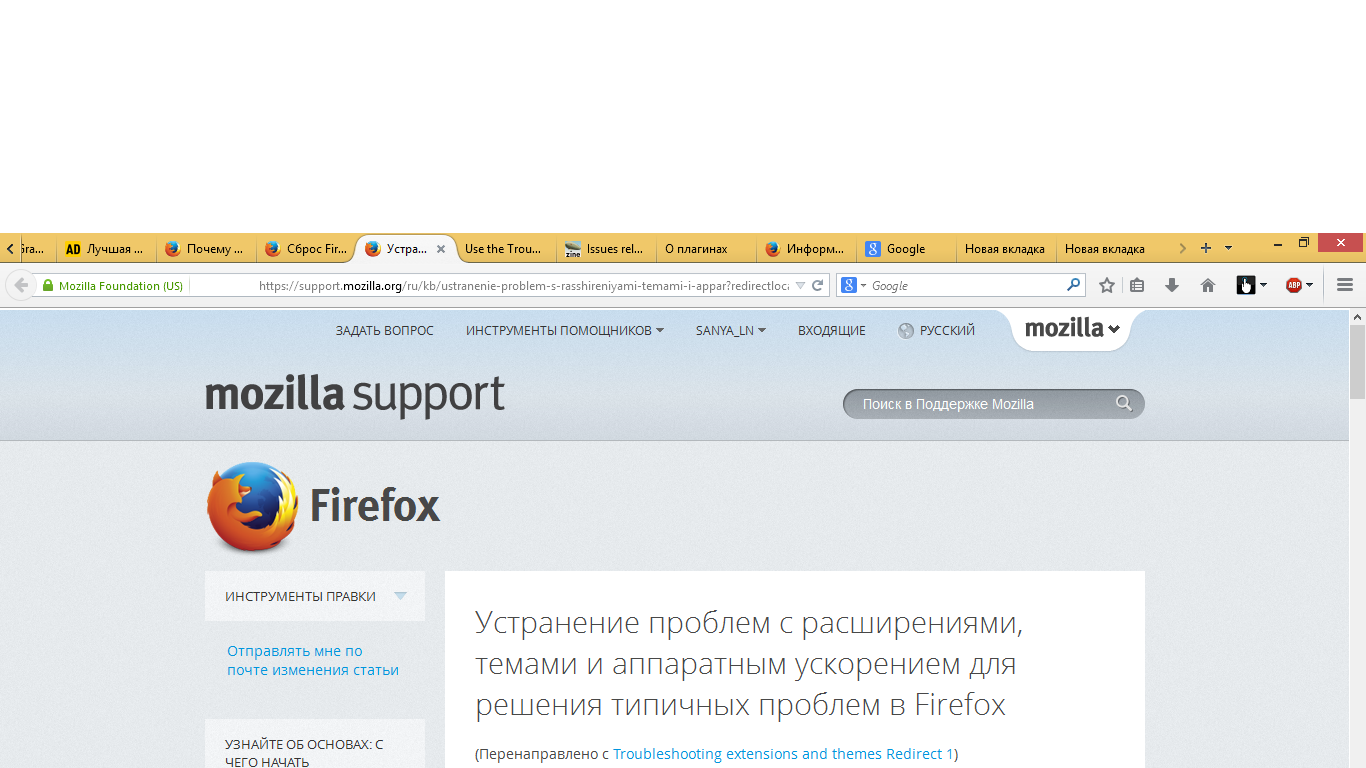
Думаю полностью переустановить Firefox.
Re-installing FF is useless.
You might try two things. 1) Reset Firefox https://support.mozilla.org/en-US/kb/reset-firefox-easily-fix-most-problems
2) Create a new profile and launch FF with the new profile. https://support.mozilla.org/en-US/kb/profile-manager-create-and-remove-firefox-profiles
Make sure to read and understand the article(s) before taking action. Also make sure to create a backup of your FF profile folder before doing anything else.
Я так и сделал ) Все стало как надо! Всем спасибо!
When your problem has been resolved please mark this thread as 'Solved'. Thank you.
Но все равно, хотелось бы узнать почему возник такой баг. У меня когда то давно был уже такой случай, на старом копьютере. Тоже пришлось переустанавливать.
I have no idea.
We have seen this issue reported before as caused by fingerprint software.
- [/questions/973795] Why is there whitespace to the left of the URL in the navigation bar?
Create a new profile as a test to check if your current profile is causing the problem.
See "Creating a profile":
- https://support.mozilla.org/kb/profile-manager-create-and-remove-firefox-profiles
- http://kb.mozillazine.org/Standard_diagnostic_-_Firefox#Profile_issues
If the new profile works then you can transfer files from a previously used profile to the new profile, but be cautious not to copy corrupted files to avoid carrying over the problem
Я удалил старые файлы.
选择的解决方案
What files did you remove and did it has any effect?
You can also try to disable plugins to see if that helps to identify the cause.
- Website Logon Plugin
И снова здравствуйте! Проблема снова появилась (( При чем уже неоднократно. Буквально вчера я переустановил Mozilla, проблема "устранилась" как мне подумалось. Но сегодня просто открывая новую вкладку, можно сказать на глазах снова образовалось пустое место вначале адресной строки!! Пришлось снова переустанавливать Mozilla! Это уже начинает раздражать, почему так происходит?!
This issue can be caused by a plugin from fingerprint software (e.g. TrueSuite) in Firefox.
You would have to uninstall this fingerprint software or prevent Firefox from detecting the plugin or try to enable the plugin in Firefox if the plugin is currently disabled to see if that works to eliminate the blank space.
- [/questions/973795] Why is there whitespace to the left of the URL in the navigation bar?