


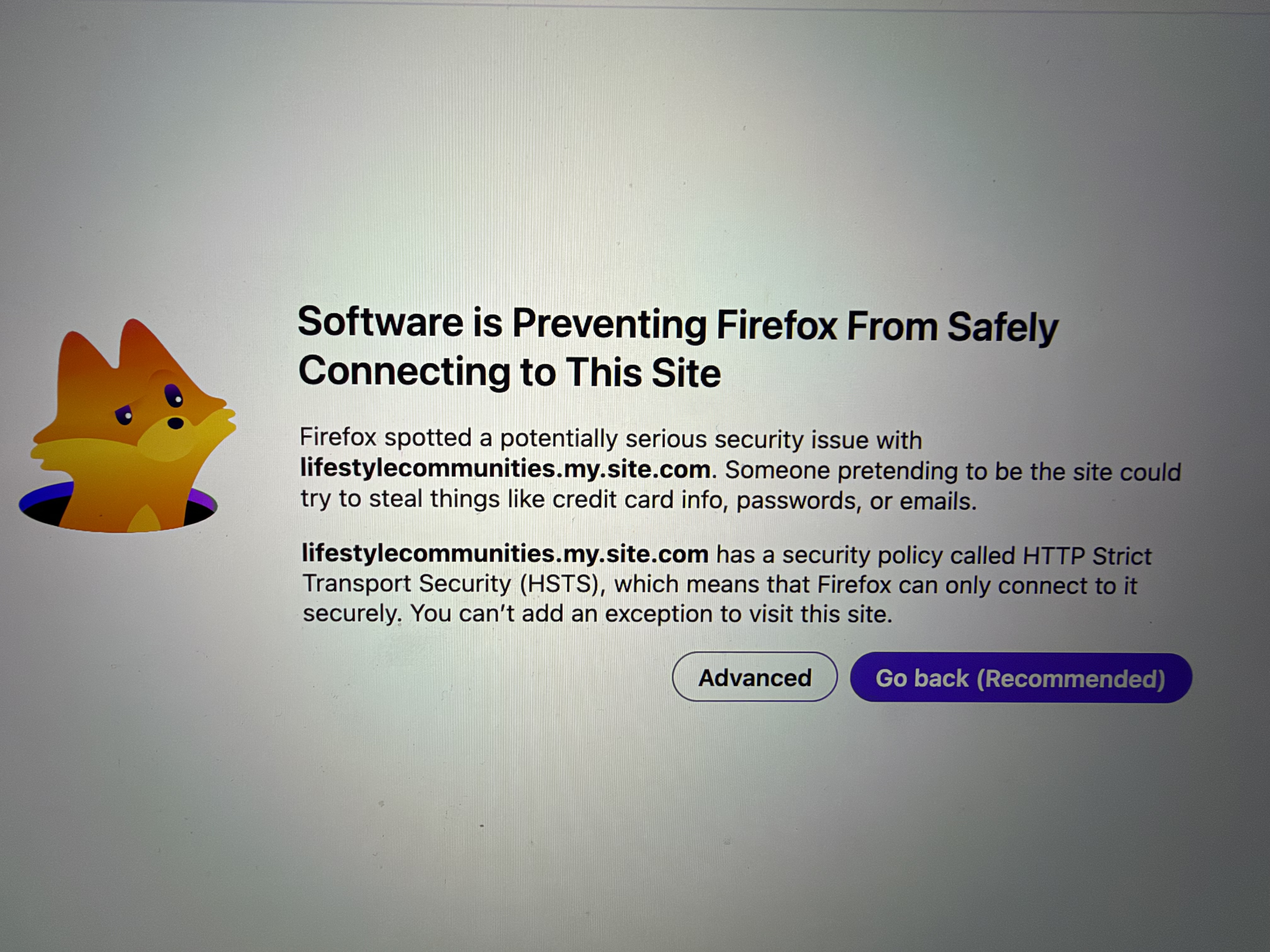
Firefox updated to V160.0 on my Mac and now I cannot get to any web page at all. It says “Software is preventing Firefox from safely connecting to this site. It is stuffed and will not work!!!

See attached image.
All Replies (1)
This usually doesn't happen on a Mac, but do you use any third–party security software, like an antivirus/security suite or similar scanners?
If you click Advanced › View the site’s certificate … on that error card, who is listed there as the Issuer? (Ideally check the "issuer" for 3–4 unrelated sites like wikipedia, chase, costco… to see if the identity there keeps repeating perhaps?)
This error is shown when a) connections fail, and b) unrelated sites present the same certificate repeatedly, which is unlikely in the real world — that mostly points to a device/filter on the line mucking up the traffic, and stuffing the connection with its own same cert repeatedly.
The longer read is Fix problems connecting to websites after updating Firefox
Ti ṣàtúnṣe nípa jbr