


Delay moving pop messages to or from 4 specific mailboxes (win10, v152). (debug process stuck at "Could not start browser toolbox. You need to enable it.") Cause: McAfee
It's very odd. Normally moving an email, say from the Inbox to the relevant year's archive, takes "no time at all".
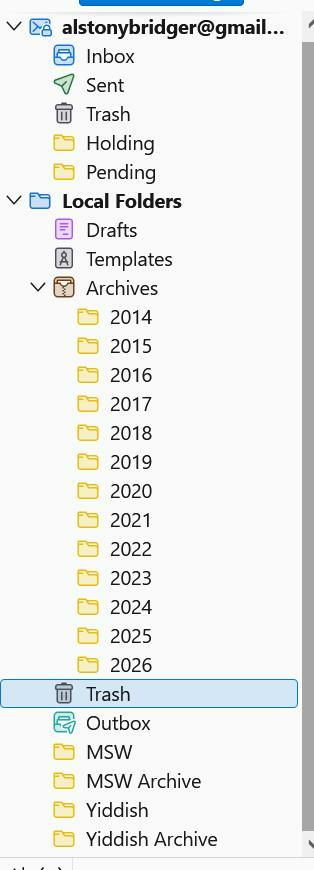
Which is true for all the mailboxes shown on the attached screenshot, EXCEPT for the four at the bottom. Moving even one message from Inbox to Yiddish can take ten seconds or longer (with the dreaded "Not Responding" occasionally). Moving something in the opposite direction is also screwy, only from those four.
I had thought that it was because they're rather large. This first started when there were just Yiddish and MSW, and I split off most of the earlier years into the archives shown. To no avail.
It's only an annoyance, but I'm puzzled about how such a thing could happen.
Also very slow tagging or untagging a message just in those mailboxes.
Moderator Notes:
- need a performance profile https://support.mozilla.org/en-US/kb/profiling-thunderbird-performance
Ti ṣàtúnṣe nípa Wayne Mery
Ọ̀nà àbáyọ Tí a Yàn
That's interesting: with McAfee disabled, the slow mailboxes are no longer slow.
So why does McAfee pick on user-created mailboxes and not the ones "owned" by T'bird?
Do you still want a profile with McAfee disabled?
All Replies (68)
At least say goodbye
AlBridger said
No one knows how to enable the Thunderbird performance profiler?
Sorry for the delay. Haven't forgotten, but PTOs involved and we're also on short work weeks.
But no new news so far because unsuccessful so far to determine why there is a problem in the enabling process - we know" how to enable but there seems to be a bug.
Ok, I'll be quiet. The bug is mostly annoying (I've learned to wait until the transfer is done, and not adding more to the queue until it's done).
Wake me up when you've figured something out.
Time to declare it a "feature"?
Is there not somewhere a debug-build, which might trace things?
Ti ṣàtúnṣe nípa AlBridger
Sorry this is stalled on developer tools not behaving in Thunderbird...
https://support.mozilla.org/en-US/questions/1589353?page=2#answer-1831004. "Could not start browser toolbox, you need to enable it."
Ti ṣàtúnṣe nípa Wayne Mery
Mr Beedell, Roke Julian Lockhart said
AlBridger said
How does one enable it? See attached screenshot?Although not whatsoever guaranteed to be your problem, bugzilla.mozilla.org/show_bug.cgi?id=2050687 may be relevant.
Thanks Mr Beedell. However, in this cause the reporter is on Windows. I believe that bug is about linux?
In Settings > Config editor, do you find both of these set to true?
- devtools.chrome.enabled
- devtools.debugger.remote-enabled
Hi, good to hear from you again,
True and False respectively. Maybe the second one is the problem? I changed it to True.
But I forget what I'm to do next.
Looking for a performance profile https://support.mozilla.org/en-US/kb/profiling-thunderbird-performance
At this point I would wait until later this week, when version 156 becomes available, and do your profile using that version.
And if your accounts are imap, a parallel approach is to try 157 beta, also available later this week. It will install in it's own directory and use it's own data profile. Instructions at https://support.mozilla.org/en-US/kb/thunderbird-beta#w_how-to-install-and-run-beta
Thanks. Let me read up on that and I'll jump in when T'bird updates.
It's a POP server, not IMAP.
Is the slowness only seen for messages moving to or from your Inbox?
No, from anywhere to the four mailboxes or from them to anywhere.
Ok, I managed to get as far as Capture Recording (see the screenshot with the later time stamp).
It wound up as in the earlier screenshot, waiting for something apparently forever.
I await foida woid.
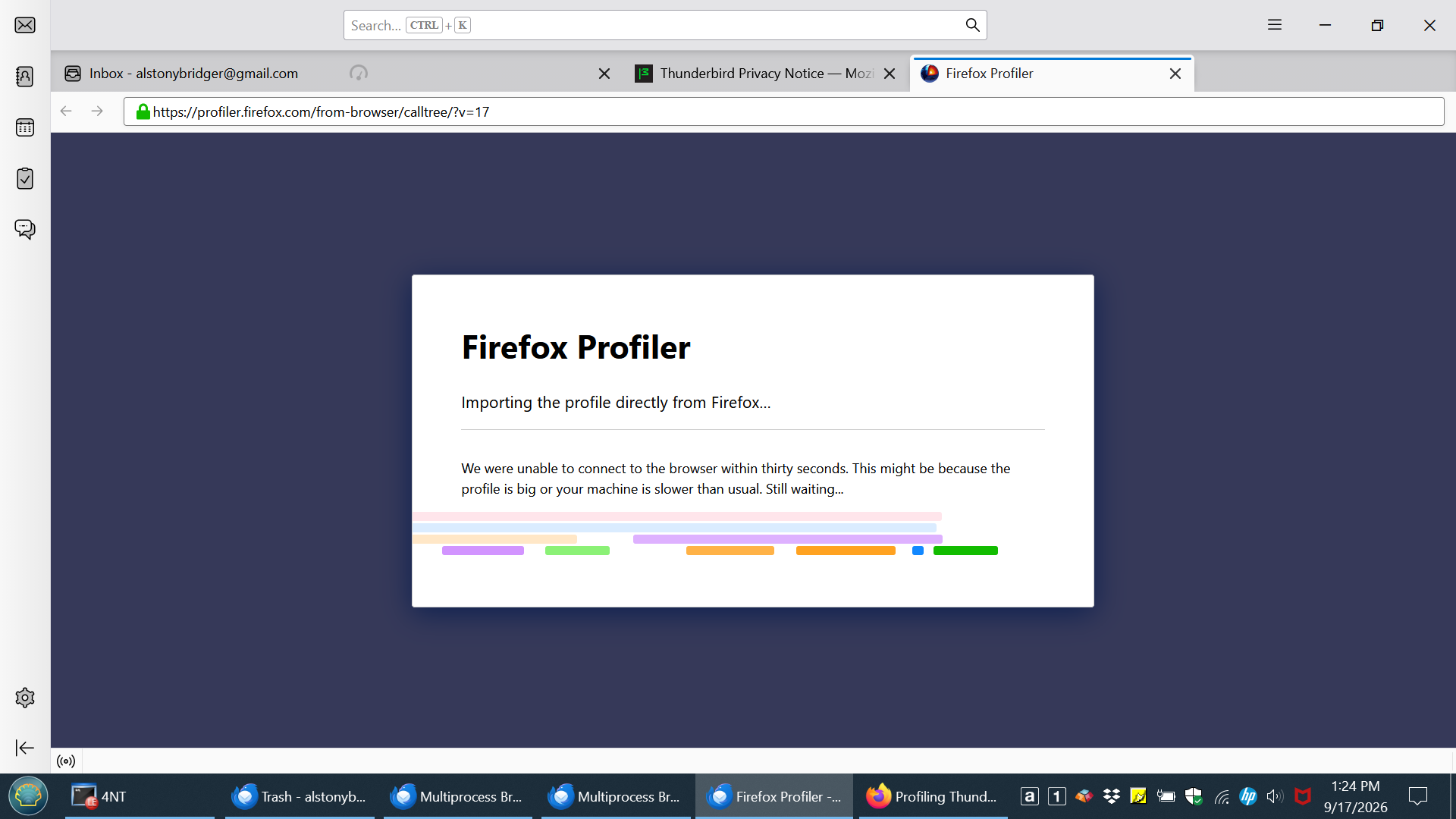
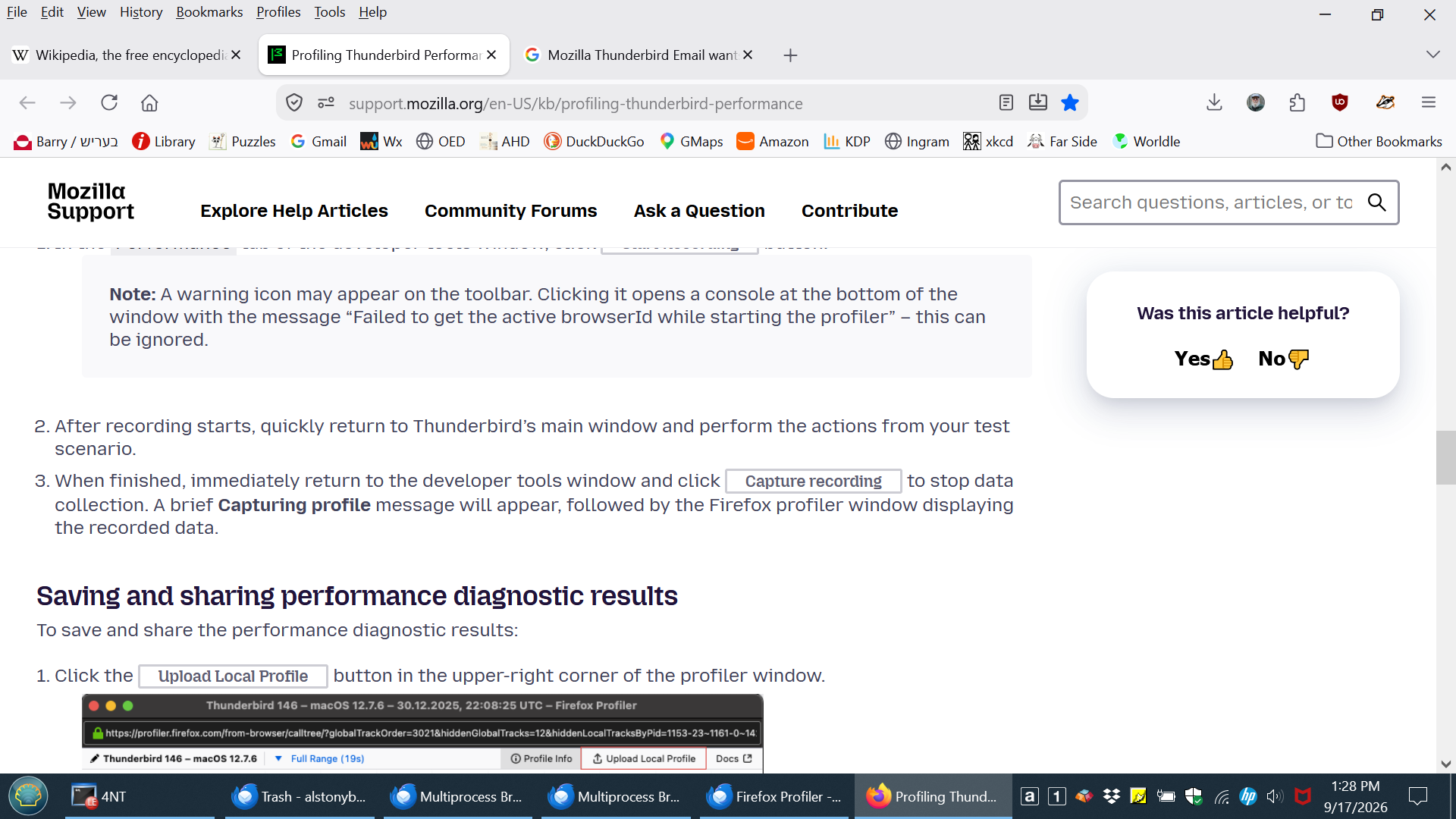
I'll try that again later today, hoping for a different result.
As a further "clue", if I select a message in one of the slow mailboxes, it takes about 8-10 seconds to tag it the first time. BUT oddly, untagging that same message happens quickly, as does re-tagging it. But the first tag on a newly selected message is as slow as moving messages in and out.
Well, that time it seems to have worked.
I got a profile (Thunderbird 2026-09-25 15.56 profile.json.gz) which comprises the following actions: (1) dragged and dropped a message from Trash to Yiddish -- took 8-10 seconds (2) tagged that message in the Yiddish mailbox -- took ~8 seconds (3) untagged it, not instantaneous but quick (4) deleted that message from the Yiddish mailbox -- 8-10 seconds.
But I can't attach anything but images so here's a link to the file in my Dropbox: https://www.dropbox.com/scl/fi/dvfh8b0b33ilhj7170eti/Thunderbird-2026-09-25-15.56-profile.json.gz?rlkey=o83t7je14geu2ldchy64sz4fj&dl=0
I await foida woid.
Thanks for the profile data.
Were you able to test Windows started in Safe Mode? What antivirus software are you running? What type of disk drive is this on?
Did you take the profile file? Let me know so I can delete it here.
No to Windows Safe Mode.
Mcafee Total Protection and Windows Defender.
Disk: 930Gig NTFS WD Blue SN5000 (internal)
But the underlying question is what's different about user-created local mailboxes vs. the ones that T'bird creates.
I have the profile
Please test with Mcafee disabled.
Tomorrow.
But do you know how to disable McAfee? I assume you mean its virus scanning, which does allow for some control, but in the past I've had to uninstall it completely to "disable" it. A pain, but if you insist ...
(BTW, it's rather a nuisance navigating here to the latest responses. Jes' sayin'.)