

Èròjà atẹ̀lélànà yii ni a ti fi pamọ́ fọ́jọ́ pípẹ́.
Jọ̀wọ́ béèrè ìbéèrè titun bí o bá nílò ìrànwọ́.

A ti fi pamọ́ fọ́jọ́ pípẹ́
The Mail tab displays nothing.

The Mail tab displays nothing. The other tabs display normally. Messages arrive. Messages open from the Windows notification area. How to fix this?
The Mail tab displays nothing. The other tabs display normally. Messages arrive. Messages open from the Windows notification area. How to fix this?
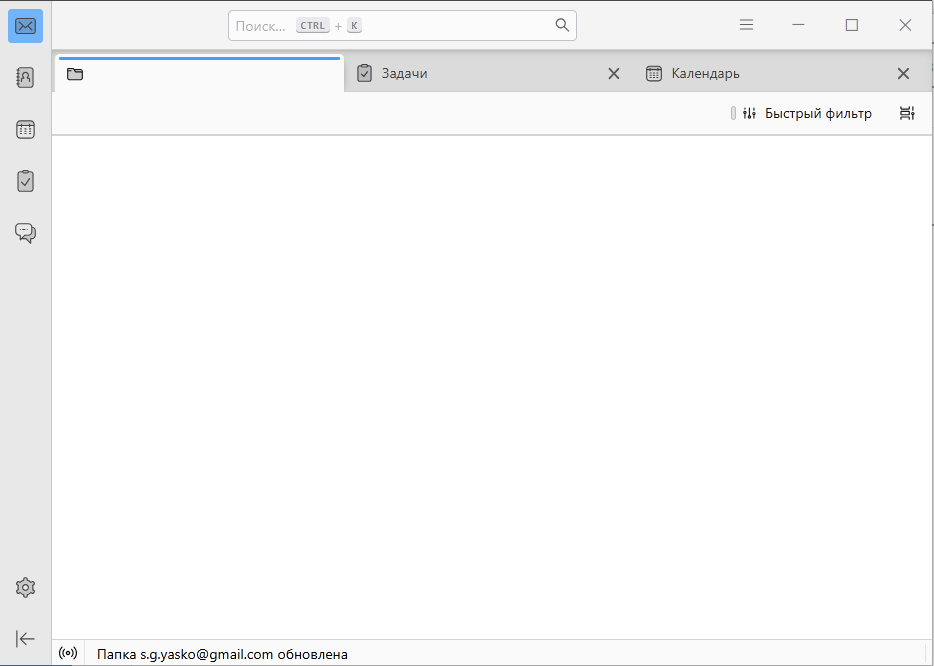
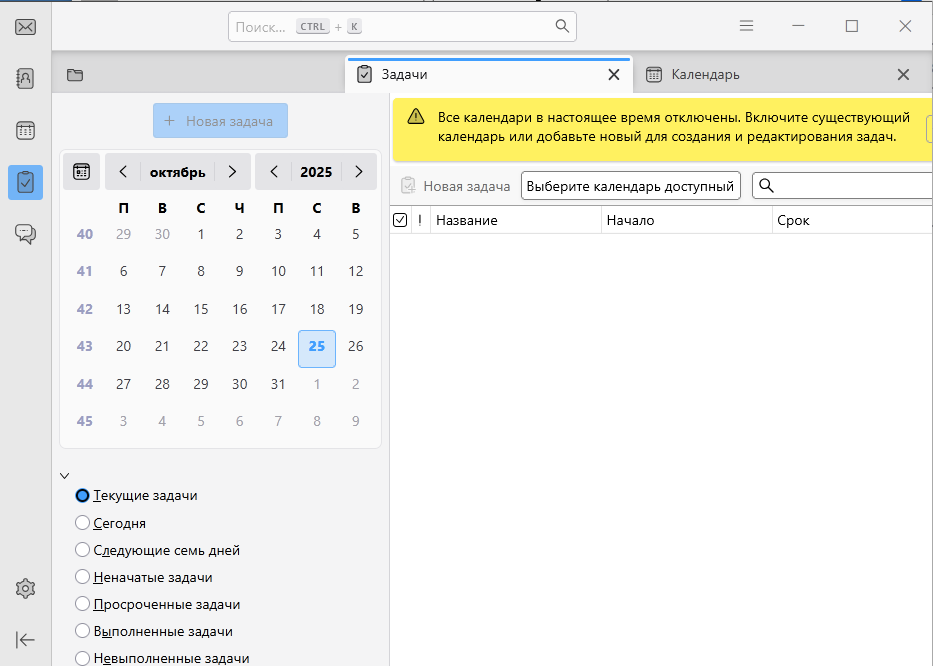
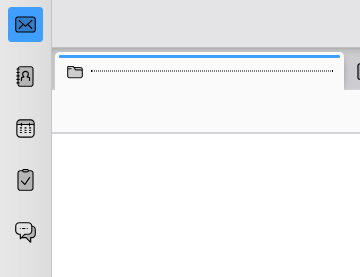
All Replies (2)
If you start Thunderbird in troubleshoot mode is the issue the same? https://mzl.la/3AbU5jz
The tab was visible in Safe Mode. I had to delete the account and then re-add it. The issue was most likely a deleted or moved folder. As a result, the folders weren't syncing and the mail tab wasn't showing.