


"Sync and save data" option not showing up on mobile.
Hi! I'm currentley switching over to fire fox and I am trying to sync my bookmarks from my laptop to my mobile phone. When I click "connect another device" in the settings, I get the pop up telling me to find "sync and save data" I hit the three dots at the top right of the mobile app and don't get the option at all. Thanks.
Hi! I'm currentley switching over to fire fox and I am trying to sync my bookmarks from my laptop to my mobile phone. When I click "connect another device" in the settings, I get the pop up telling me to find "sync and save data" I hit the three dots at the top right of the mobile app and don't get the option at all. Thanks.
All Replies (2)
Really... Post a screenshot of what you're seeing. What device and version of Android?
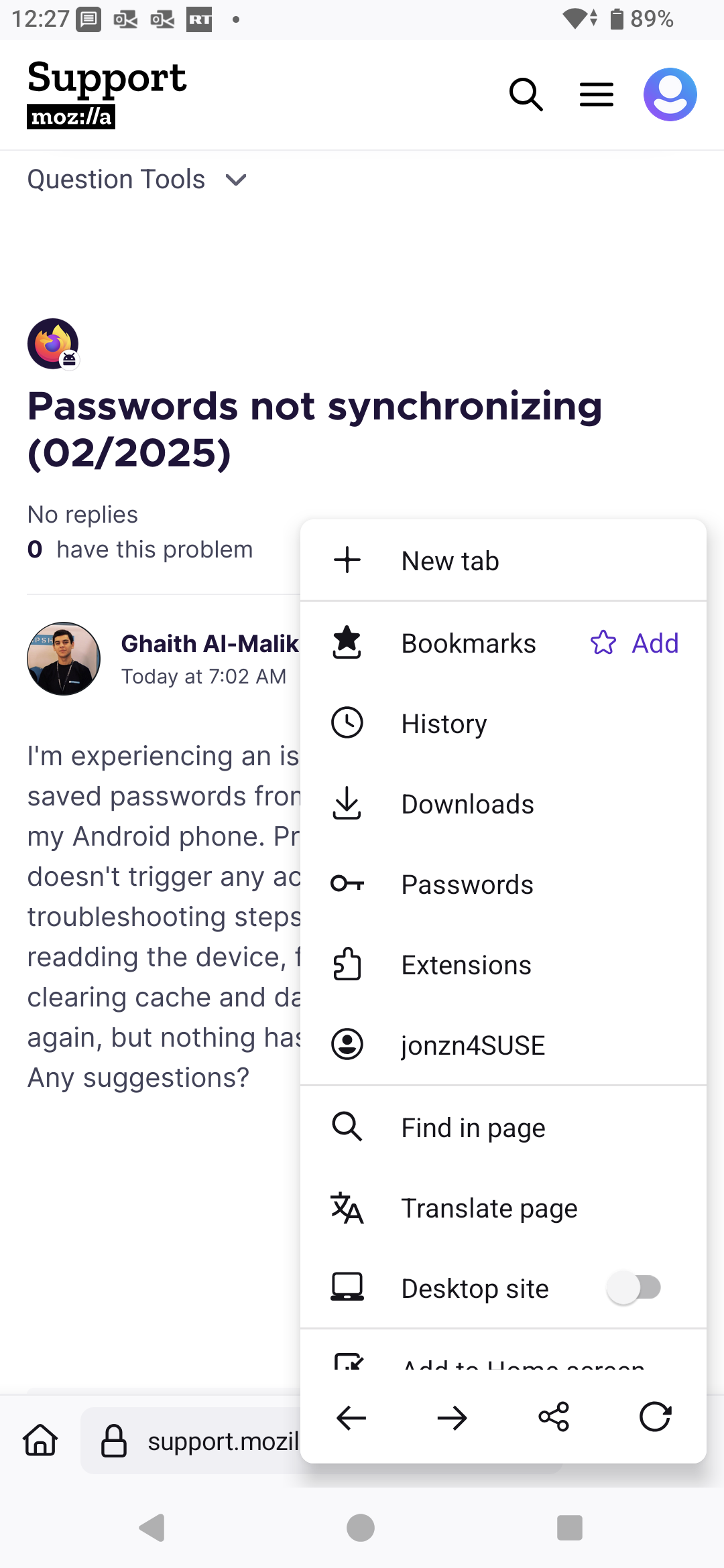
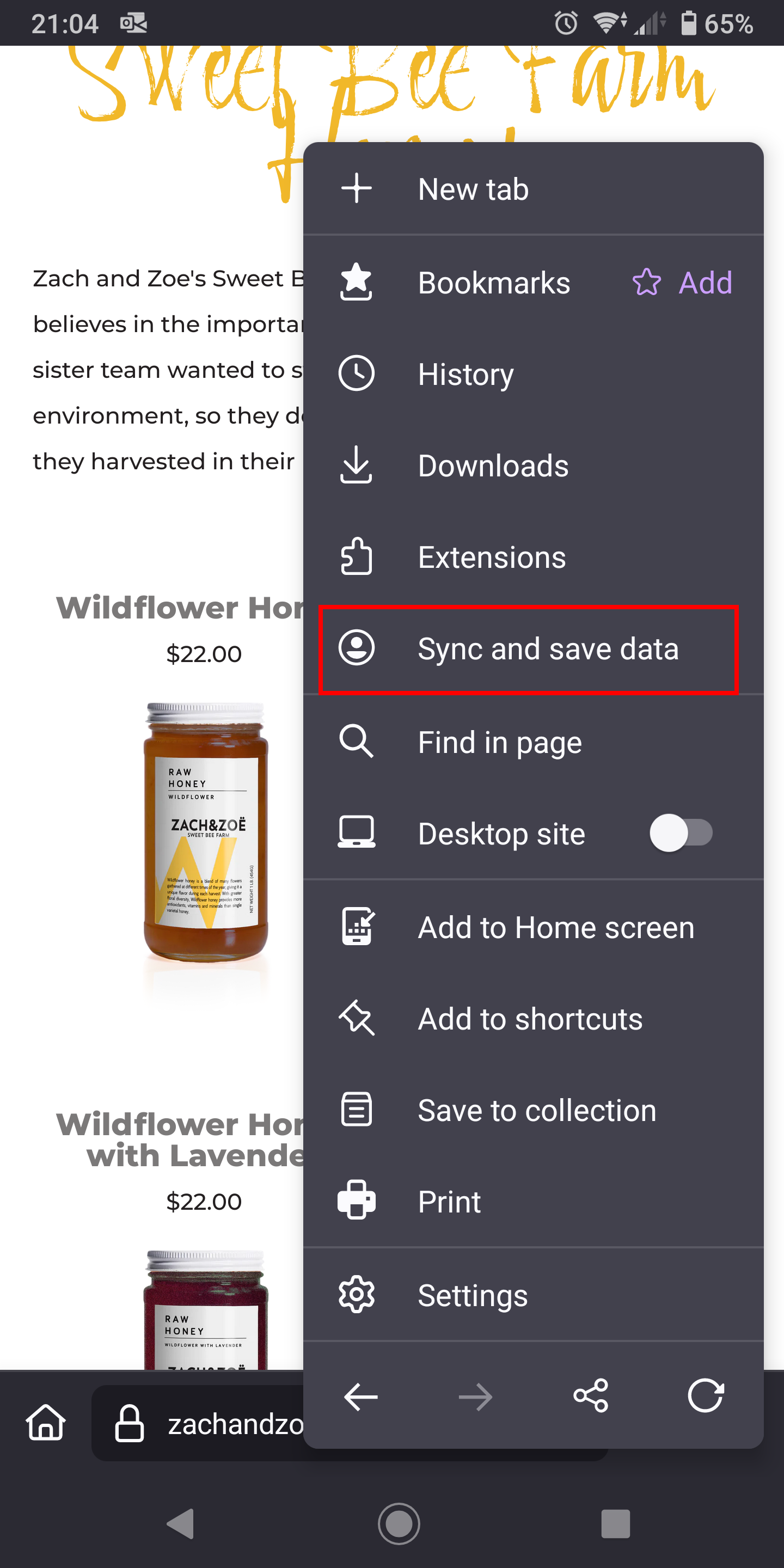

I'm having that issue as well, just downloaded Firefox on my new phone