


Windows 10 reached EOS (end of support) on October 14, 2025. If you are on Windows 10, see this article.

Search Support

Avoid support scams. We will never ask you to call or text a phone number or share personal information. Please report suspicious activity using the “Report Abuse” option.

Learn More

Èròjà atẹ̀lélànà yii ni a ti fi pamọ́ fọ́jọ́ pípẹ́. Jọ̀wọ́ béèrè ìbéèrè titun bí o bá nílò ìrànwọ́.

Needed Improvement

  • 2 àwọn èsì
  • 1 ní ìṣòro yìí
  • 231 views
  • Èsì tí ó kẹ́hìn lọ́wọ́ Jay

The Password Manager is very good, but...

It needs two additional fields.

1) a field for a website name or a note.

2) a 2nd username or email address.

For example, I just added the login information for Bluesky Social. However, "bluesky" is not part of the url. If I later search for "blue" the correct login will not be shown.

Also, the login allows for input of a username or email address. The PW manager should store both.
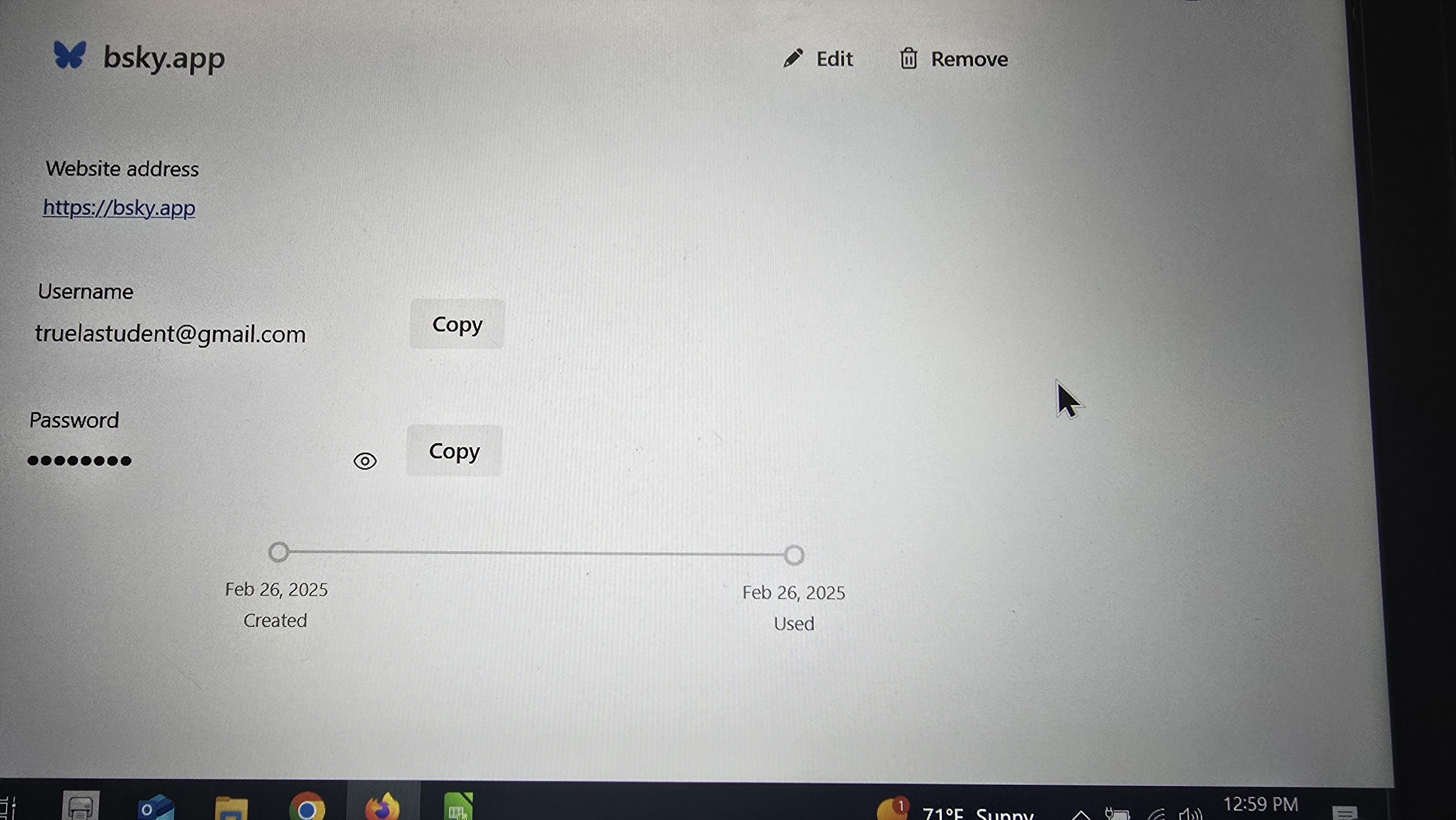
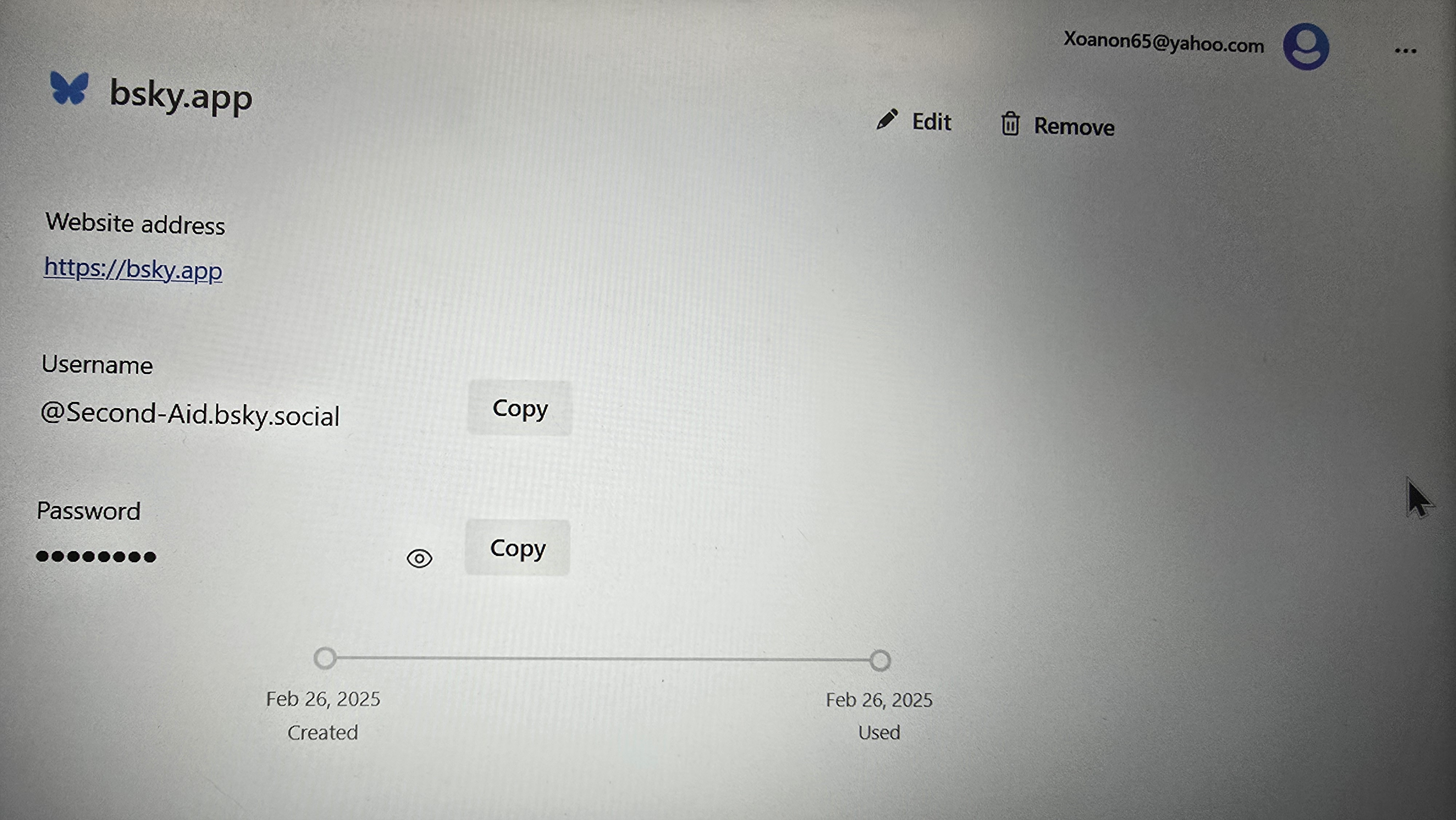
The Password Manager is very good, but... It needs two additional fields. 1) a field for a website name or a note. 2) a 2nd username or email address. For example, I just added the login information for Bluesky Social. However, "bluesky" is not part of the url. If I later search for "blue" the correct login will not be shown. Also, the login allows for input of a username or email address. The PW manager should store both.
Ìsopọ̀ yíyà aṣàfihàn

All Replies (2)

The password manager is a simple login password manager. If you need something beyond these options there are 3d party extension to do what your asking. The password manager is a basic manager for simplicity use.

I guess it's just too simple for my needs. without being able to assign a recognizable name to an entry I'm in the position of having to memorize url's instead of passwords. No gain. Frustrating!!!