


firefox download freezes and doesn't download anymore

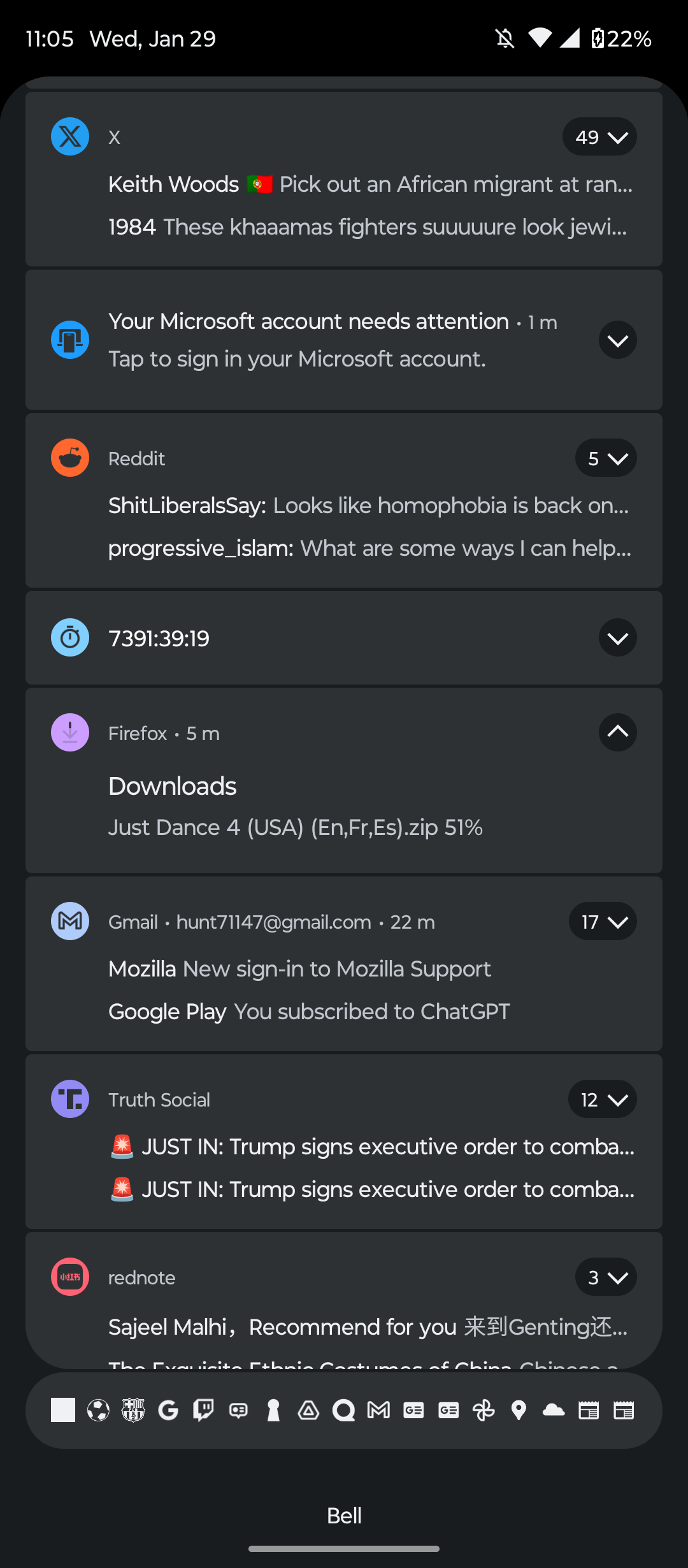
I tried to download an iso file, but when I started downloading at 51 percent, it disappeared, and then it returned, but it refuses to advance, how to fix please!
I tried to download an iso file, but when I started downloading at 51 percent, it disappeared, and then it returned, but it refuses to advance, how to fix please!
All Replies (1)

If your Firefox download freezes, try pausing and resuming it in the Downloads panel. Clearing your download history and ensuring you have enough disk space can also help. Sometimes, browser extensions interfere with downloads, so disabling them temporarily might fix the issue.