


Font size on mailbox window is now too small. Changing the setting seems to do nothing.

Just a very short while ago, Thunderbird updated to 115.3.1 from whatever it was just before that. This is under 64-bit Windows 10 Pro.
Now, the font size on the mailbox window is way too small, and I cannot seem to change it.
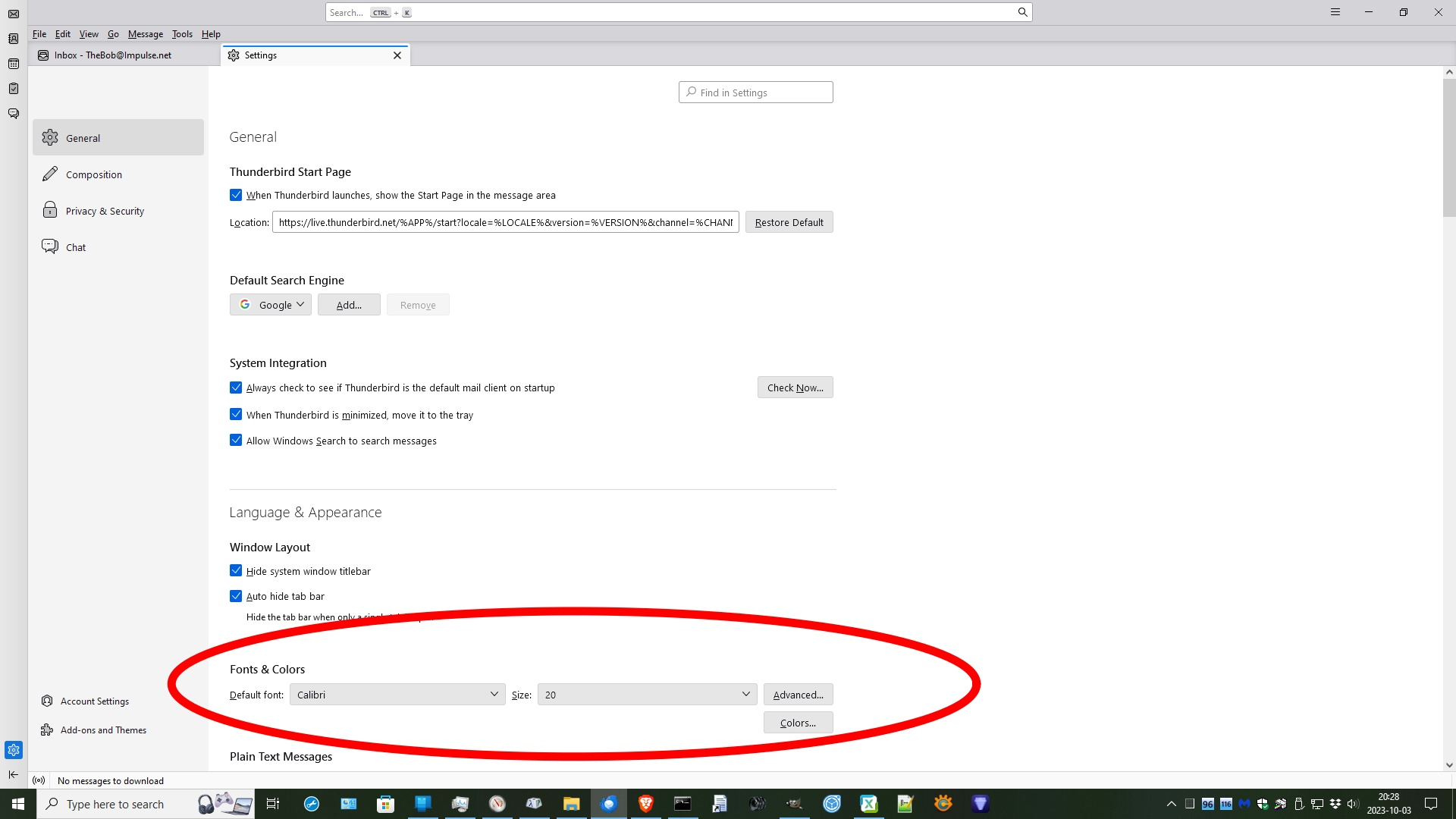
Searching through all the settings, I found this one setting that appeared to possibly be relevant, but change it seems to have no effect at all that I can see.
Is there a relevant setting somewhere else, that I am failing to see?
The font size was just fine before this latest update.
Ọ̀nà àbáyọ tí a yàn
Try View/Font Size from the Menu Bar or the 3-bar AppMenu.
Ka ìdáhùn ni ìṣètò kíkà 👍 2All Replies (6)
I seem to have somehow double-posted.
Moderators, please feel free to delete one post, and move any replies to the other.
Ọ̀nà àbáyọ Tí a Yàn
Try View/Font Size from the Menu Bar or the 3-bar AppMenu.
That seems to have done it.
But a question remains, is why updating to the latest version caused the font size to suddenly become so small in the first place.
I don't know why some users see a sudden change in fonts after the upgrade, as I didn't see it myself. Instead of doing an in-place upgrade, I always install new major releases in a separate directory and create a new profile, leaving the previous release and profile accessible and independent.
And the setting that I did find, to what is that supposed to apply?
In a quick attempt to make sense of it, I wasn't able to find anywhere that changed according to that setting.
I don't know what that settings applies to, but I've never changed it. The important settings are in the Advanced section.