


Websites not loading properly after Android 12 update

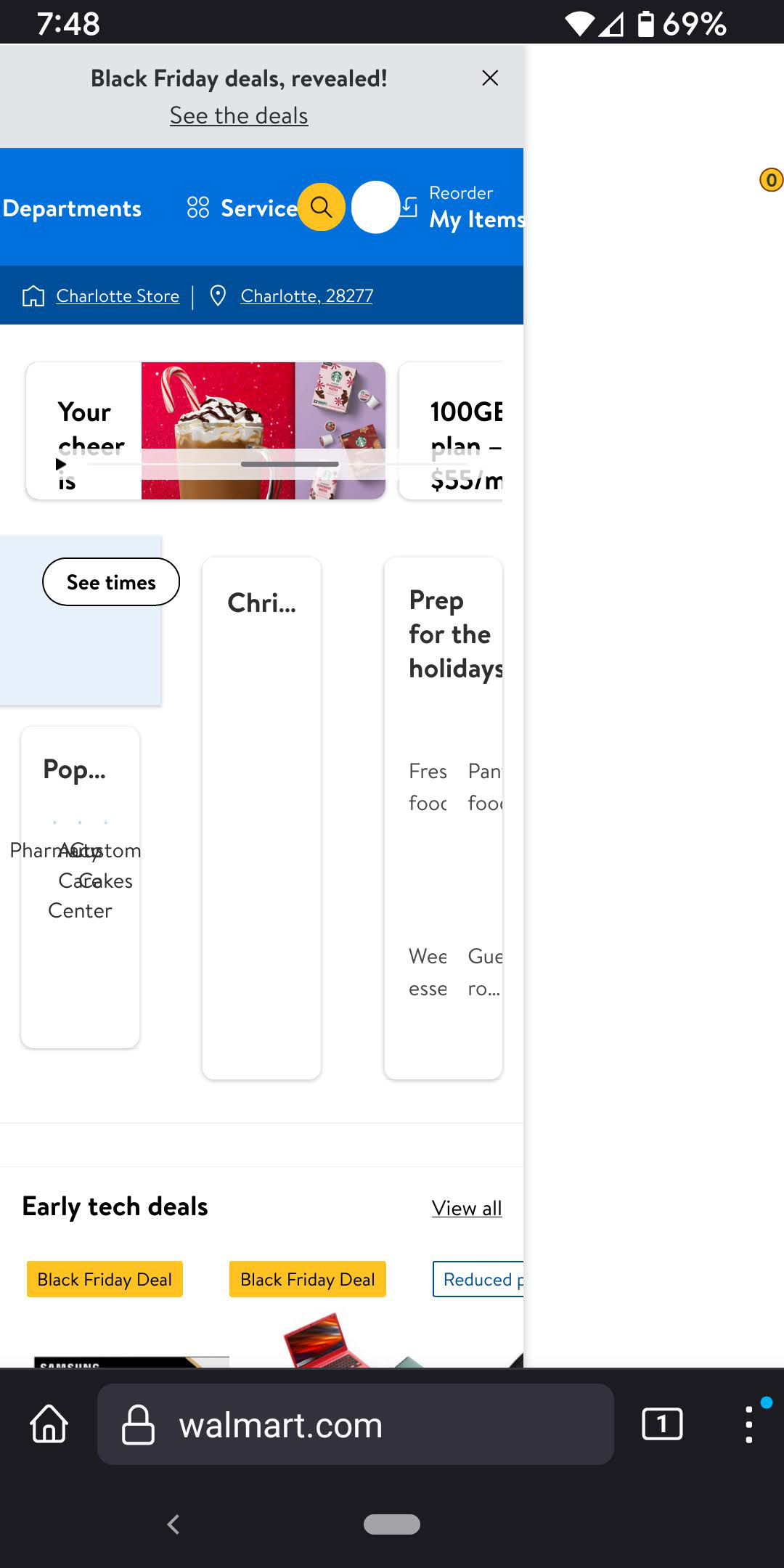
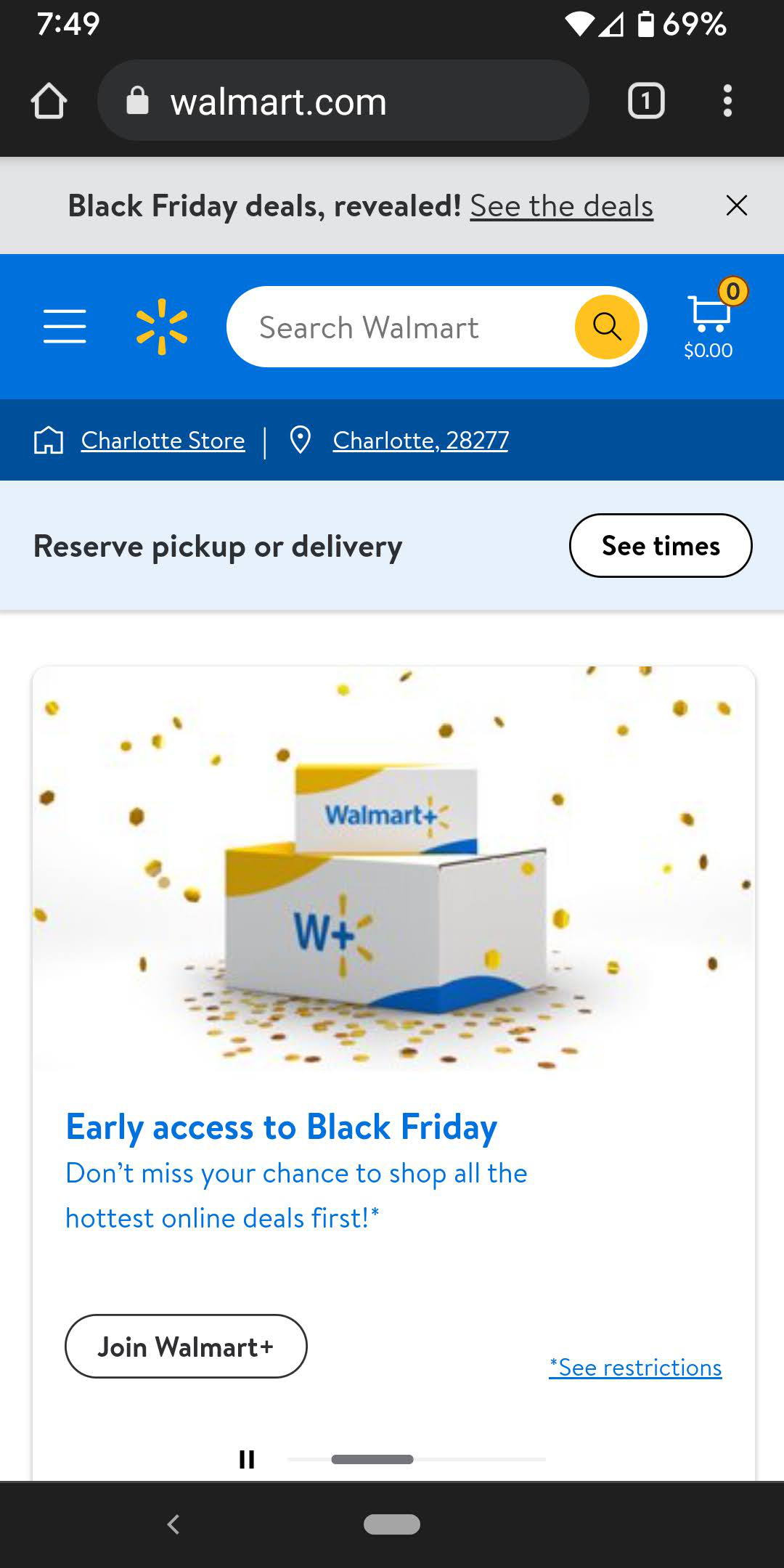
Recently my Google pixel phone got the Android 12 update. Since then I'm having issues with Firefox loading websites like Walmart, Sams club, Lowes. It seems to be serving the desktop versions and it is hard to navigate. The toggle switch for "Desktop Site" is off, so not sure why it is showing the desktop site. The attached images show how Walmart site shows in Chrome and Firefox. My firefox version is 94.1.2. If anyone has any suggestions, please let me know.
Ọ̀nà àbáyọ tí a yàn
The issue is resolved, now on Firefox 95.1.0.
Ka ìdáhùn ni ìṣètò kíkà 👍 0All Replies (8)
Here is the Chrome screenshot for comparison
Hi
Which add-ons are you using?
What level of enhanced tracking protection are you using?
Thanks for your reply Seburo! I have no add-ons. I have the "Standard" option selected for enhanced tracking protection.
Hi
Are you using any kind of additional security or VPN app on your device?
Ti ṣàtúnṣe nípa Paul
No additional security or VPN on my phone. I tried uninstall and re install Firefox. Hasn't helped.
Which Pixel device do you have?
Pixel 3a XL
Ọ̀nà àbáyọ Tí a Yàn
The issue is resolved, now on Firefox 95.1.0.