fontawesome used to replace words with glyphs
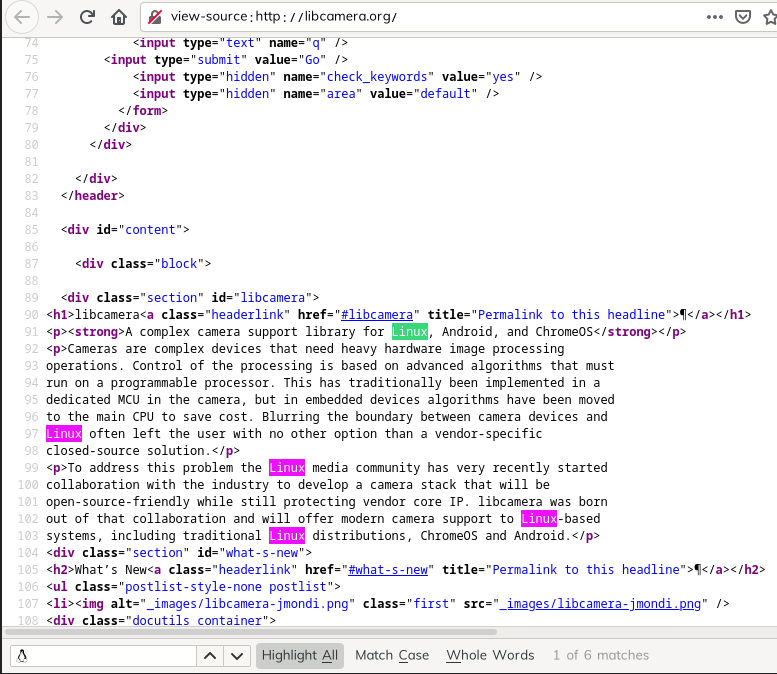
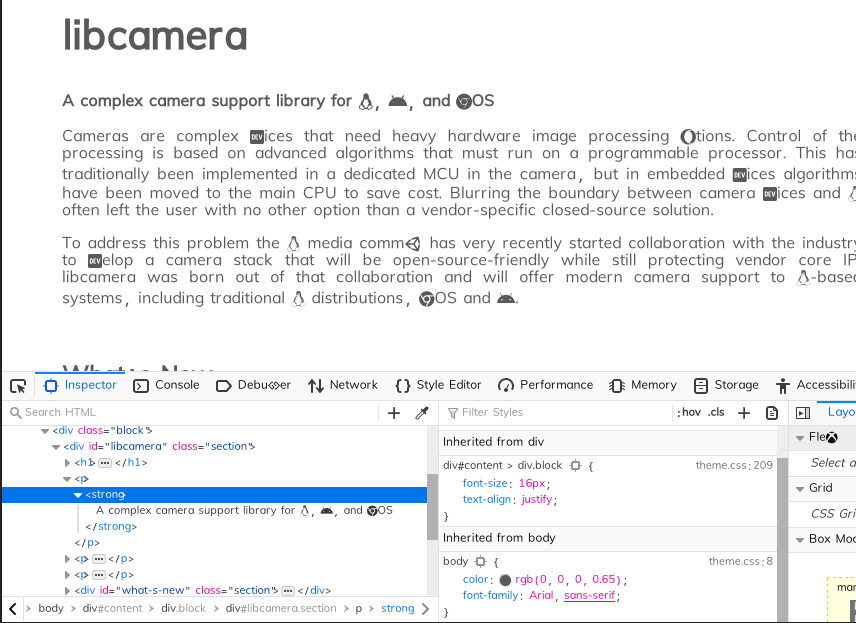
I currently have fontawesome installed on my system, and Firefox seems to be using it to replace words with glyphs (see the attached image).
This behaviour disappears when the font is removed from my system. It's not coming from any plugins installed. Is it possible to blacklist the font, or something else to prevent this?
I am using Alpine linux with the package installed from the official repos.
Thanks
All Replies (2)
How does text that use fontawesome look in the Inspector ?
You can right-click and select "Inspect Element" to open the builtin Inspector with some text selected.
Does this happen on all website or only in the page of your screenshot ?
Can you post a link to a publicly accessible page (i.e. no authentication or signing on required)?
It happens on all websites. The website on my screenshot is http://libcamera.org/.
In the attached screenshot, I searched for 'linux', which was immediately replaced by the icon in the search bar.