Windows 10 reached EOS (end of support) on October 14, 2025. If you are on Windows 10, see this article.

Search Support

Avoid support scams. We will never ask you to call or text a phone number or share personal information. Please report suspicious activity using the “Report Abuse” option.

Learn More
Èròjà atẹ̀lélànà yii ni a ti fi pamọ́ fọ́jọ́ pípẹ́. Jọ̀wọ́ béèrè ìbéèrè titun bí o bá nílò ìrànwọ́.
A ti fi pamọ́ fọ́jọ́ pípẹ́

My firefox cuts off the top of the web page and adds a blank footer

Paul replied
panterabl

Aloha,

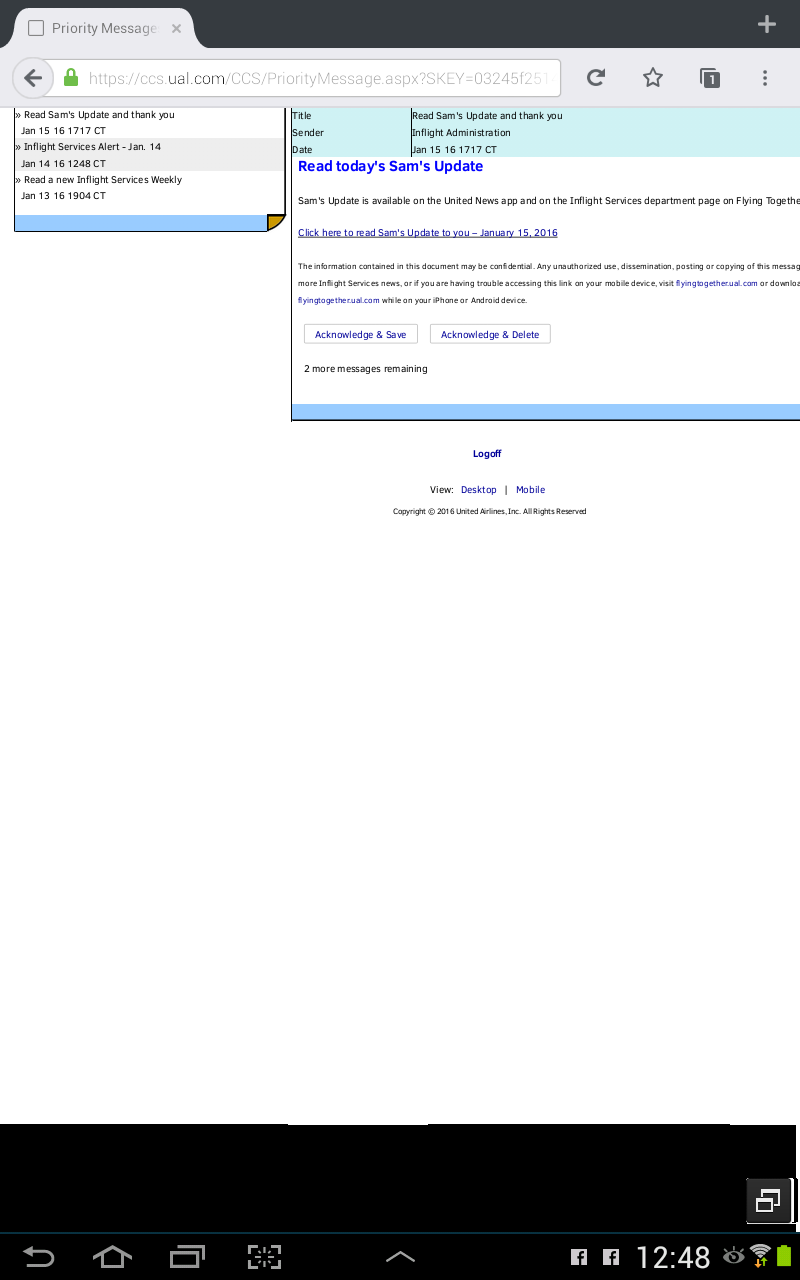
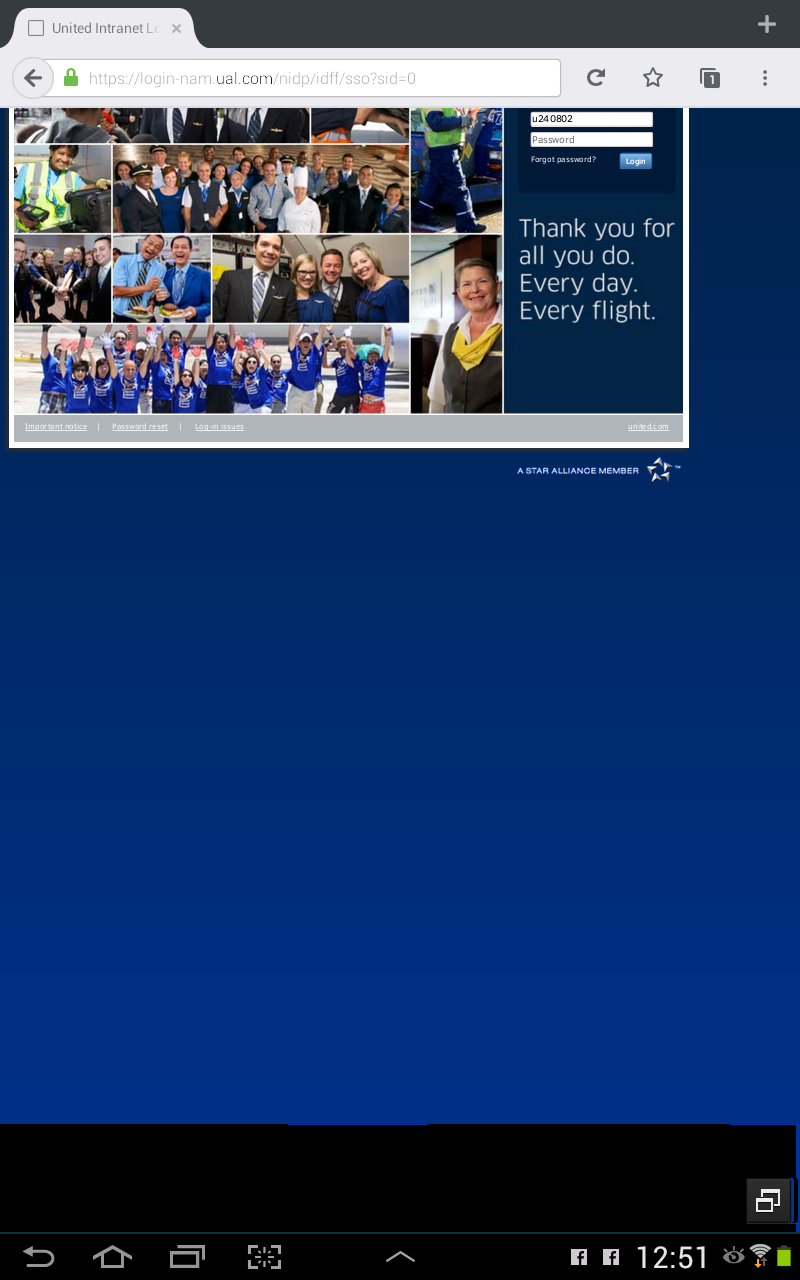
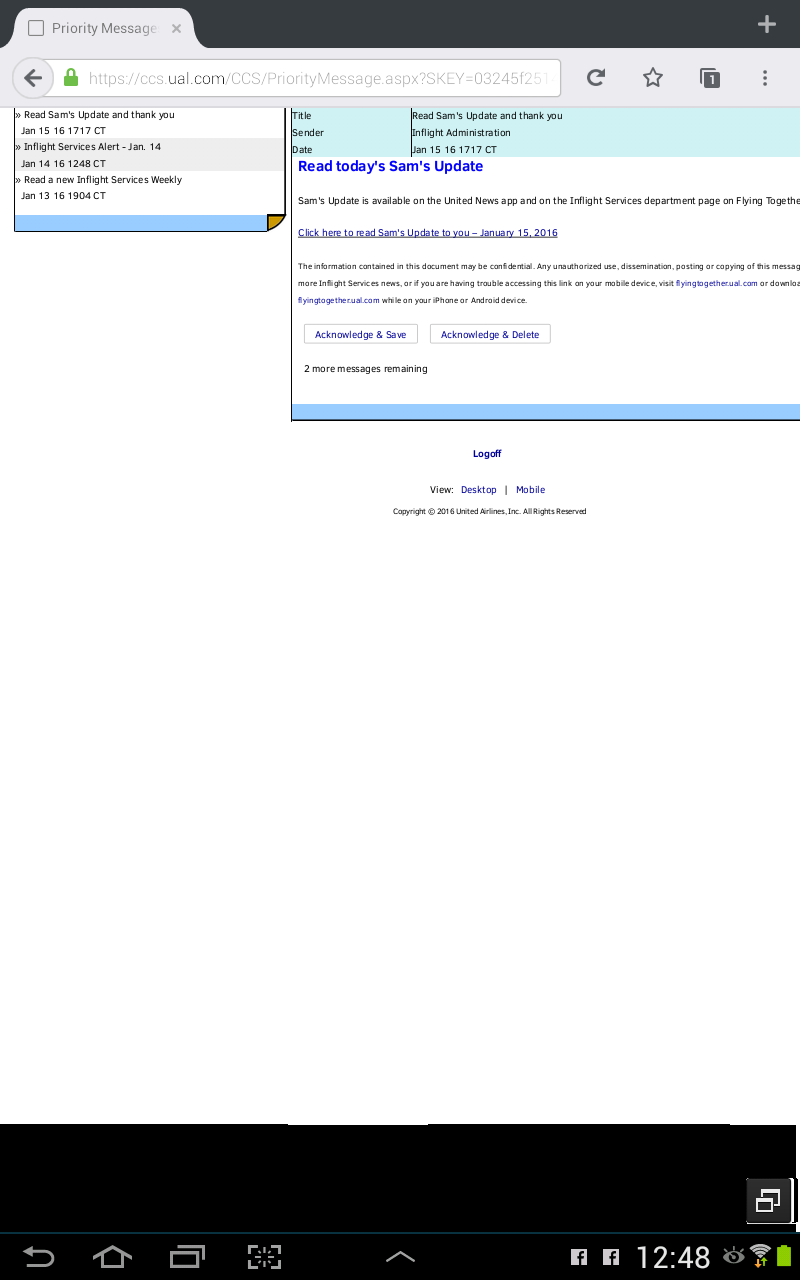
I have tried various web sites, both Firefox and the beta version and the most current versions on my Samsung Galaxy Note 10.1 2013 model with all possible updates dowloaded and working. However, have noticed a site will come up when I input it into the address field. Moments later whenI need to enter my account and password, the web page awkwardly scrolls up and bottom 1/8 of the page has a blank white or colored footer. Also noticed, at times that footer may go up to 2/3 of the page. It is very disruptive and difficult to use any website at any given time. The snapshots correct themselves which makes this situation laughable as well as insulting.

Please fix.
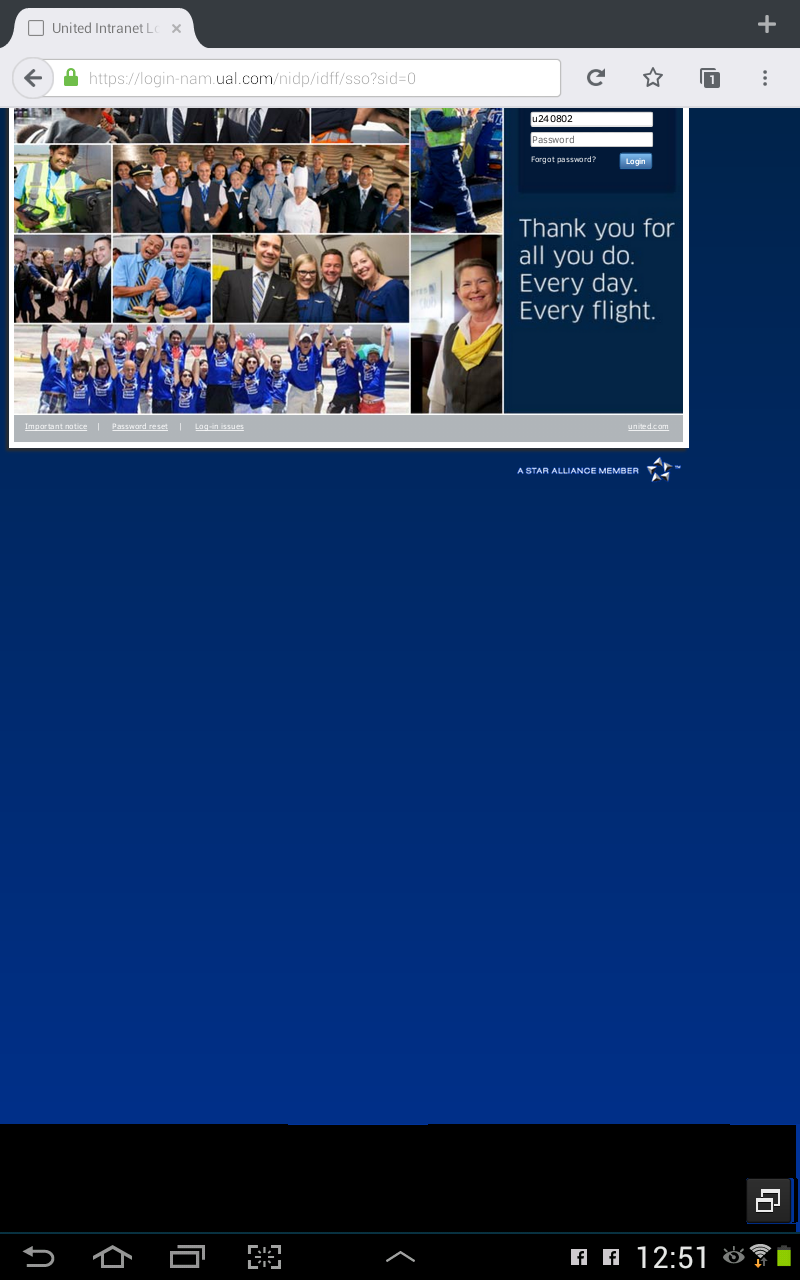
Aloha, I have tried various web sites, both Firefox and the beta version and the most current versions on my Samsung Galaxy Note 10.1 2013 model with all possible updates dowloaded and working. However, have noticed a site will come up when I input it into the address field. Moments later whenI need to enter my account and password, the web page awkwardly scrolls up and bottom 1/8 of the page has a blank white or colored footer. Also noticed, at times that footer may go up to 2/3 of the page. It is very disruptive and difficult to use any website at any given time. The snapshots correct themselves which makes this situation laughable as well as insulting. Please fix.

Ìsopọ̀ yíyà aṣàfihàn

All Replies (1)

Hi

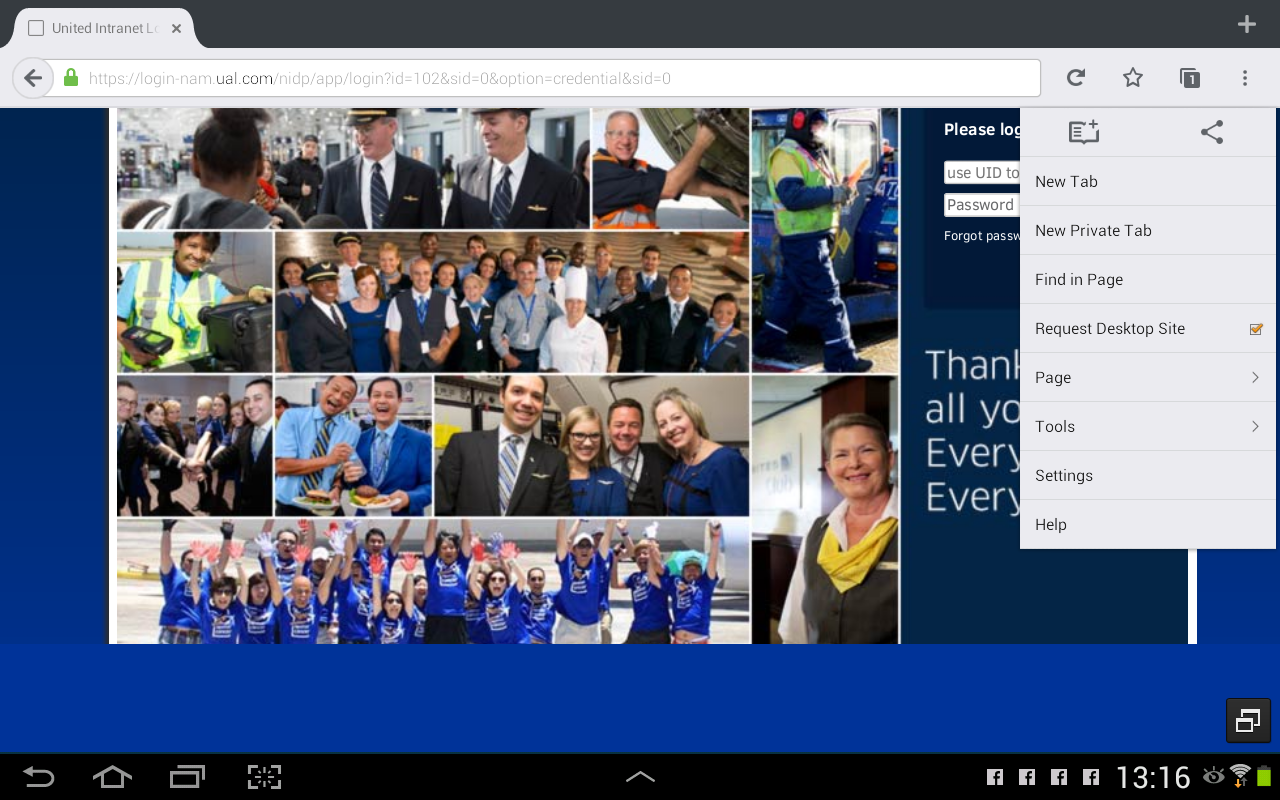
You may want to try opening these pages in desktop view. You can read more about how to do this here.

Some pages (possibly including this one) are not designed to work on mobile browsers. Desktop view should help correct this (you may have to zoom in to see some details).

I hope this helps, but if not, please come back here and we can look into a different solution for you.