


Why does Firefox crash when I try to import bookmarks from Chrome?

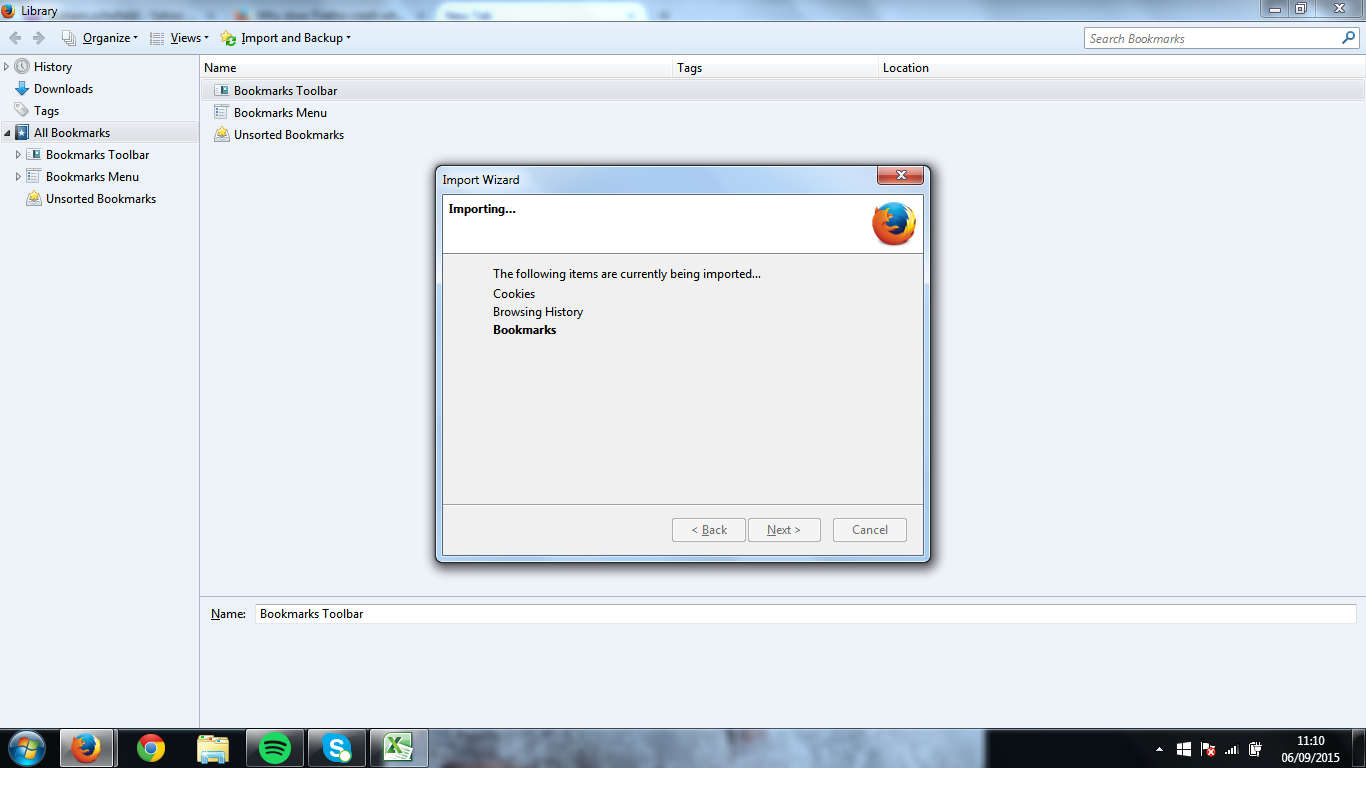
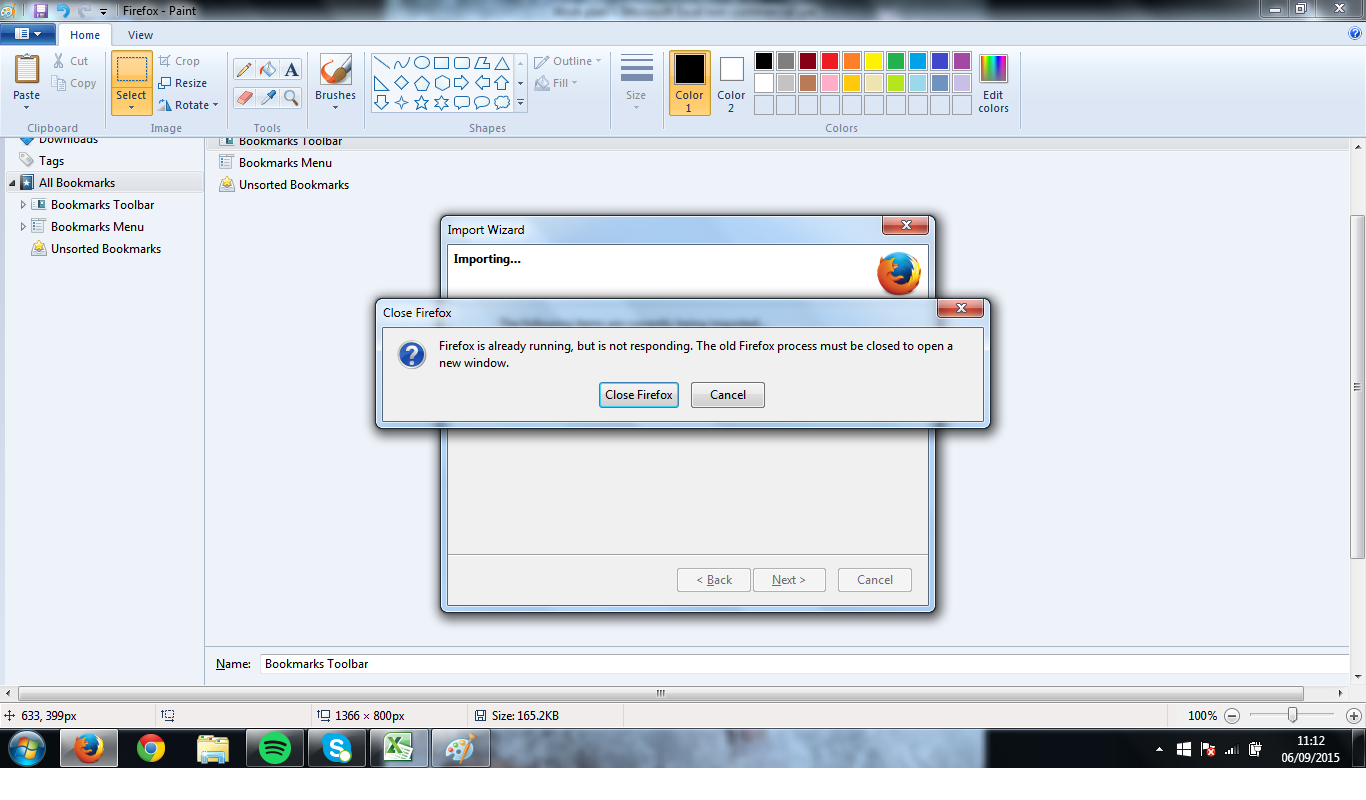
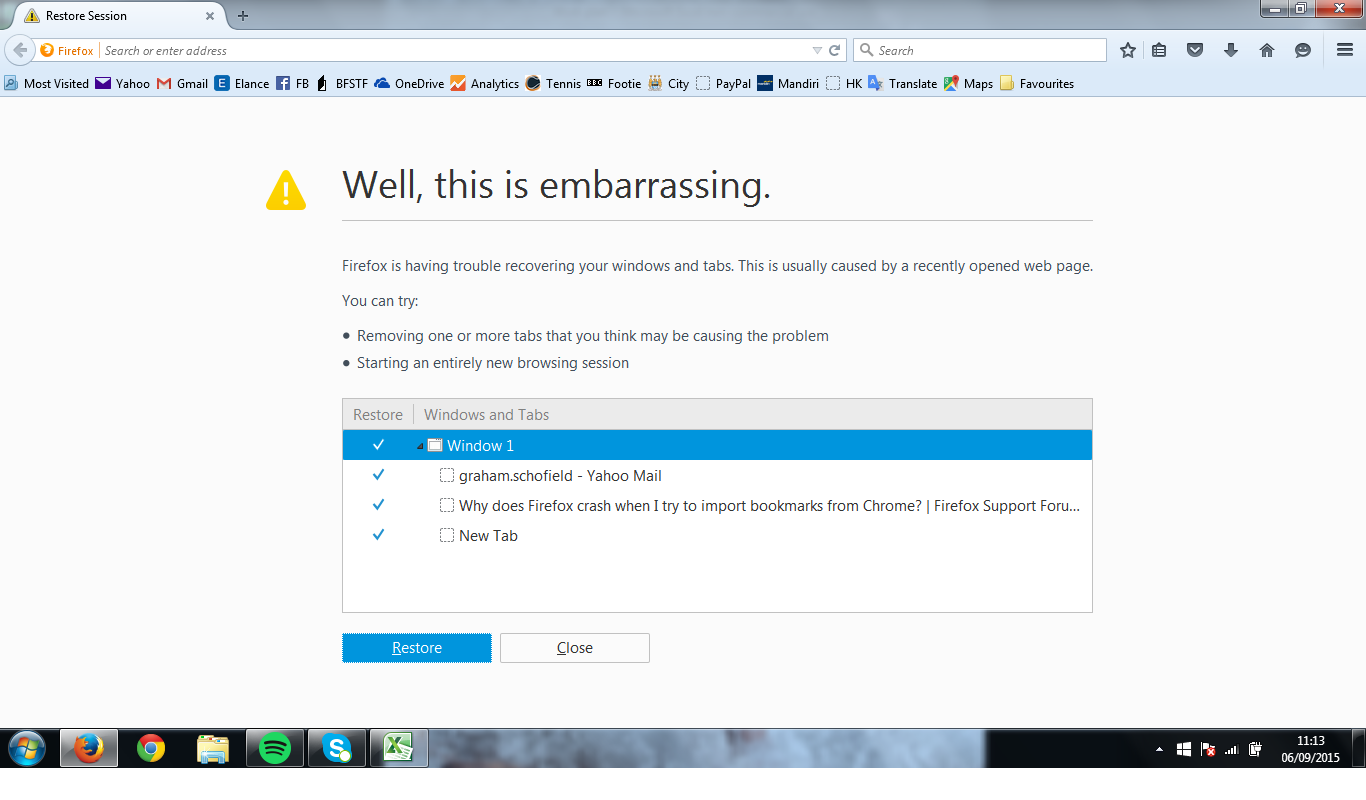
Tried 3 times to import bookmarks but Firefox crashes when it gets to 'bookmarks' after copying cookies and browsing history from the 'items to import' window. Checked all the Chrome bookmarks for errors etc, cleaned them and then tried again but still crashing. It is only Firefox that crashes everything else works OK.
Ọ̀nà àbáyọ Tí a Yàn
You're welcome
All Replies (5)

In the address bar, type about:crashes<enter>. Note: If any reports do not have BP in front of the numbers/letters, click it and select Submit.
Using your mouse, mark the most resent 7 - 10 crash reports, and copy them. Now go to the reply box below and paste them in.
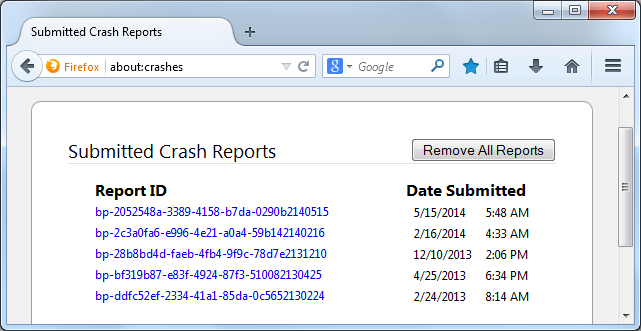
Thanks, but it says no crash reports have been submitted. The history and cookies 'grayed out' as if completed but when it got to bookmarks the whole browser was just hung
Did you try to export the bookmarks in Google Chrome to an HTML file and import this file in the Firefox Bookmarks Manager (Library)?
cor-el said
Did you try to export the bookmarks in Google Chrome to an HTML file and import this file in the Firefox Bookmarks Manager (Library)?
That worked! Thanks a lot
Ọ̀nà àbáyọ Tí a Yàn
You're welcome