


How to disable Beta channel updates?

Beta updates disable my Trusteer Rapport which often does not support the update. How do I remove myself from the beta update channel?
Ọ̀nà àbáyọ Tí a Yàn
Thank you for that. I found that totally uninstalling the current version after saving favourites and then installing the V33 and importing them worked great.
All Replies (5)

You'll need to download and install the release version. https://www.mozilla.org/firefox
This confirmed my membership on the beta update channel which was precisely what I did not want to do. Rapport only supports up to version 33 of Firefox.
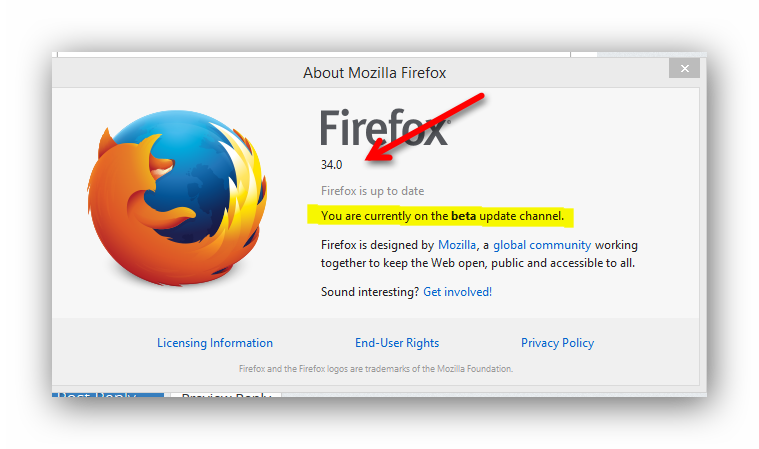
So get back on the release channel as per above.
You likely installed what was a Beta build of a version at time and have been using it since as 34.0b3 is the current Beta. The easiest way to get back onto Release channel is to install the current Release which is 33.0.1
For the full setup and not the online stub see https://www.mozilla.org/en-US/firefox/all/
Ti ṣàtúnṣe nípa James
Ọ̀nà àbáyọ Tí a Yàn
Thank you for that. I found that totally uninstalling the current version after saving favourites and then installing the V33 and importing them worked great.