


some accounts missing

I'm running Thundrbird 143.0.1 on windows 11 pro PC Today find that only one of my 3 accounts is listed Also only the inbox is showing
suggestions please
All Replies (4)
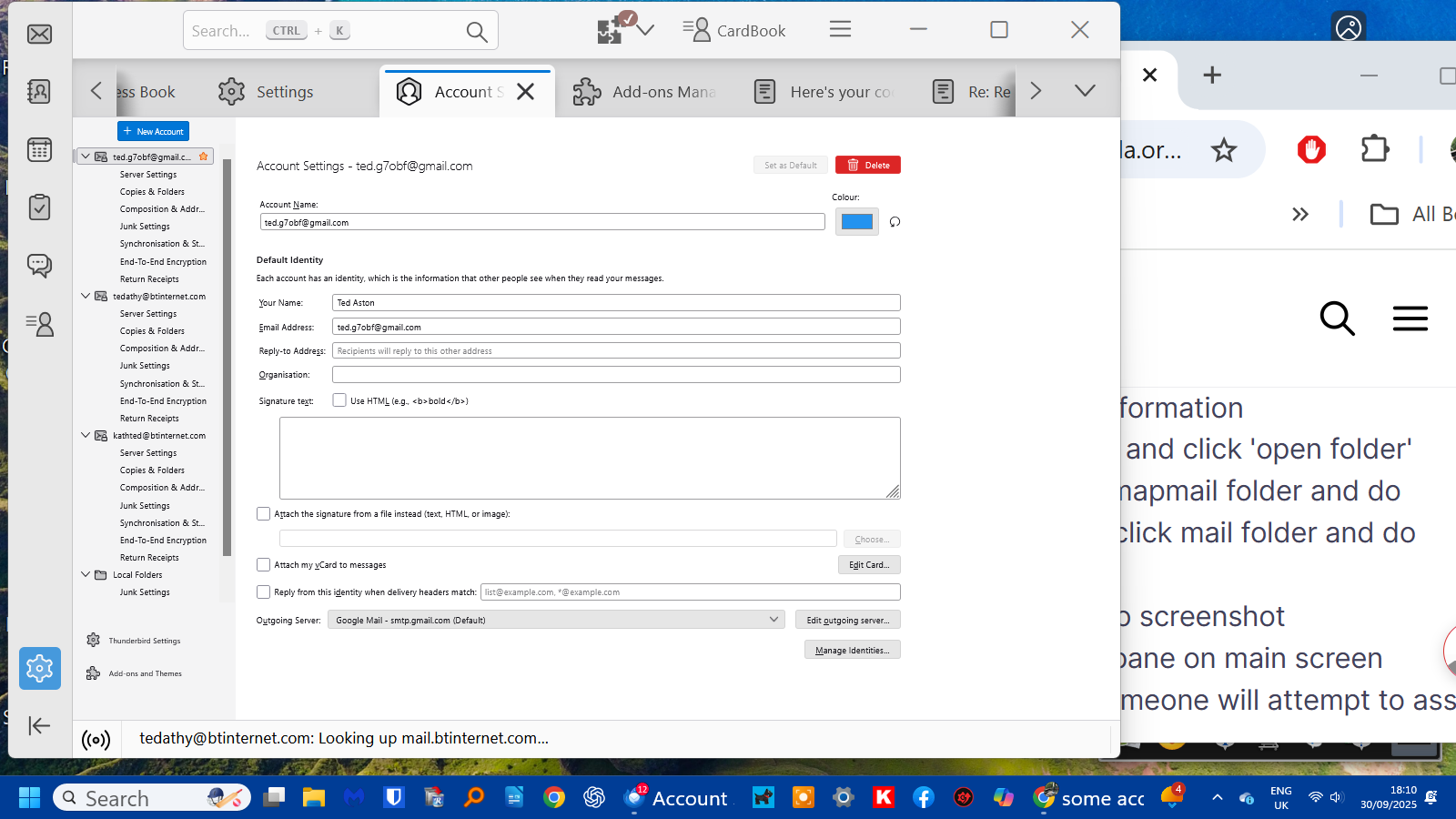
Try this: - click help>troubleshootinginformation - scroll down to 'profile folder' and click 'open folder' - if IMAP accounts, click the imapmail folder and do screenshot. If POP accounts, click mail folder and do screenshot - click account settings and do screenshot - create screenshot of folder pane on main screen - post the screenshots and someone will attempt to assist. thanks
Thanks David
I have attached the screenshots - hope they are the ones needed!
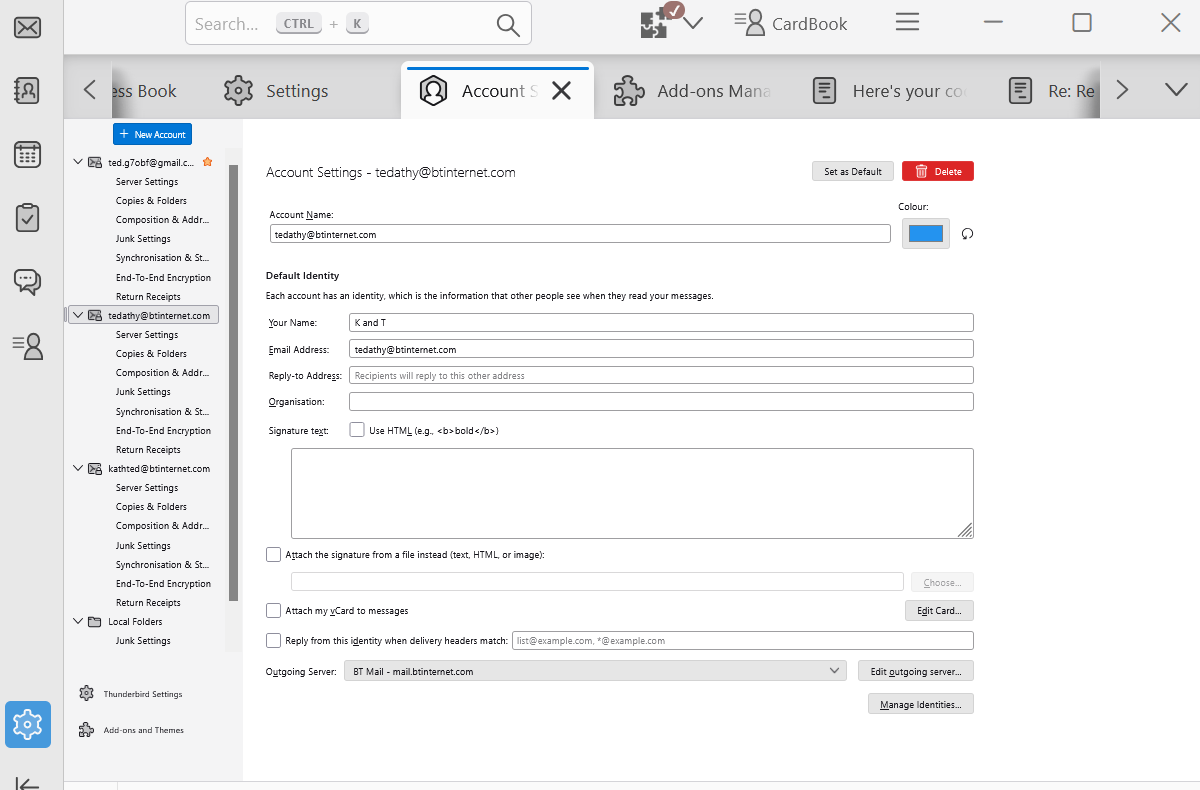
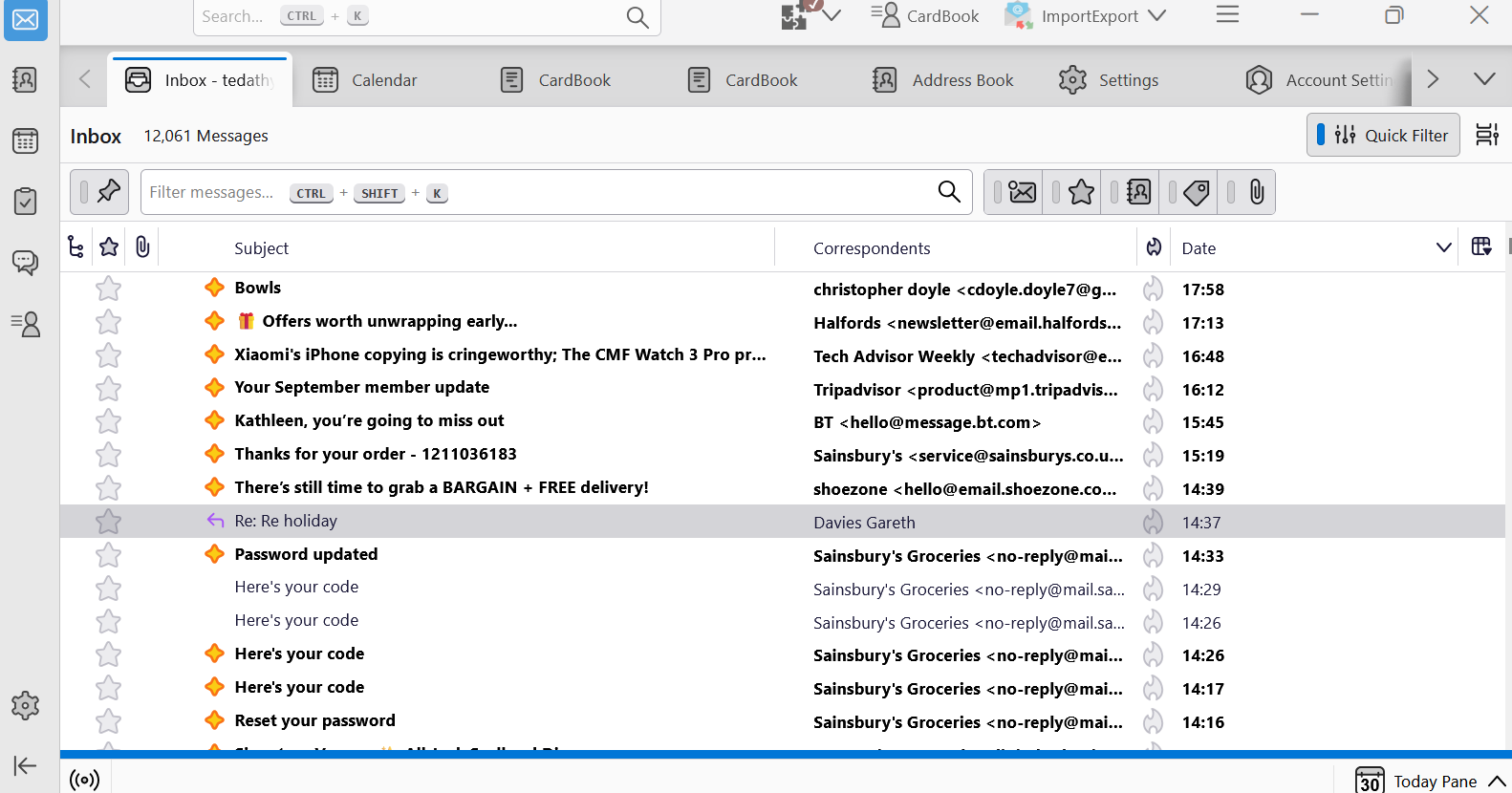
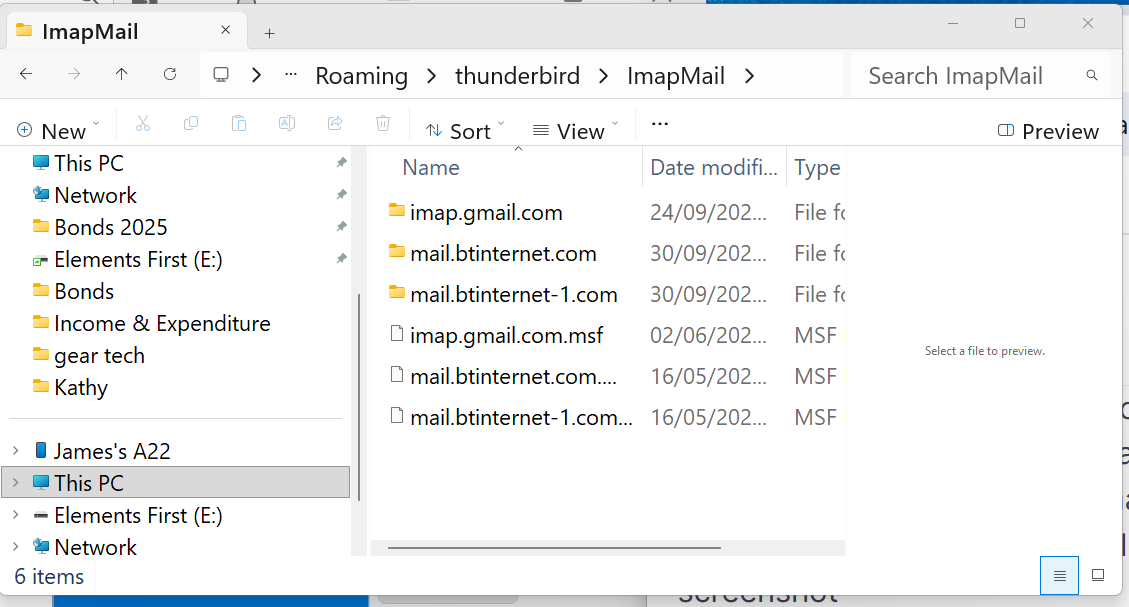
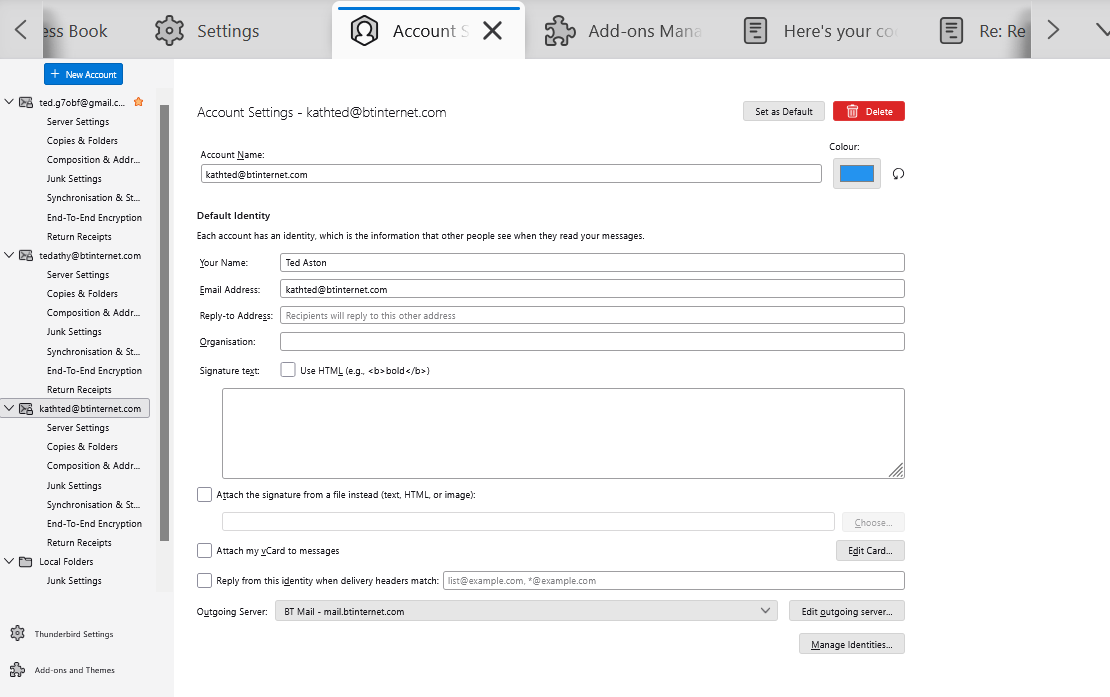
try this: click alt key to show menu bar. then, click view>layout and tick 'folder pane' and report back
Thanks David Every choice in the layout selection box is greyed out! BUT when tried to take screenshot, menu disappeared. Then clicked ALT again and now folder is clickable All appears OK - weird