


Sonograms in eBird are not playing.

Please help me release the cookie for eBird.org sonograms so that they are not blocked or tell me how to do it in plain, non-jargon English step by step. Nobody has answered my requests for help with this. My advice from eBird was to use Edge or Chrome instead, which I don't want to do, especially. Surely there must be someone at Mozilla who uses eBird who can understand how frustrating this is.
تمام جوابات (8)
I went to https://ebird.org/species/thbcuc1 and clicked the green button. The sound plays for me.
In your previous questions you indicated you're not satisfied with the advice given, and you're not keen to follow the diagnostic steps, so that would be my guess for the lack of further answers (besides kind replies from moderators asking not to open duplicate questions. Again. And again.)
Maybe someone else will be able to reproduce the same case of missing security headers (or, wrong content subset responded with based on that) — however on a system with no antivirus and no addons the site works just fine as captured in this recording:
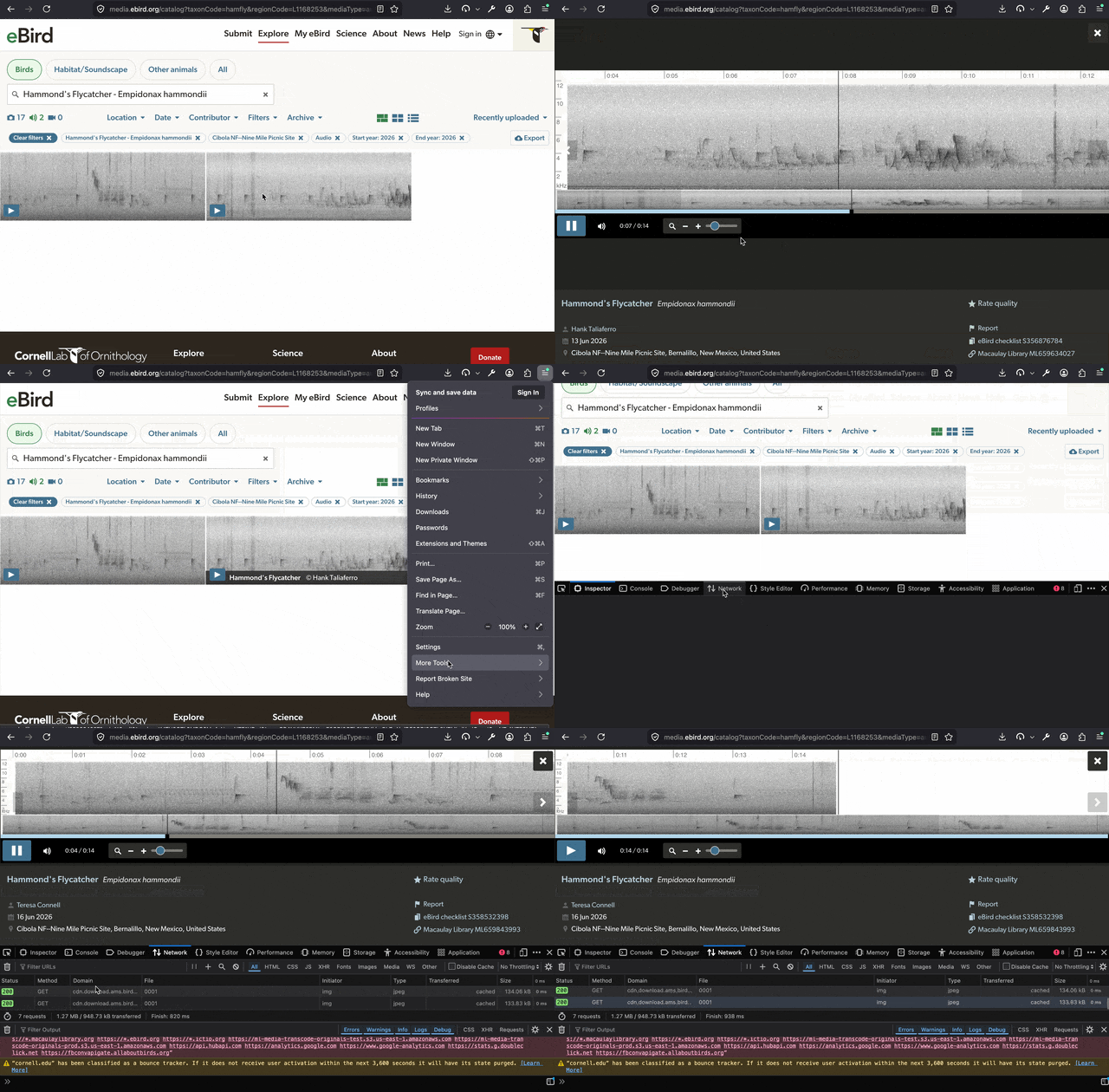
Please see the first yellow box of the image of my console settings. There is an error. It says "Cross origin request blocked". BTW, what green button? I have no idea why yours works and mine is blocked.
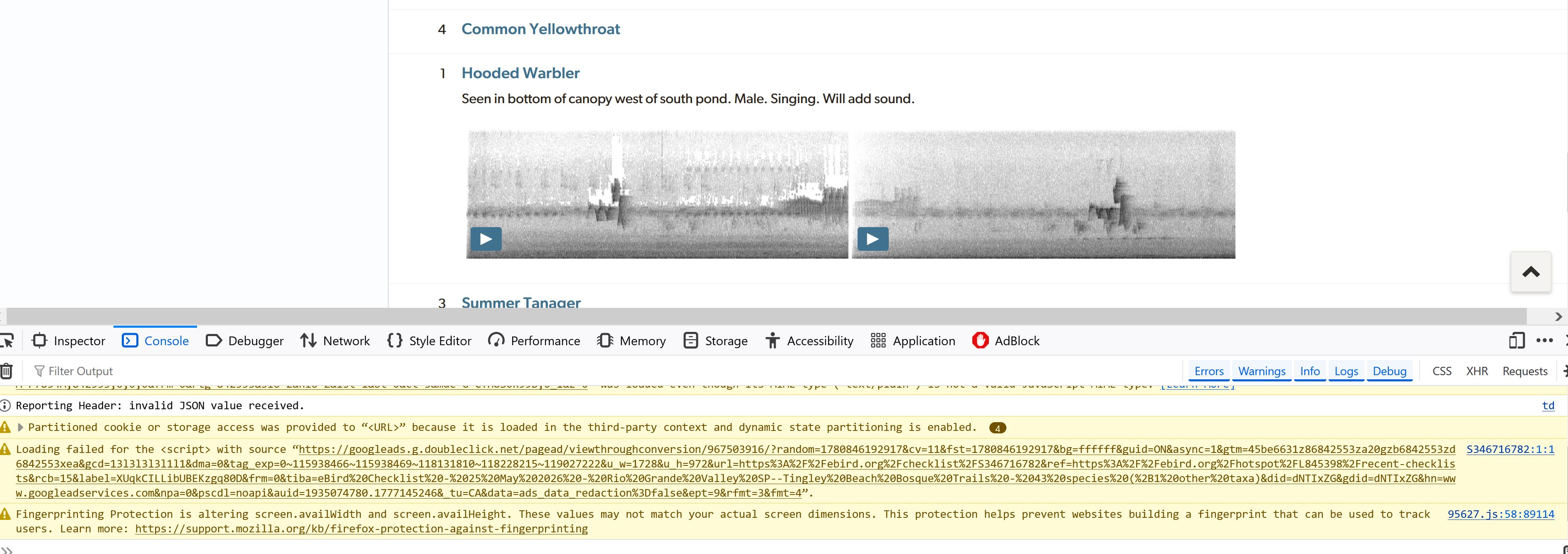
The yellow lines are not errors. None of these four prevent loading of the media files. Yes, they are tracking–protection related, you might go on a wild goose chase and disable all these protections… yet the media loading won't be affected; only the console entries will disappear, as you're no longer protected from these trackers;)
The missing files are not due to:
- cookies https://support.mozilla.org/questions/1588217
- or fingerprinting https://support.mozilla.org/questions/1587454
- but cross–origin errors: https://support.mozilla.org/questions/1585932
That thread ^^ has the relevant info captured, and the error logged.
I don't understand how to fix it from the menus. If you can please tell me where in the settings that I can find my solution, I will try to do it again. Nobody replying to me is specific enough. I have turned off my ad blockers on eBirdand Vipre is not the issue. I am very frustrated. I understand that you don't want repeated requests, but the problem persists. I'm sorry I ranted,
"and Vipre is not the issue" is a factor nobody can verify — so unless you can disable it completely to be sure it's not its protections touching the sensitive header that trips up cornell edu servers, you'll never know if conerll's just singling you out for a reason… or it's caused by the security software.
So as long as you insist on keeping it running, you can only try this:
Restart into Troubleshoot Mode (menu "Help" › "Troubleshoot mode…") Try in that mode. If no change, then menu "New Private Window", and try again in private tab.
If neither helps, it's not any data stored with Firefox. It's either your firewall, modem/router, internet provider or your IP address, or the data center closest to you that's buggy and sending you wrong results. Neither anyone here can help with realistically.