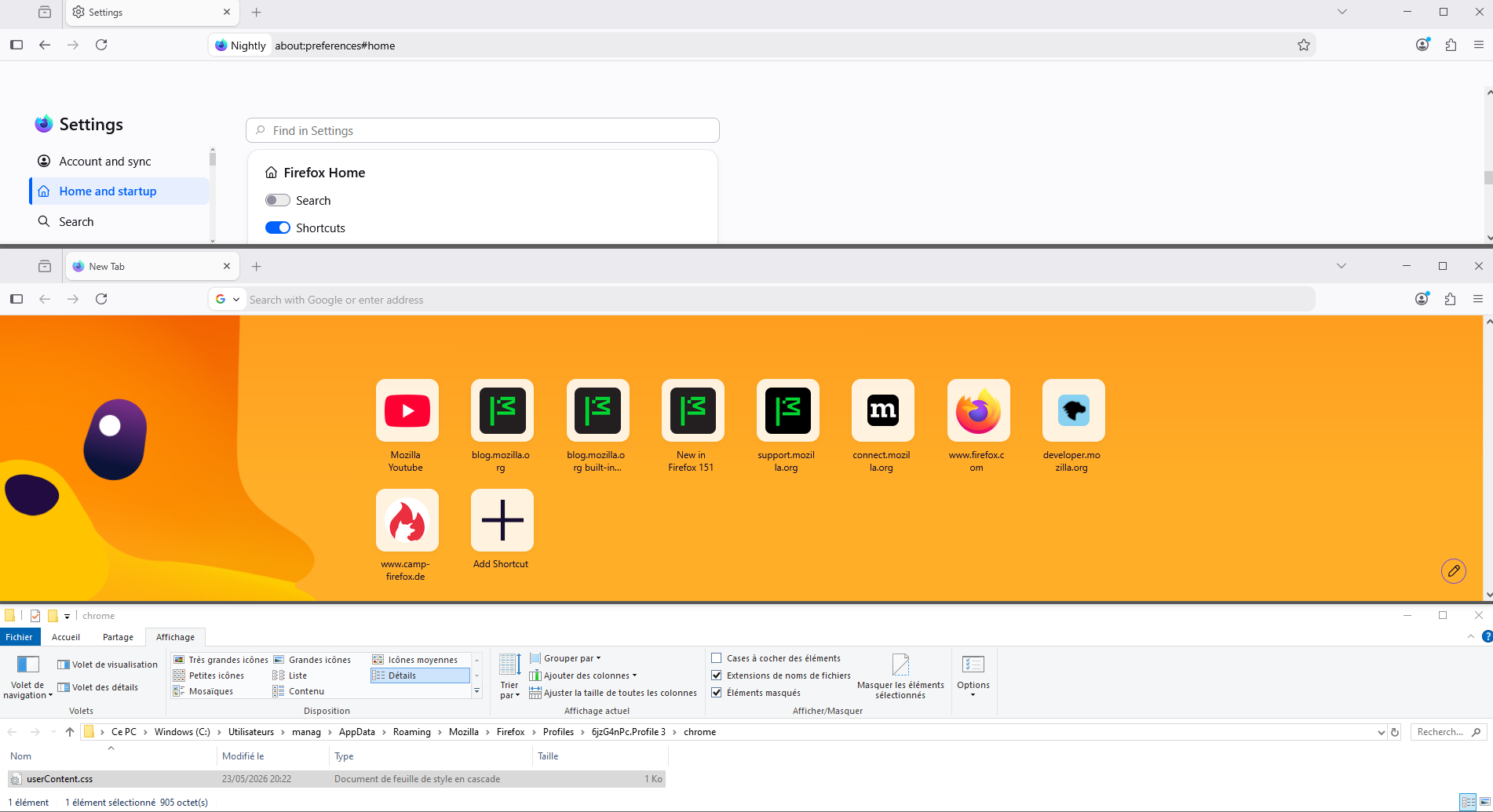
why did you mess up the home screen page

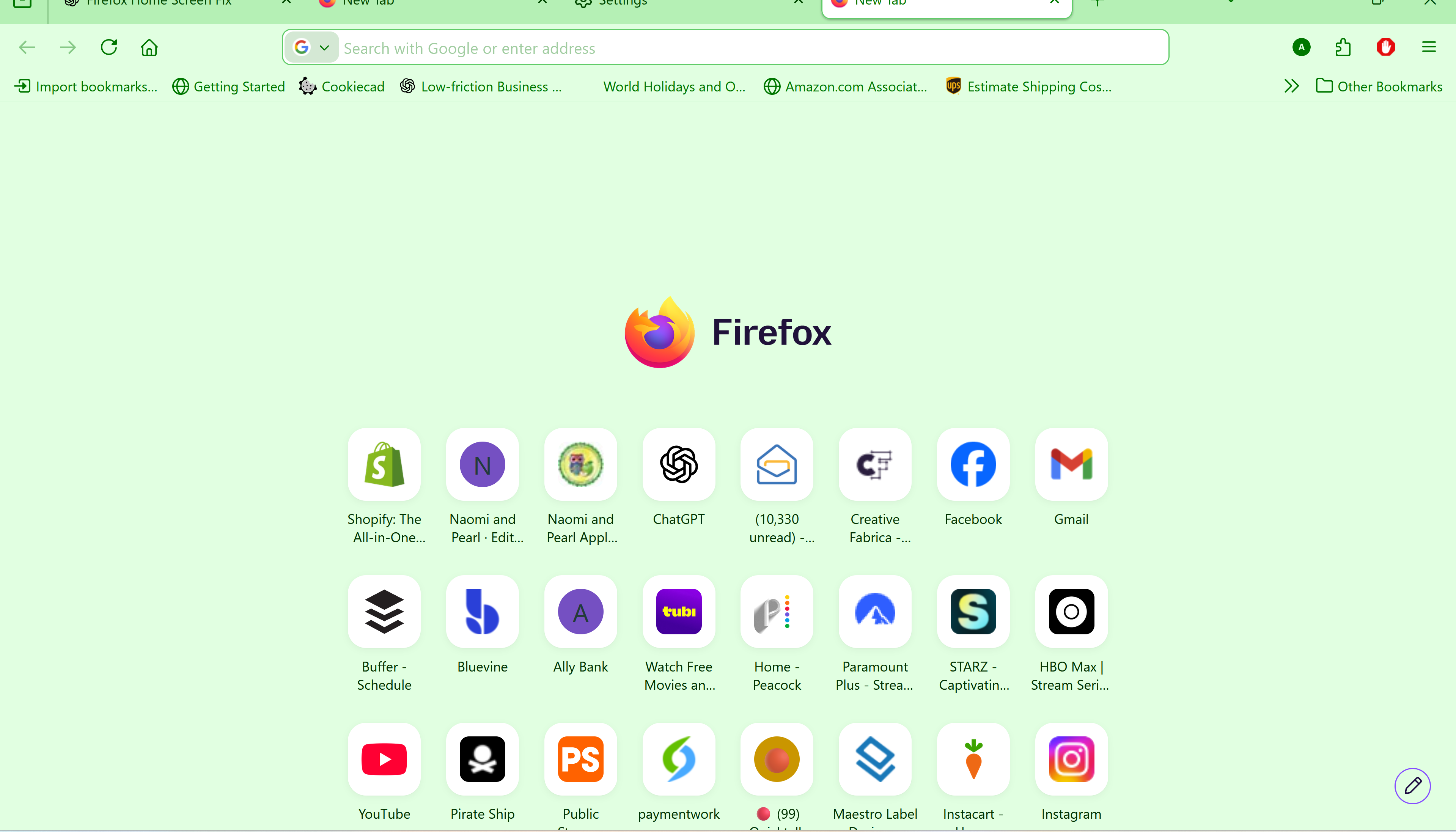
The new Firefox Home layout wastes screen space and pushes shortcut rows lower on the page. Please provide an option to restore the previous compact layout or remove the oversized centered Firefox logo. Productivity users need density and customization, not extra empty space.
I have to reduce the screen page size down to 67% to see the entire screen.
منتخب شدہ حل
Hello
This discussion thread https://connect.mozilla.org/t5/discussions/firefox-151-introduces-a-fresh-new-look-for-home-amp-new-tab/td-p/125715
To see, you can test, browser.newtabpage.activity-stream.nova.enabled
1 - Go to configuration editor https://support.mozilla.org/en-US/kb/about-config-editor-firefox 2 - Enter a search term browser.newtabpage.activity-stream.nova.enabled You can double-click on the preference to set the value to false
This discussion thread https://connect.mozilla.org/t5/discussions/a-huge-empty-field-with-the-firefox-logo-above-the-shortcuts/td-p/126063
اس جواب کو سیاق و سباق میں پڑھیں 👍 0تمام جوابات (4)
منتخب شدہ حل
Hello
This discussion thread https://connect.mozilla.org/t5/discussions/firefox-151-introduces-a-fresh-new-look-for-home-amp-new-tab/td-p/125715
To see, you can test, browser.newtabpage.activity-stream.nova.enabled
1 - Go to configuration editor https://support.mozilla.org/en-US/kb/about-config-editor-firefox 2 - Enter a search term browser.newtabpage.activity-stream.nova.enabled You can double-click on the preference to set the value to false
This discussion thread https://connect.mozilla.org/t5/discussions/a-huge-empty-field-with-the-firefox-logo-above-the-shortcuts/td-p/126063
Agent virtuel کی جانب سے میں ترمیمکی گئ
Que sera, sera.
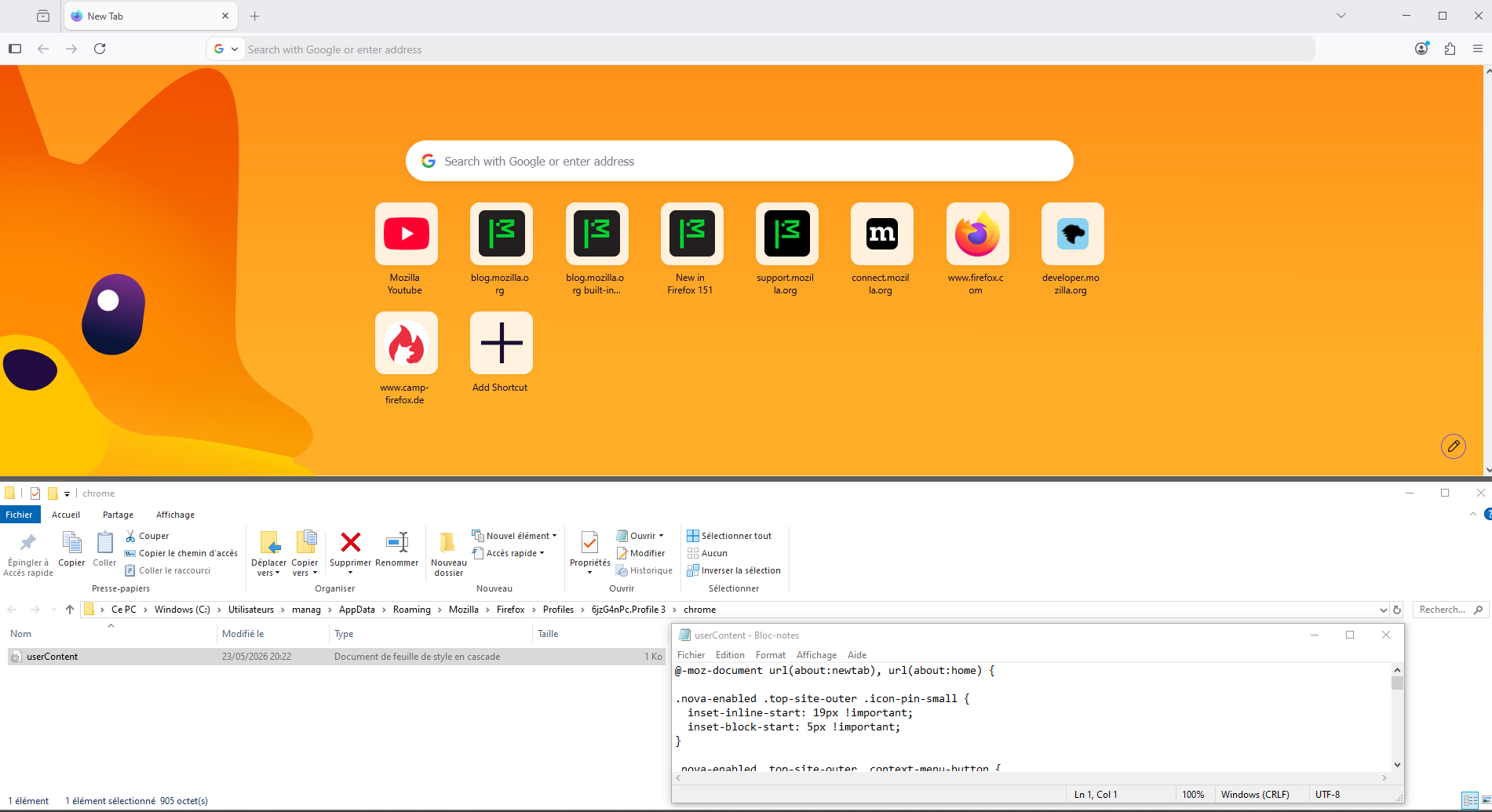
Maybe, with test, with userContent.css file, you can find tutorials on the web. Take a look at https://www.camp-firefox.de/forum/thema/140581-startseite-kacheln-kleiner/?postID=1289379#post1289379
Below, a test.
Agent virtuel کی جانب سے میں ترمیمکی گئ