

اس تھریڈ کو آرکائیوکیا گیا تھا۔
اگر آپ کو مدد کی ضرورت ہو تو براہ مہربانی نیا سوال پوچھیں۔

آرکائیو شدہ
how to share URL on firefox PC

Windows 11 fire fox up to date, I never had a share button to share URL. suppose to be a airplane ?
Windows 11 fire fox up to date, I never had a share button to share URL. suppose to be a airplane ?
تمام جوابات (1)
Hi,
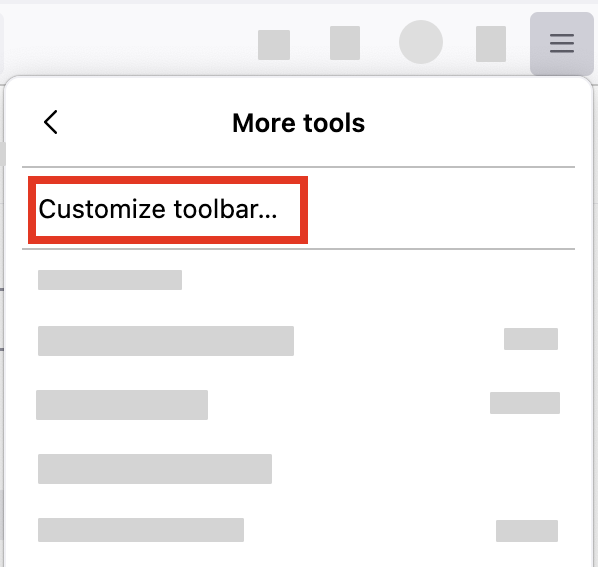
It's not an airplane anymore and you heave to bring it from the "Customize" menu.
- Click the menu button
 , select "More tools" and click "Customize toolbar…"
- A special tab will open which allows you to drag and drop items in or out of the overflow menu and the toolbar.
-
- Drag the Share item to the toolbar.
- Click the Done button.
Let us know if this solves the problem.
- For other ways to customize Firefox, see Customize Firefox controls, buttons and toolbars.