


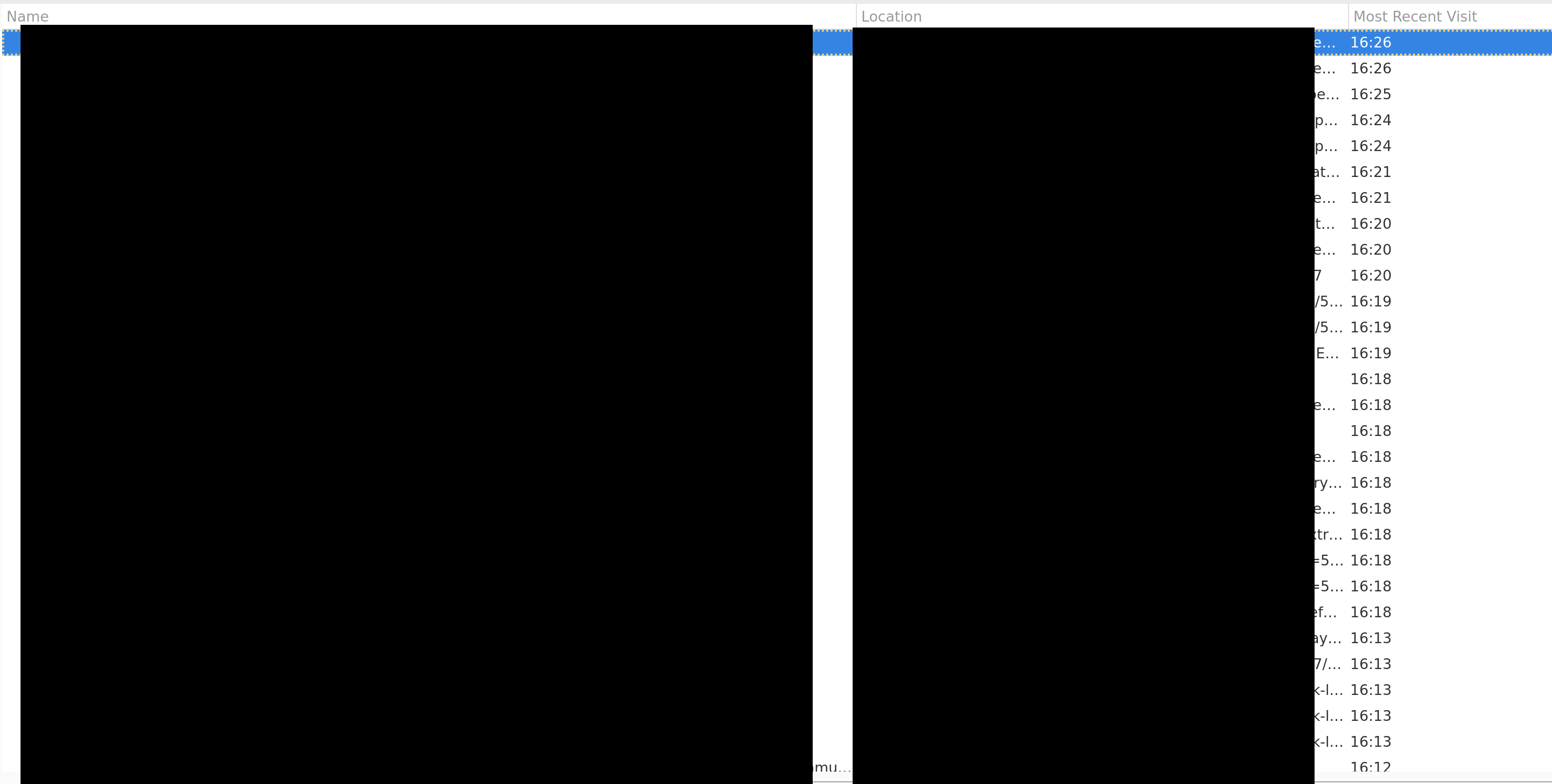
In the history UI how can I see times in 12 hour format (AM/PM)?
Like 4:26PM instead of 16:26, I'm on linux (NixOS) if that helps.
منتخب شدہ حل
I found this this bugzilla comment for time formatting. I changed `intl.date_time.pattern_override.time_short` to `h:mm a` so it shows 4:26PM. There's an open bugzilla report for my issue: Date not formatted according to user's locale (LC_TIME).
اس جواب کو سیاق و سباق میں پڑھیں 👍 0تمام جوابات (4)
Hello,
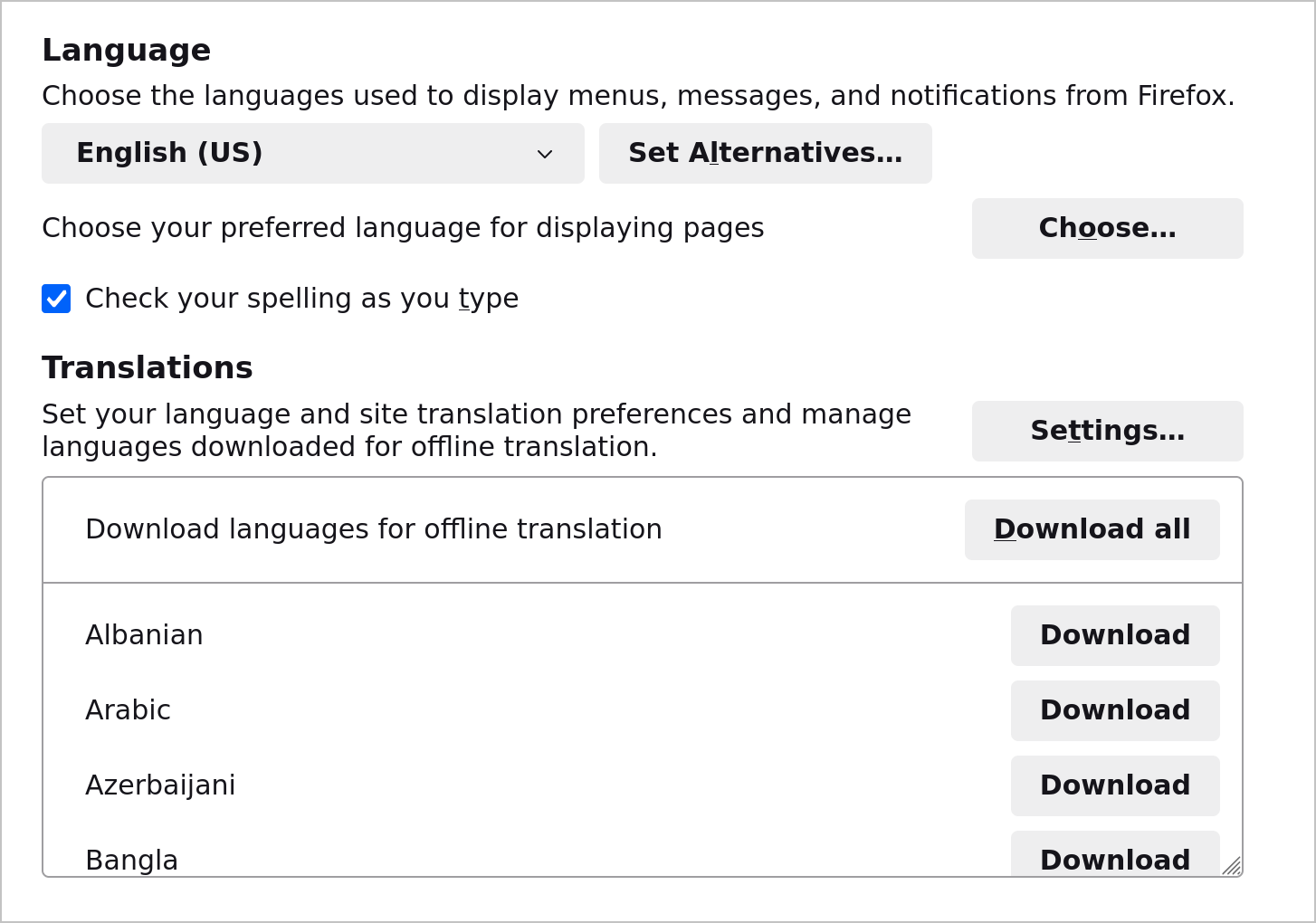
Does your OS use 12-hour clock? If it does, then head to Firefox Settings -> General -> Languages and check "Use your operating system settings for [your language and country] to format dates, times, numbers, and measurements."
I don't see it under Settings > General > Language
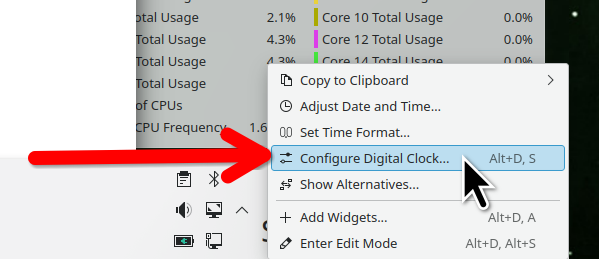
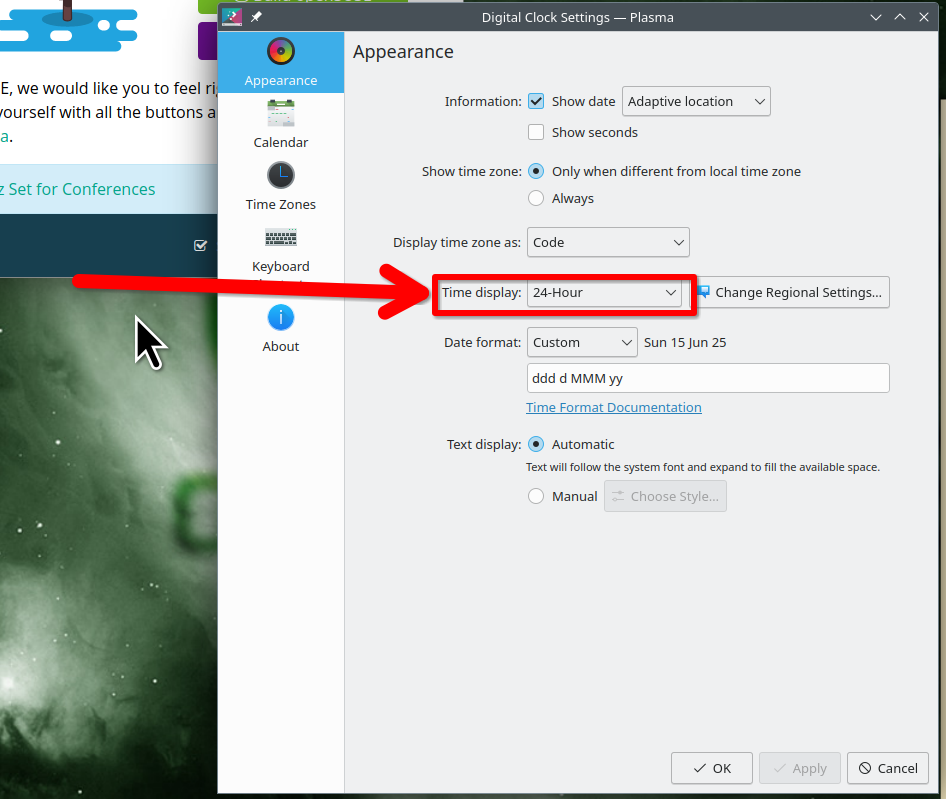
Not a browser, but a change in the OS. What desktop? If KDE, the settings are here. see screenshots Just right click on the clock and configure digital clock.

jonzn4SUSE کی جانب سے میں ترمیمکی گئ
منتخب شدہ حل
I found this this bugzilla comment for time formatting. I changed `intl.date_time.pattern_override.time_short` to `h:mm a` so it shows 4:26PM. There's an open bugzilla report for my issue: Date not formatted according to user's locale (LC_TIME).
TheWonderAlmighty کی جانب سے میں ترمیمکی گئ