


Відкрито
Getting error when attempting to grant Thunderbird access to Verizon (AOL) mail account.

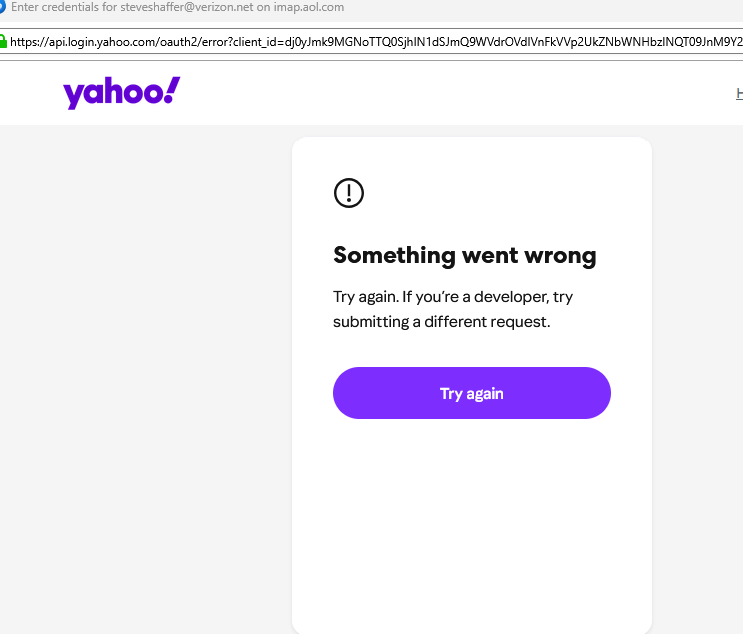
When I try to add a new email account, the system keeps showing a vague error when I try to grant the application access. See the attached file.
When I try to add a new email account, the system keeps showing a vague error when I try to grant the application access. See the attached file.
Усі відповіді (1)

- What version of Thunderbird?
- Make sure you have cookies enabled in Thunderbird (see <Settings | Privacy & Security | Web Content | Accept cookies from sites>.
- Click on "Show cookies" and delete all cookies from Yahoo and Verizon.
- Delete any existing passwords for Verizon or AOL (see <Settings | Privacy & Security | Passwords | Saved Passwords>.
(I'm confused about the relationship between Verizon, AOL, and Yahoo, so you might need to remove references to Yahoo as well.)
Now, restart Thunderbird and you should be prompted for your credentials and, hopefully it will be successful.