


Cannot access local network ip addresses on Firefox Nightly for Android

Firefox Nightly for Android
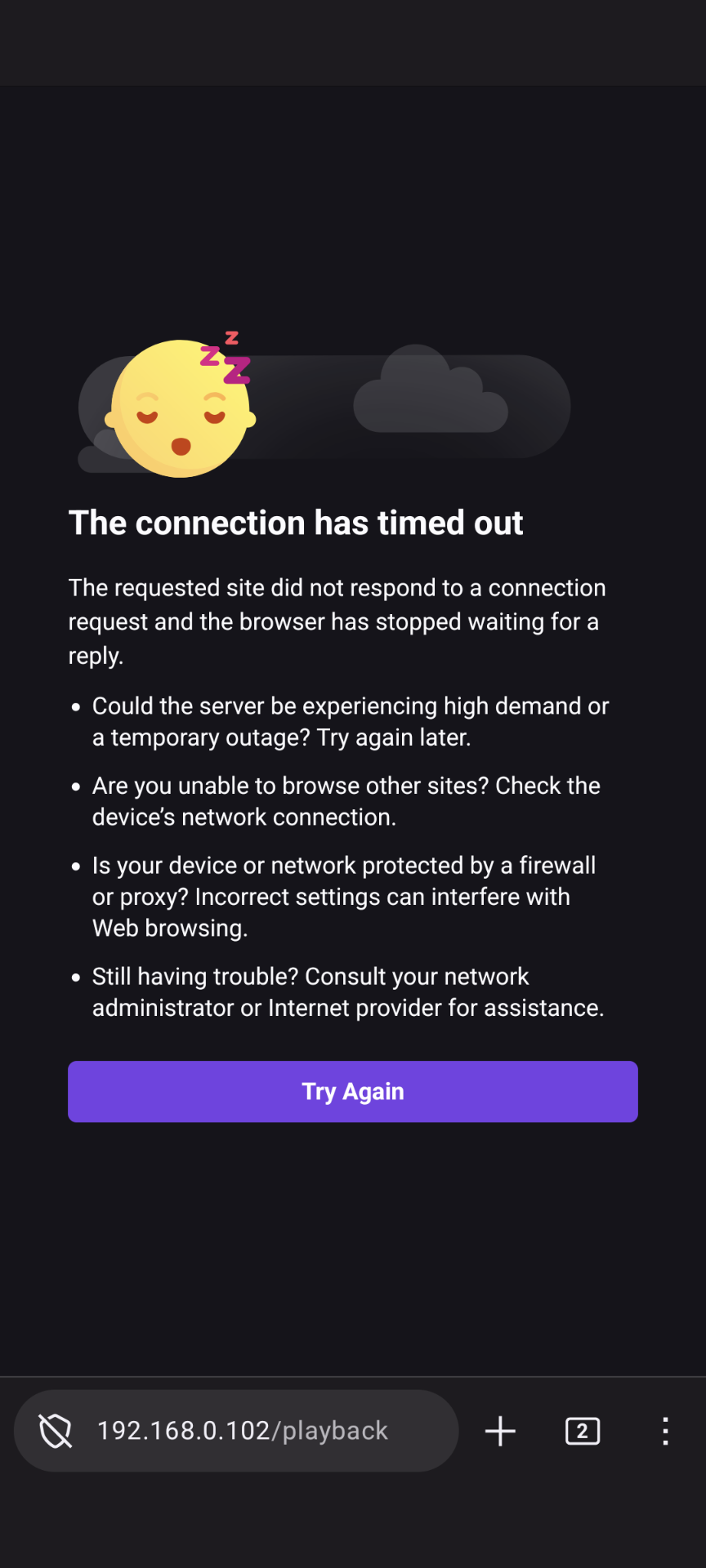
After one of recent update (few weeks ago) cannot access local network ip addresses.
Tried different suggestions from SO in about:config but nothing helps.
Other browsers works.
Усі відповіді (5)
Hi Phil
Thank you for helping to test the Nightly build of Firefox for Android.
I would avoid changing about:config prefs and instead file a bug so that our engineers can look into what is happening.
Paul said
Hi Phil Thank you for helping to test the Nightly build of Firefox for Android. I would avoid changing about:config prefs and instead file a bug so that our engineers can look into what is happening.
How to report a bug?
ps. All aboit:config experiments were reverted.
Змінено Phil
Please see File a bug report or feature request for Mozilla products for details on how to file a bug.
I have the same issue on 154 b3
It was working perfectly but now stopped. Chrome and Edge for android all work. I have no DoH or VPN active

If you are using an Android 17 device, the issue is caused by a new privacy permission introduced in Android 17. Apps now require explicit permission to access local network resources (like routers, casting devices, or local servers).
Here are the ways to fix it depending on your Firefox version:
🛠 Temporary Workaround (All Versions)
You can manually grant the permission through your phone's operating system: Open your Android Settings app.Go to Apps > Firefox. Tap Permissions > Nearby devices. Select Allow.
🚀 Fixed in Firefox Nightly (v155+)
If you are running Nightly 155 or newer, Firefox will automatically ask you for permission the moment you try to connect to a local network resource. You can also check the status and ask for this permission directly inside the Firefox Settings menu.