


Refresh Option

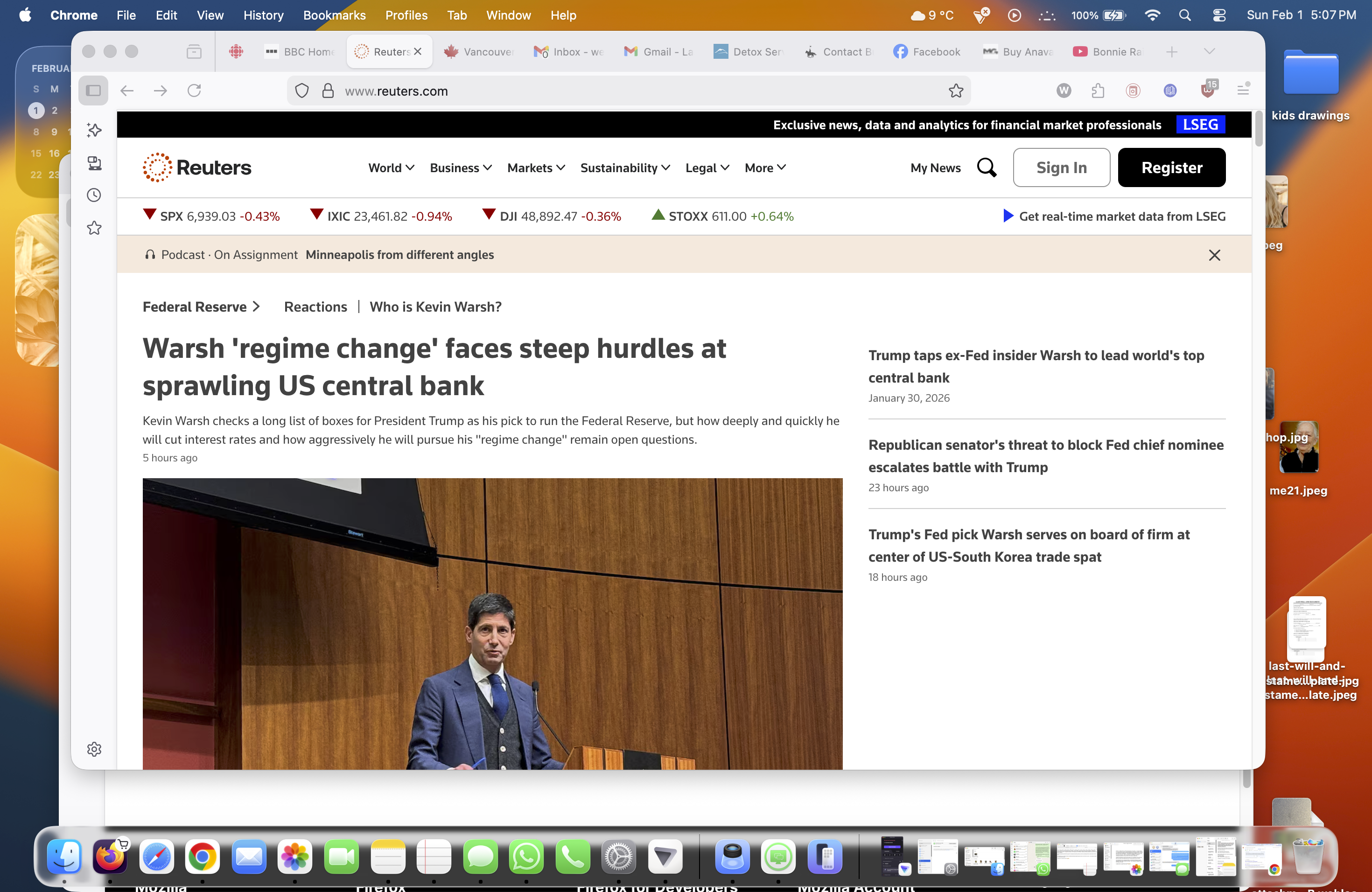
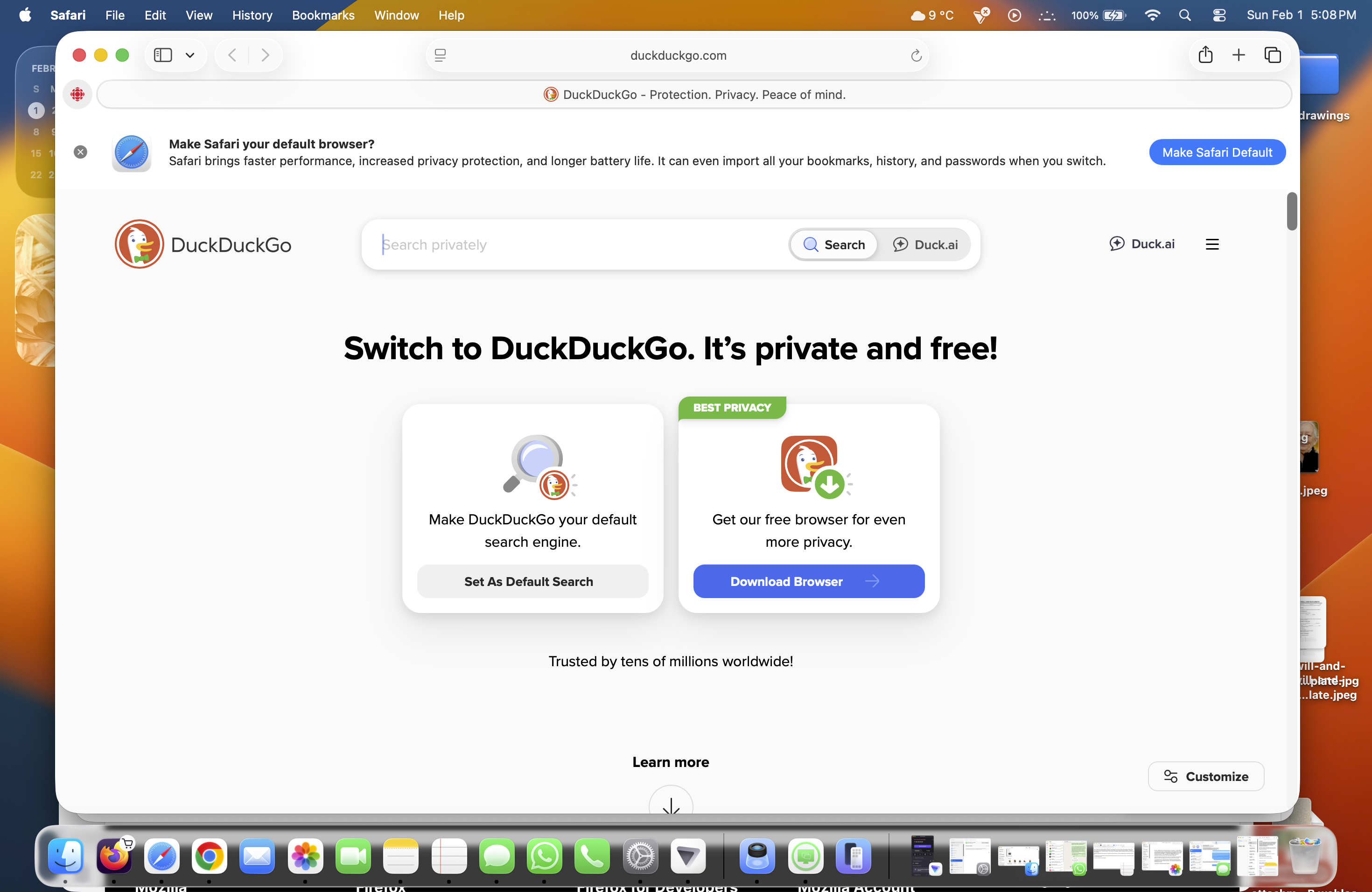
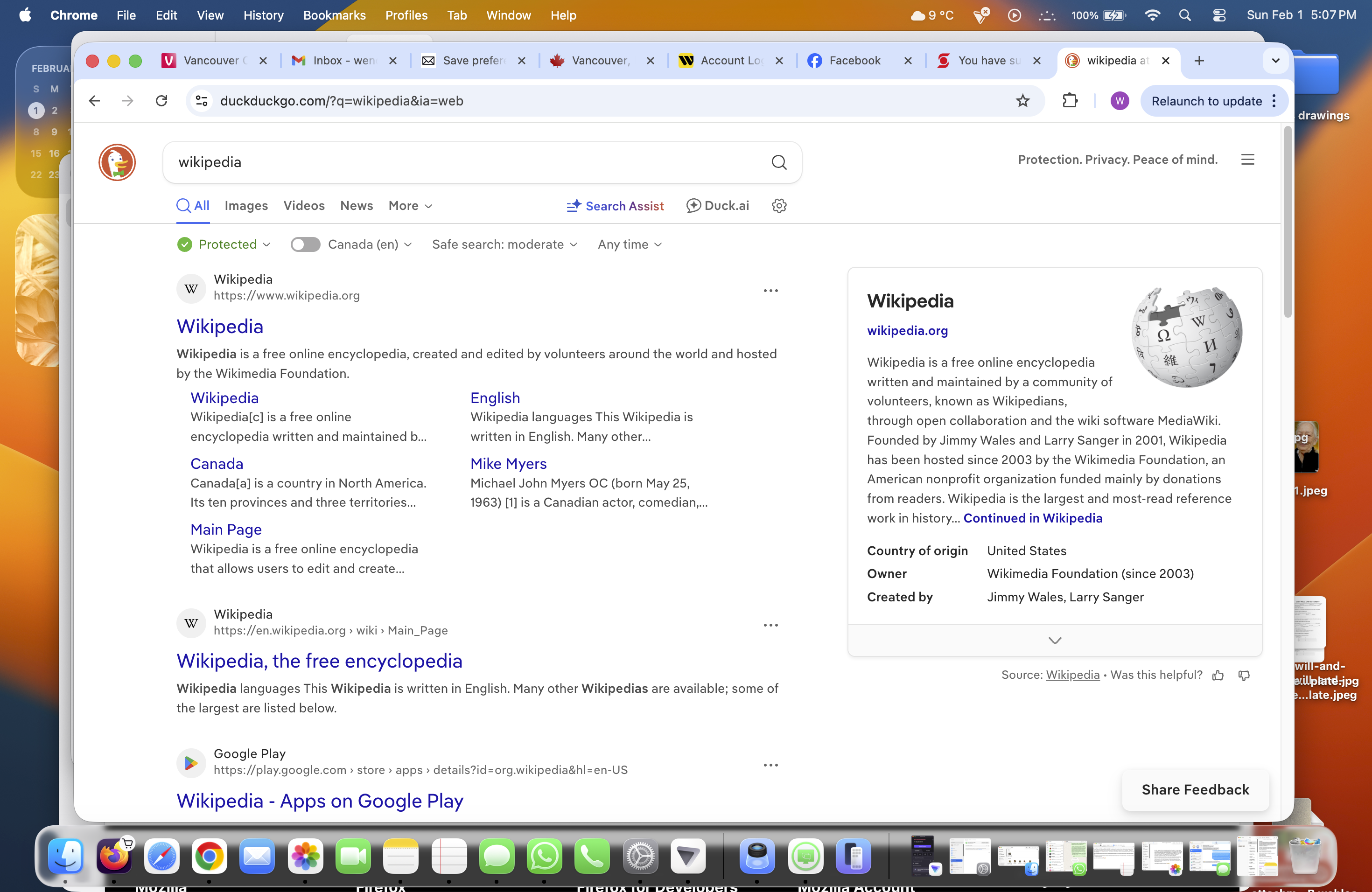
This may sound really stupid to some but I get really ticked that the 'refresh' arrow is so far away from the URL. I have to use my trackpad to do this and it's a pain to have to go so far. Every other browser has it right next to the address bar. It may sound lazy but I'm 70, have arthritis and try not to overuse the track pad. Harumph!
As you can see Chrome has it right next to the address bar while Safari's is contained right in it. A simple thing but it can make all the difference. Does it but anyone else?
Усі відповіді (1)
Well.. you could try right-clicking over a blank area of the Toolbar and choosing Customize Toolbar. You can then drag the buttons around. You should be able to move the Refresh Arrow to a more convenient spot.
I think your first image is Firefox. It looks like you might have a Flexible Space item between the Refresh Arrow and the URL bar. If so, try dragging it out of there to remove that extra space or move the Refresh Arrow to the right of it next to the URL bar.
You can also just press Ctrl-R or the F5 function key that does the same thing (or Ctrl-F5 to override the cache) and not click that arrow button.
Змінено MarkRH