Windows 10 reached EOS (end of support) on October 14, 2025. If you are on Windows 10, see this article.

Шукати в статтях підтримки

Остерігайтеся нападів зловмисників. Mozilla ніколи не просить вас зателефонувати, надіслати номер телефону у повідомленні або поділитися з кимось особистими даними. Будь ласка, повідомте про підозрілі дії за допомогою меню “Повідомити про зловживання”

Докладніше

password manager shaded

  • 1 відповідь
  • 0 мають цю проблему
  • 118 переглядів
  • Остання відповідь від jonzn4SUSE

Win 11 Pro, Firefox Browser-Developer, 147.0b9, 64bit Problem recently occurred. Example it was working fine this morning and after turning the computer off and restarting later in the day this happens. The image below shows faded access to the password manager. Link that appear do not work: Log in at the header and link in password support highlight in the visible text portion. Thanks in advance for your help
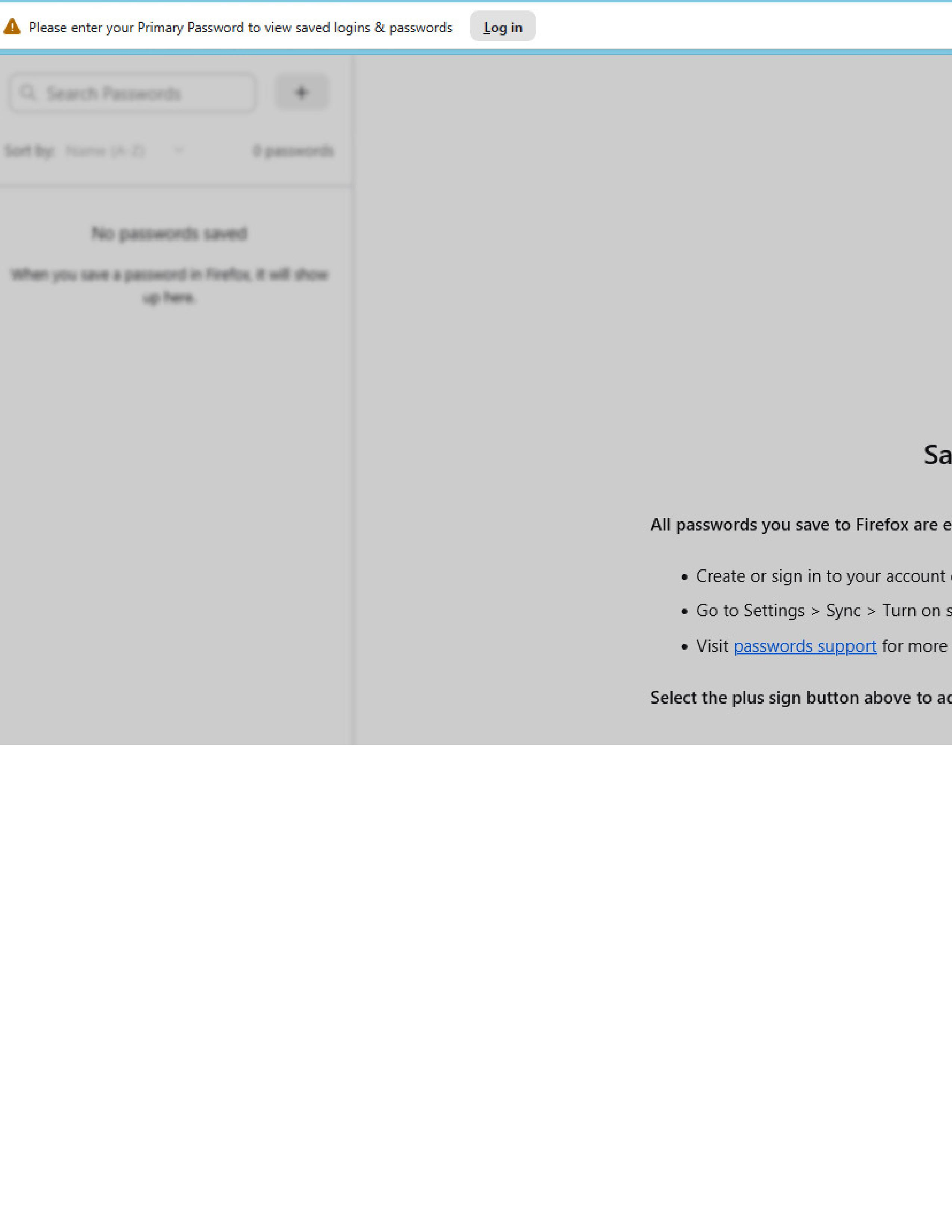
Win 11 Pro, Firefox Browser-Developer, 147.0b9, 64bit Problem recently occurred. Example it was working fine this morning and after turning the computer off and restarting later in the day this happens. The image below shows faded access to the password manager. Link that appear do not work: Log in at the header and link in password support highlight in the visible text portion. Thanks in advance for your help
Вкладені знімки екрана

Усі відповіді (1)

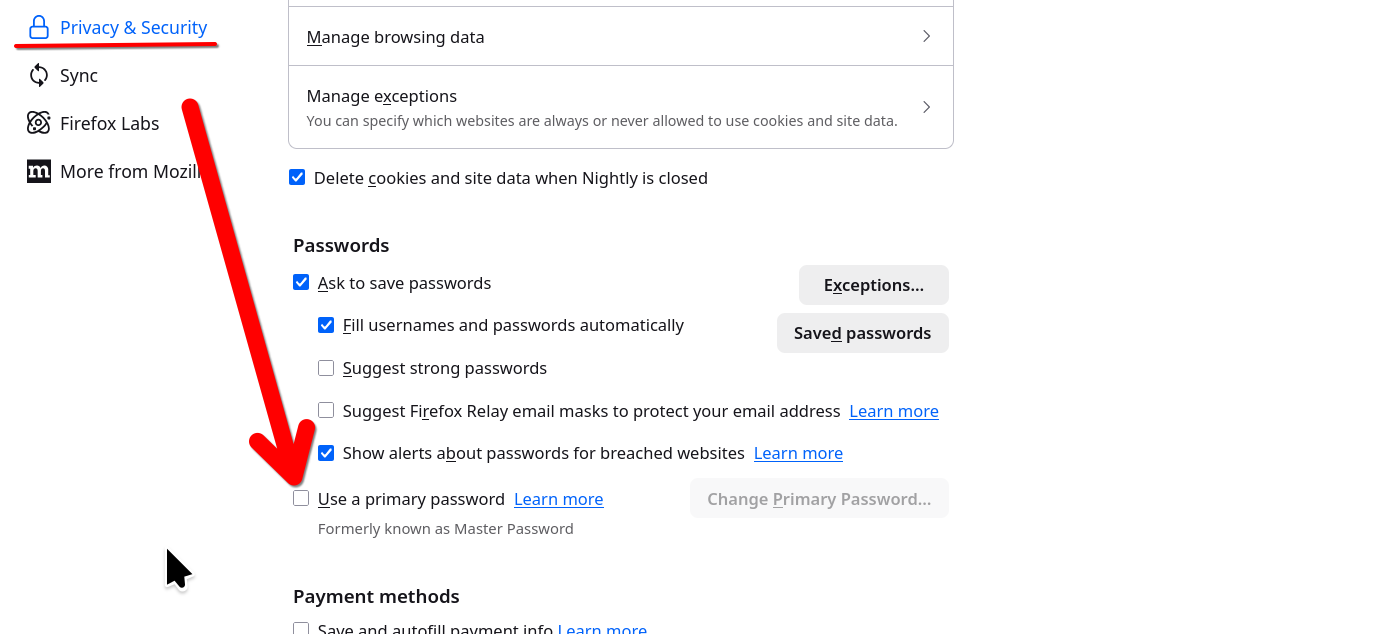
That is because you are using the Primary password option. It's showing at the top of your screenshot and asking you to login... It's telling you to put in your primary password in order to see your passwords. I played with that 1 time and will never use it again.

https://support.mozilla.org/1/firefox/149.0a1/Linux/en-US/primary-password-stored-logins
Змінено jonzn4SUSE

Запитати

Щоб відповідати на повідомлення, ви повинні ввійти у свій обліковий запис. Поставте нове питання, якщо ви ще не маєте облікового запису.